
Start With the Bottlenecks You See Every Week
The first sign is not always a machine fault. It is the same jobs taking longer, operators waiting for warm-up, or print finishing being pushed into overtime because the laminator cannot keep pace with the cutter, printer or mounting table. In busy shops around Kya Sand, Randburg and Sandton, that delay can turn a profitable run into a late delivery.
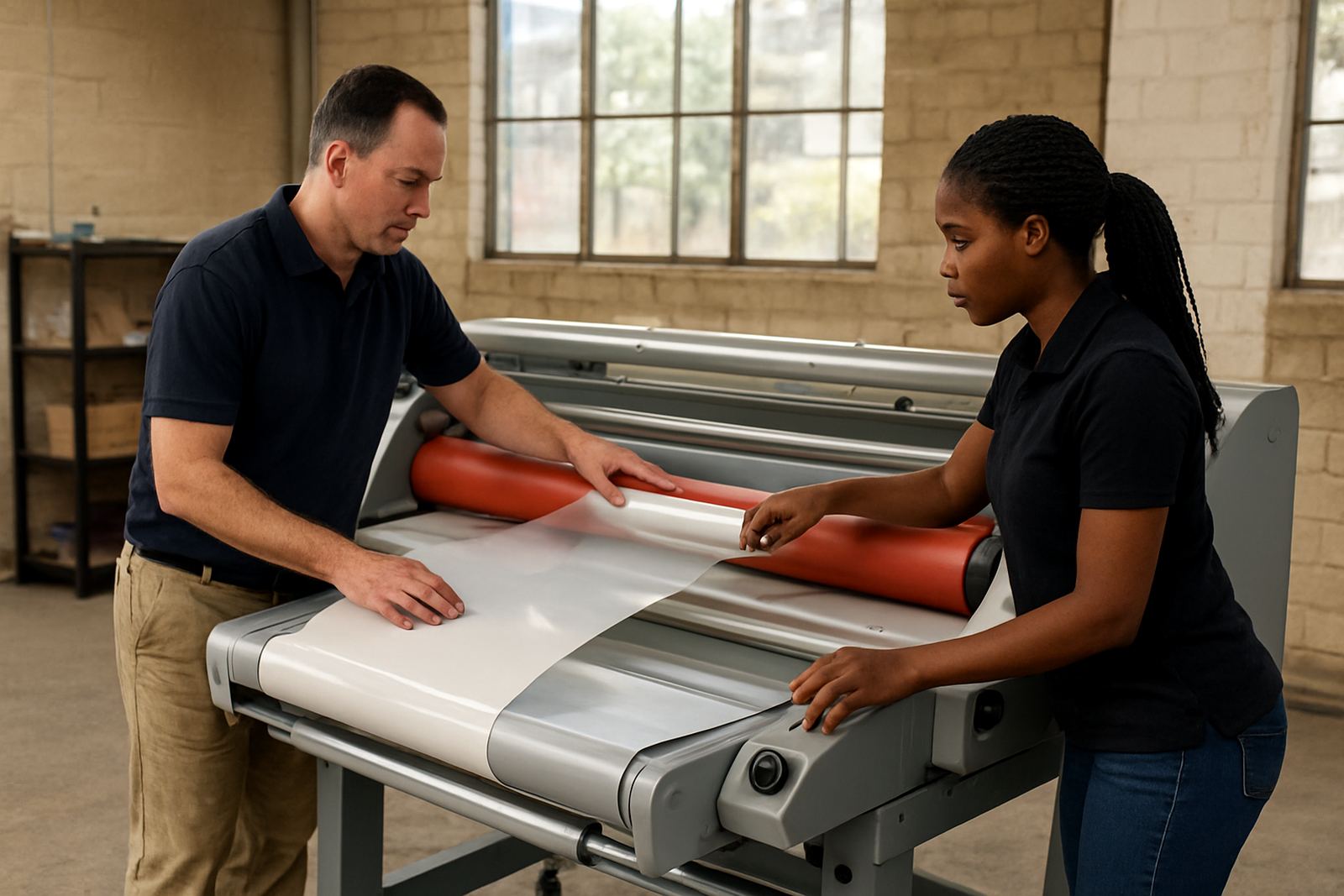
Look at the last month of work and mark every job that was slowed by laminating. If you are constantly splitting long runs into smaller batches, or if a single operator has to babysit the machine from start to finish, the equipment may be too small or too slow for the load.
- Jobs queued because the laminator was already in use
- Operators waiting for temperature recovery between runs
- Frequent stop-start cycling on mixed media jobs
- Manual rework after wrinkles, lift-off or uneven pressure
Check Throughput Against Real Daily Output
Production planners often quote best-case speeds, but a real shop runs with setup time, roll changes, trimming and client changes. A machine that can technically do the job may still be under-sized if it only works comfortably for a few hours a day. If you are finishing signage, short-run packaging, artwork boards or presentation prints for clients in Pretoria, Midrand and the East Rand, volume can rise fast without warning.
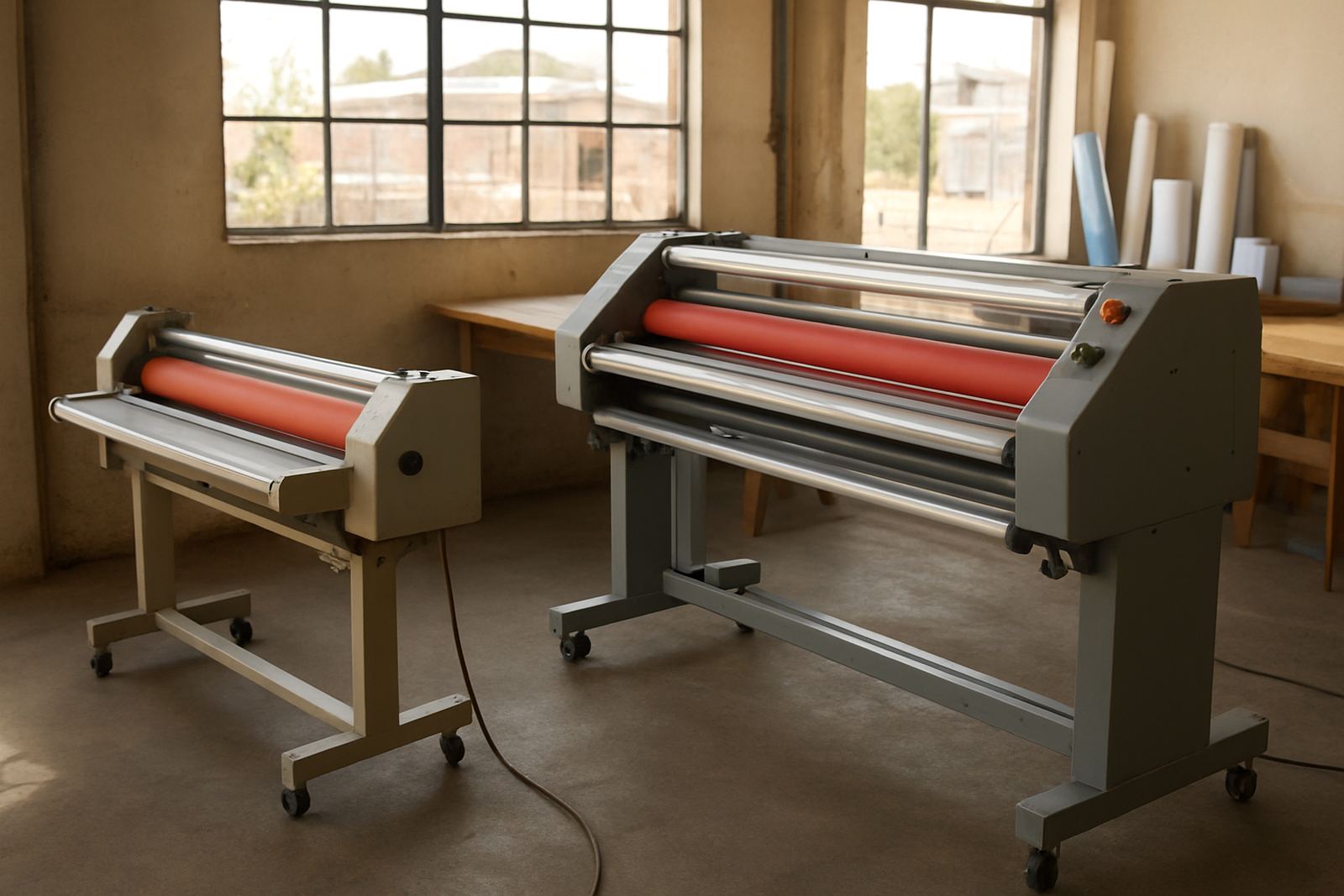
A practical rule is to compare average daily square metres with the laminator’s comfortable output, not its maximum. If the machine is busy more than 70 percent of the shift, or if one urgent rush job pushes the whole day off schedule, you should test a faster or wider unit. Also consider whether your team can handle bigger rolls without constant lifting and alignment issues.
- Track metres laminated per day for two weeks
- Include setup, alignment and cleanup time
- Note how often jobs are delayed by changeovers
- Check whether current roll width limits larger print formats
Match the Machine to the Materials You Now Use
Many upgrade decisions come from new materials rather than more jobs. Heavier boards, delicate artwork, textured prints and longer runs on heat sensitive films all demand better control of pressure, temperature and feed consistency. Coastal humidity can also affect adhesion and curl, while winter dryness in Gauteng can change how certain films behave.
If you are seeing bubbles on coated stock, edge lift on wide prints, or marks from rollers that are no longer applying even pressure, the machine may need a more precise heating system, stronger drive control or better roller condition. A larger model is not just about speed, it is about giving you the control to finish different substrates cleanly.
- Check if current pressure settings suit all common media
- Review how often you reject work for finish defects
- Ask whether your jobs now include thicker boards or longer panels
- Confirm whether the laminator handles both cold and hot work you offer
Decide Whether Downtime Is Costing More Than the Upgrade
A machine upgrade is often justified by losses you already accept as normal. If breakdowns mean missed dispatches, weekend callouts or emergency reruns, the true cost is higher than the repair invoice. In many Johannesburg shops, one failed day can affect multiple clients, especially when a tender pack or branded display must go out by close of business.
Compare the past three months of repair spend with the income lost from late jobs. Include technician callouts, spare parts, labour time and material waste. If you are regularly needing on-site breakdown support, the machine may be at the point where continued patching costs more than moving to a better-sized unit.
- Add all downtime costs, not just parts and labour
- Include wasted print media and film from failed runs
- Count reruns caused by temperature or pressure inconsistency
- Note if one machine is now critical to every deadline
Use a Simple Pre-Upgrade Checklist Before You Buy
Before changing machines, define exactly what the new unit must do. A larger roll width means little if the feed is awkward for your operators or if the heating range does not suit your work. A proper check helps avoid buying too small, or too much machine for the actual workload.
Use this checklist with your team and, if needed, request a pre-purchase inspection. That is especially useful when you need a second machine for peak season, or when your current unit is still serviceable but no longer enough on its own.
- Required width in millimetres and longest job length
- Typical daily volume in square metres
- Cold or hot work mix, plus any sensitive substrates
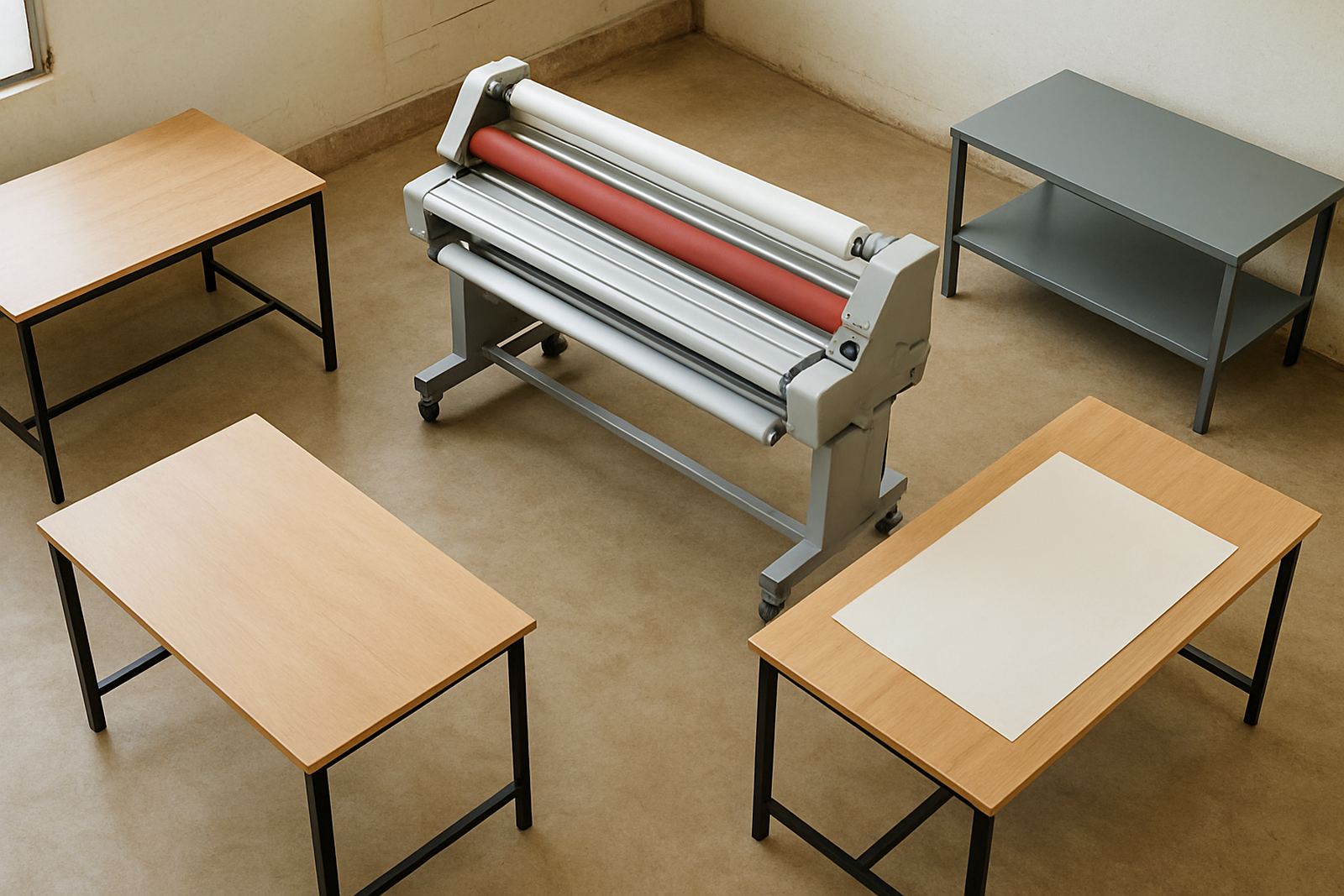
- Space available, power supply and access for installation
- Training needed for new operators or shift staff
Plan the Changeover So Production Does Not Stop
Moving up in machine size should be planned around your busiest weeks, not during them. If you run a print shop in Sandton or Midrand, the best time is usually after a stocktake, before a major campaign period, or when a second operator can be trained without pressure. You also need to think about installation access, electrical readiness and where rolls, trims and tools will live.
Once the new laminator is on site, schedule operator refresher training and a few test jobs before full production starts. That gives the team time to adjust feed speed, heat settings and pressure without risking paid work. Good planning means the first week is controlled, not chaotic and nobody is scrambling for spare film at 4 pm.
When the new machine is in, keep your old one available until the team is confident. In some shops it becomes a backup for urgent work or a second unit for overflow. That can be the difference between meeting a deadline and turning work away.