
Start With the Machine Set-Up
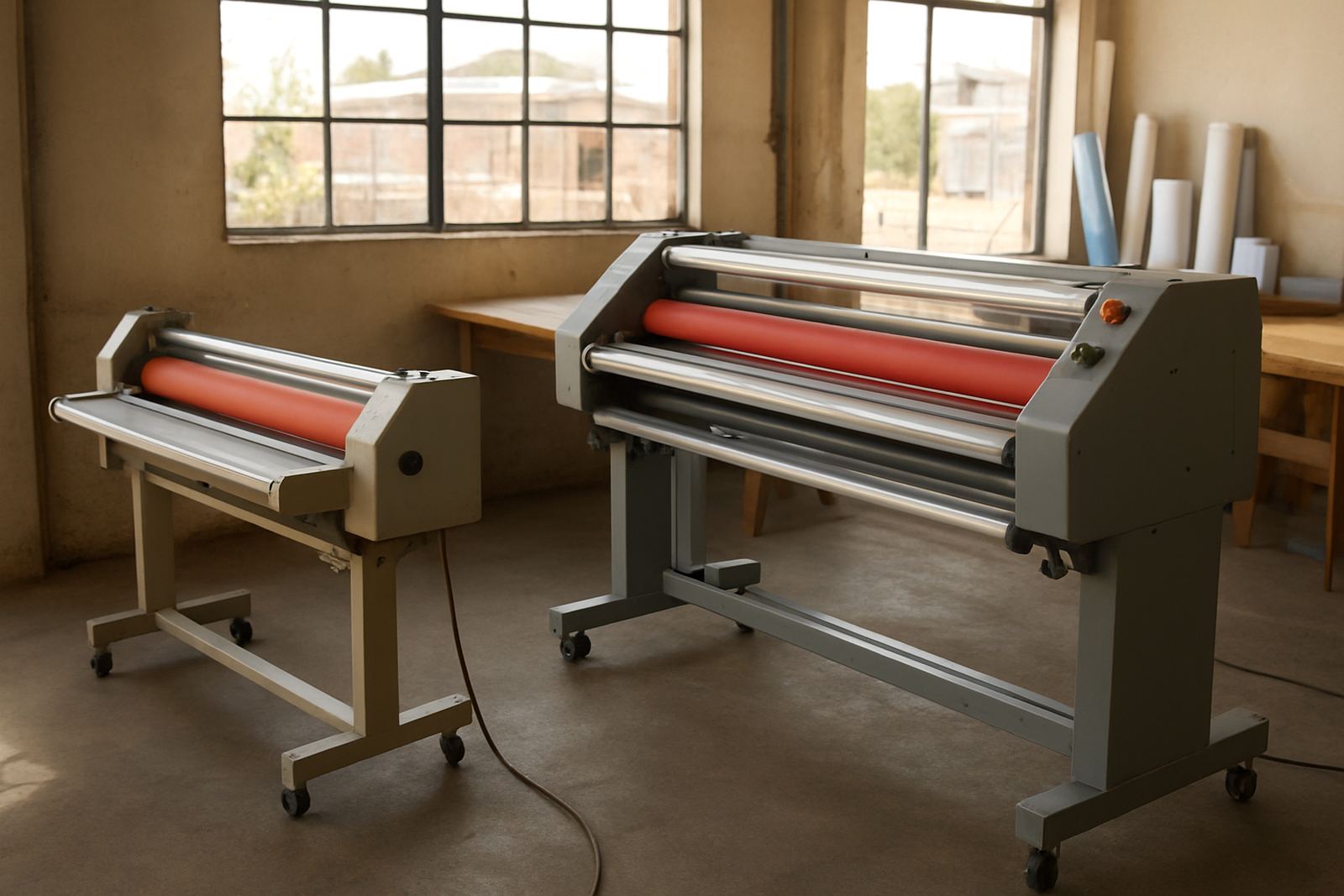
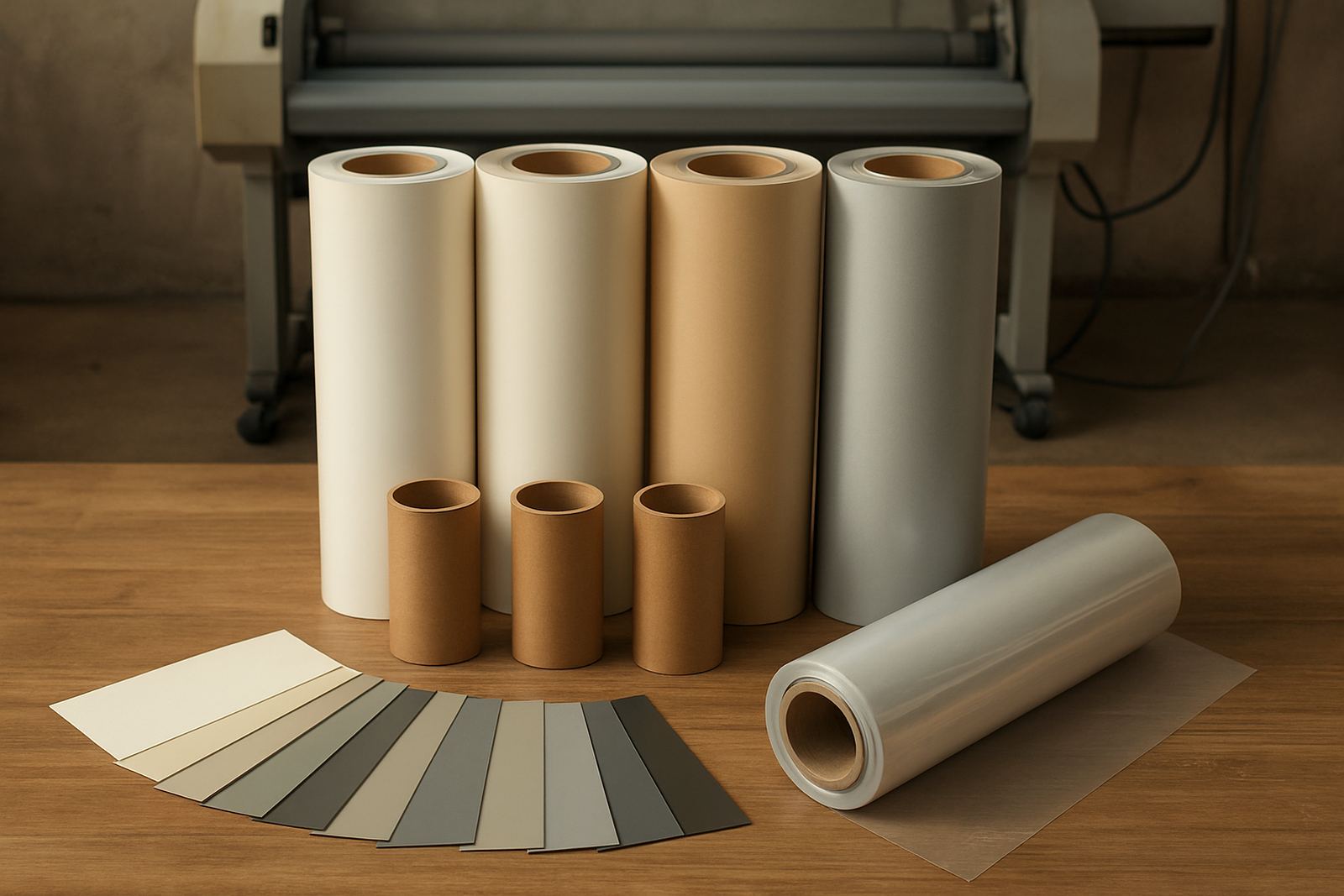
Before any sheet goes through the rollers, the operator needs to know the machine type, film size and the job spec. Cold roll and hot roll units behave differently, so the first check is always whether the material, adhesive and heat setting match the print. A simple mismatch can cause silvering, curl, bubbles or a finish that lifts at the edges after a few days.
In a busy shop in Kya Sand or Sandton, set-up should never be rushed between jobs. Wipe the feed area, check that the rollers are clean, confirm the nip pressure and make sure the unwind roll sits square. If the laminator has been idle during load-shedding, allow time for the heat system to stabilise and confirm that the rollers have reached working temperature before production starts.
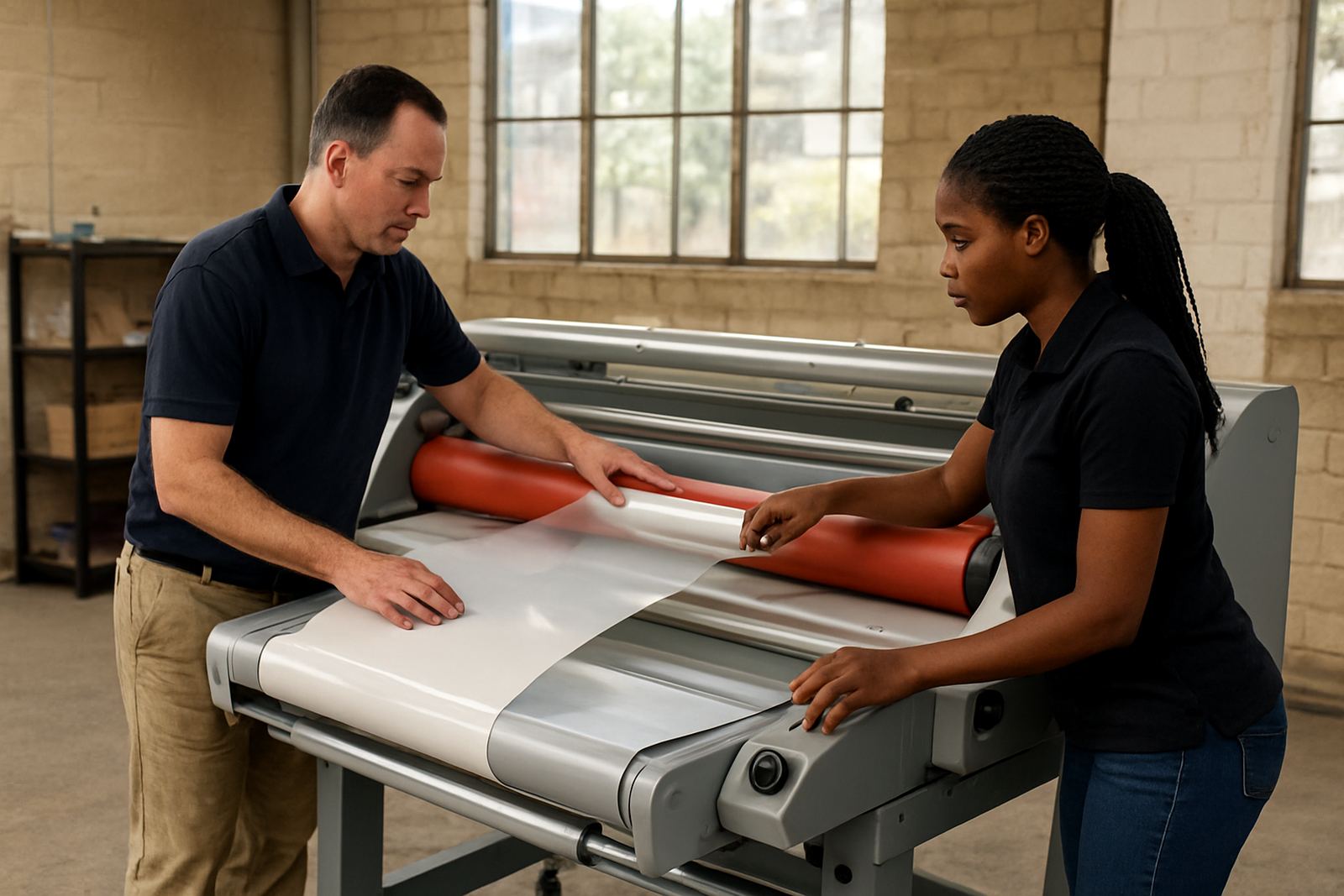
- Check film width, core size and roll direction before mounting.
- Make sure the print is dry and free of dust, powder or loose ink.
- Set the pressure evenly across the width of the roller.
- Test a short lead-in on scrap material before the full run.
Read the Print Before You Laminate
A trained operator does not treat every print the same. Gloss, matt, soft-touch, canvas and mounted work all need slightly different handling. Large solid blocks of colour show marks more easily, while fine text and photographs need steady feed speed and clean alignment. If a print has edge curl, the operator should flatten it first rather than forcing it through and hoping the rollers sort it out.
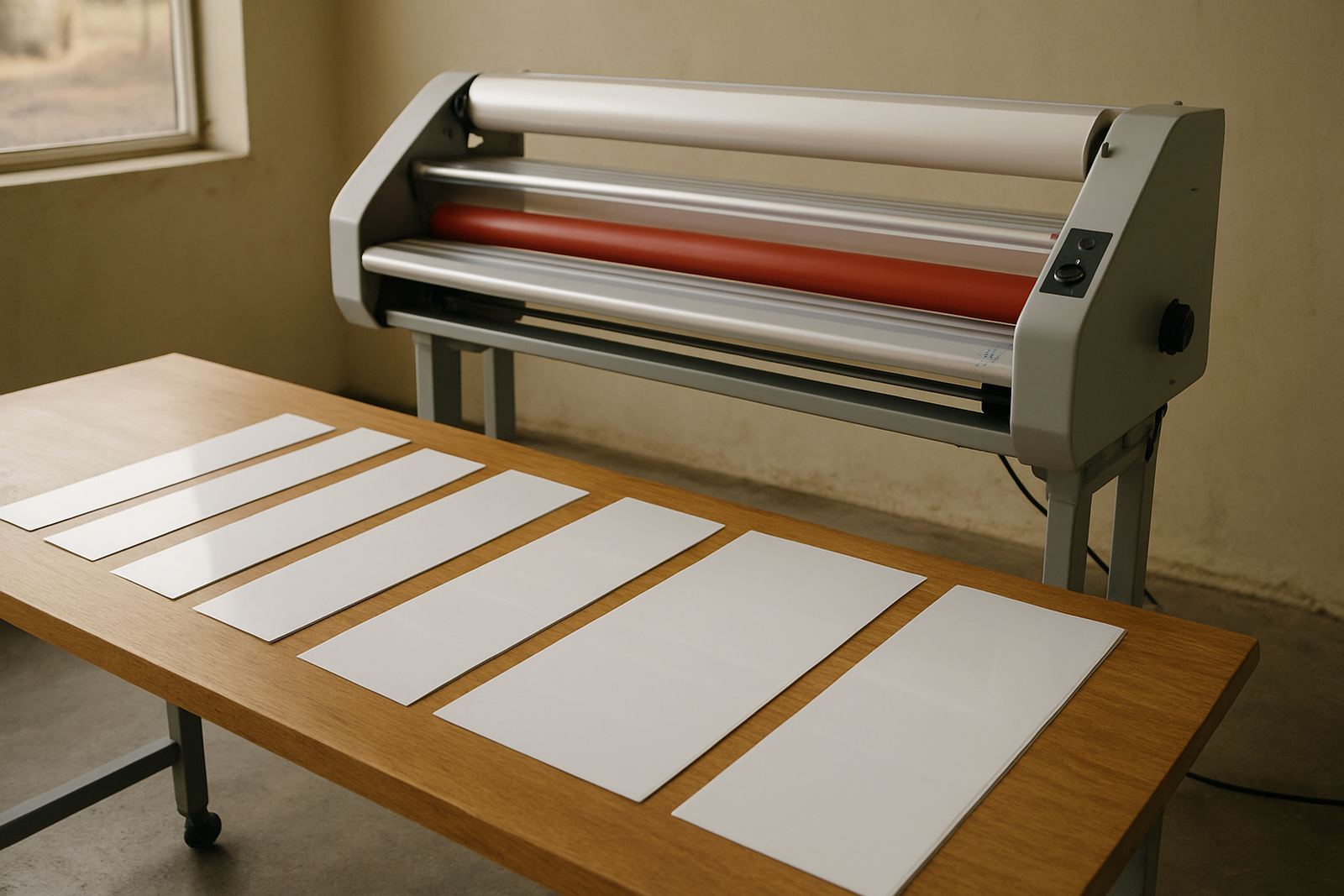
For artwork and presentation pieces, the aim is not only protection but also a neat finish that keeps the original detail intact. That means checking for wet ink, trimming rough edges and asking whether the job needs single-sided lamination, encapsulation or board mounting. On coastal work sent to Durban or Cape Town, humidity can affect how film lays down, so allow for extra drying time when needed.
- Inspect the print for dust, scratches and pinholes.
- Confirm whether the job needs heat or cold lamination.
- Trim leading edges square to prevent skewing.
- Stack finished sheets flat so they do not re-curl.
Control Heat, Pressure and Speed
Most quality issues come down to these three settings. Too much heat can distort prints, especially on thinner media. Too little pressure can leave air marks or poor adhesion. If the operator runs the machine too fast, the film may not bond properly and the finish can look patchy. Training should cover how each adjustment changes the result, not just which buttons to press.
A good habit is to change one setting at a time and record the result. That makes it easier to repeat a successful setup later. On a hot roll unit, watch for uneven temperature across the width. On a cold roll unit, check that the pressure is even from left to right. If the drive system makes unusual noise or the sheet tracks to one side, stop the job and check alignment rather than pushing on. That saves film and keeps the rollers in better condition.
Spot Problems Before They Become Waste
Operator training should include a clear fault checklist. The sooner a problem is seen, the less material gets wasted. Common signs include bubbles, wrinkles, tunnel marks, weak bond, trapped dust and a finish that looks cloudy instead of clean. Many of these faults come from handling rather than from the machine itself, so staff need to know where to look first.
When something goes wrong, the operator should pause, inspect the first metre and decide whether the issue is film tension, pressure, temperature or contamination. In some cases the print itself is the problem. In others, the rollers need cleaning or the pressure system needs calibration. This is where practical training matters, because a calm operator can often correct the issue before it turns into a bigger service call.
- Check the first sheet and then every few sheets on long runs.
- Look for dust lines, trapped air, edge lift and feed skew.
- Listen for slipping, knocking or uneven drive movement.
- Stop early if the finish changes from one side to the other.
Clean and Care for the Machine Every Shift
Routine care is part of operator training, not just maintenance. A machine that is cleaned properly will stay consistent for longer and give fewer surprises during busy periods. The operator should know how to switch off safely, let hot surfaces cool, clean the rollers with the correct method and clear off adhesive build-up before it hardens. Never use rough material that can damage the roller surface.
In Johannesburg, Pretoria and Midrand, many shops run long production hours, so small cleaning tasks must become a daily habit. Wipe down the feed table, remove offcuts from around the unit and check the work area for loose packaging that can catch in the rollers. If the machine is used in a dusty environment, even more care is needed because tiny particles can spoil an otherwise good run.
- Clean rollers at the start and end of the shift if the machine is used heavily.
- Inspect safety covers, cords and switches for visible damage.
- Keep tools and blades away from the feed path.
- Log any noise, heat changes or control faults for the next shift.
Use a Simple Training Checklist for Every Operator
Even experienced staff benefit from a refresher. A clear checklist keeps standards steady when teams change or the workload gets busy. It also helps new operators build confidence without guessing. The best training sessions are short, practical and repeated until the steps become routine.
For businesses in Randburg, the East Rand and across Gauteng, a short skills review can be done on site and linked to the actual machines in use. The aim is to make sure each operator can prepare the job, run a test, identify faults and finish the work neatly. If the team can do those four things well, output improves and waste drops.
- Can the operator identify the correct film and job type?
- Can they load the roll and set tension without help?
- Can they adjust heat, pressure and speed for the material?
- Can they clean the rollers and complete a shutdown safely?
- Can they explain what to do when bubbles, skew or lift appear?