
Start With a Service Calendar That Matches Your Workload
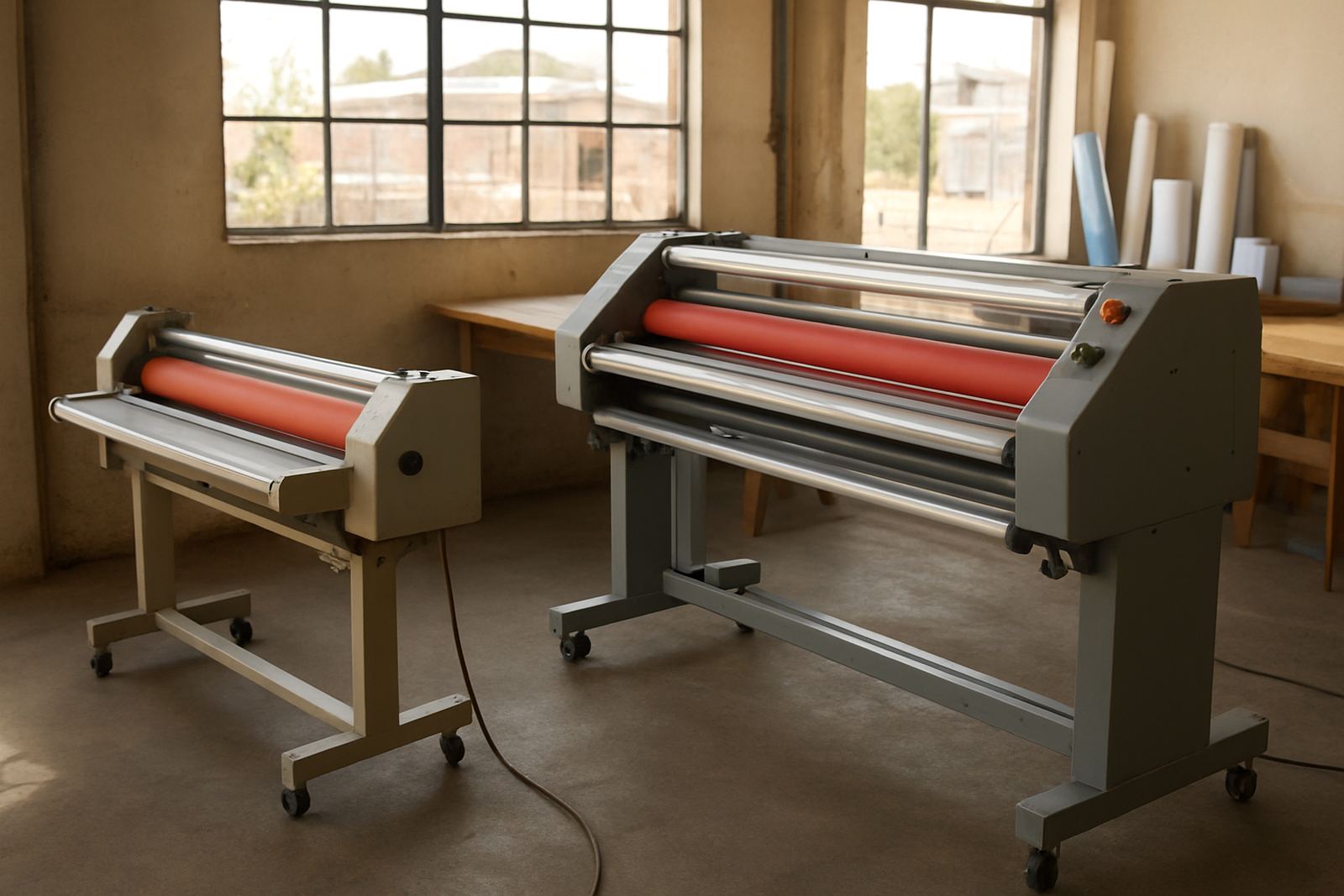
Maintenance planning begins with how many metres you run, what materials you process, and how often the machine is switched on. A small design studio in Sandton may only laminate a few boards a day, while a busy print shop in Kya Sand could be running long sheets from morning to late afternoon. Those two sites should not use the same service cycle.
As a rule, build your calendar around usage, not just months on the wall. Daily cleaning keeps dust and adhesive build-up away. Weekly checks catch pressure drift and roller marks before they affect a run of client work. Monthly servicing should cover heat, drive movement, electrical condition and general wear. If your team works through winter rushes or seasonal exhibition jobs, shorten the intervals. A machine that sits idle for weeks can still need attention because rollers harden and dust settles into moving parts.
It also helps to assign one person to log issues. A short note after each shift can show patterns, such as lifting at one edge, slow warm-up, or uneven pressure on thicker boards. That record makes it easier to plan downtime and avoids last minute panic when a municipal tender or retail campaign is due out the next day.
Daily Checks That Prevent Small Faults From Becoming Downtime
Most breakdowns start with small warning signs. Before the first job, check that the machine is clean, the rollers are free of dust, and the feed path has no scraps or adhesive residue. If the room is humid, especially near the coast or in a poorly ventilated warehouse, inspect film and board stock for curl or moisture. Stored rolls should stay off the floor and away from direct sun.
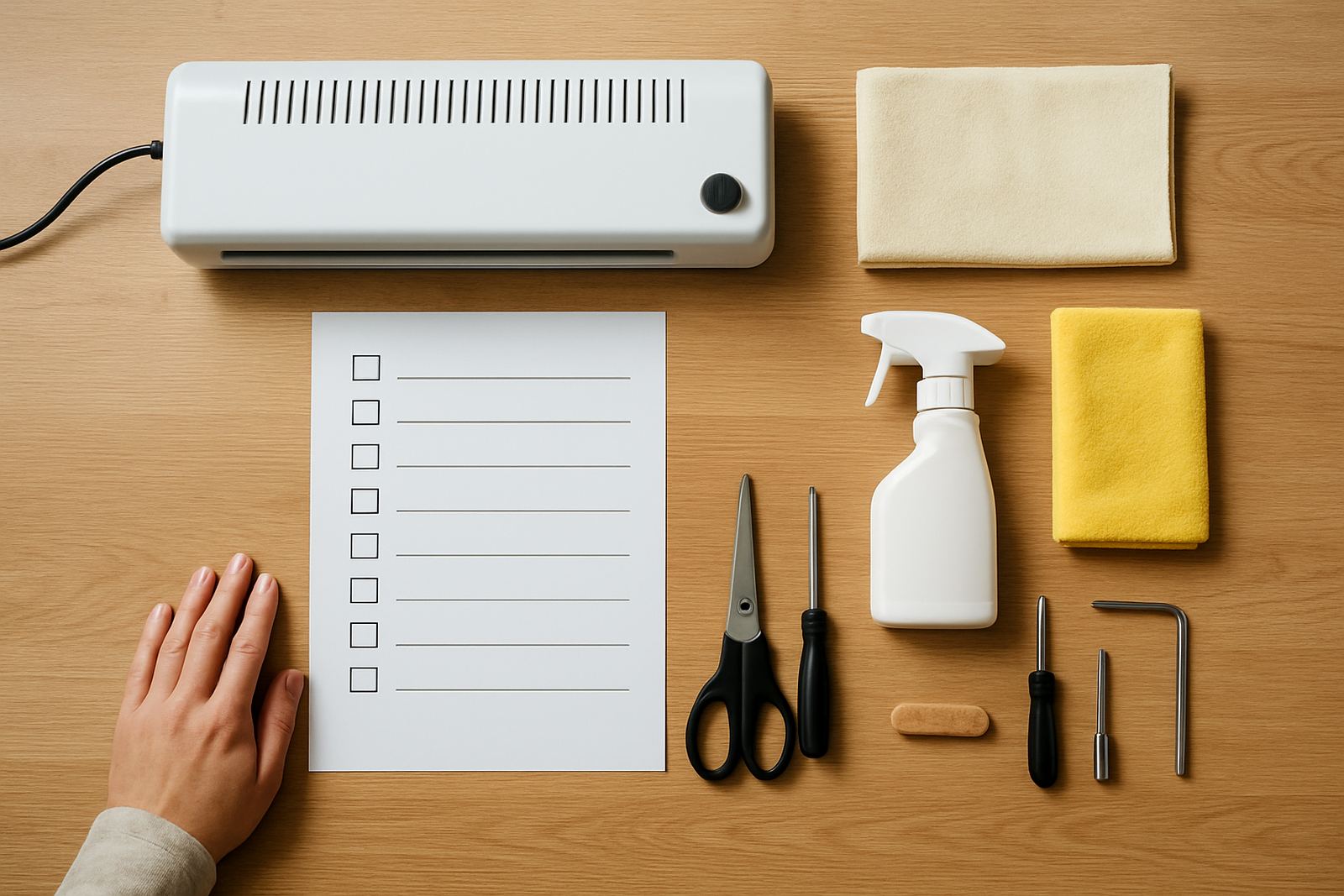
Use this daily checklist:
- Wipe rollers and exposed surfaces with the correct cloth and cleaner.
- Confirm the rollers turn smoothly without sticking or flat spots.
- Check film alignment and tension before the first run.
- Listen for new noises from gears, motors or the drive system.
- Inspect the power lead, plug and visible wiring for damage.
- Test warm-up time and note any delay from normal.
If the machine is used after a load-shedding interruption, let it stabilise before starting a full job. Sudden power cuts can upset temperature settings and strain electrical parts. A quick inspection after each outage can save a costly service call later.
Weekly and Monthly Servicing Tasks for Consistent Finish Quality
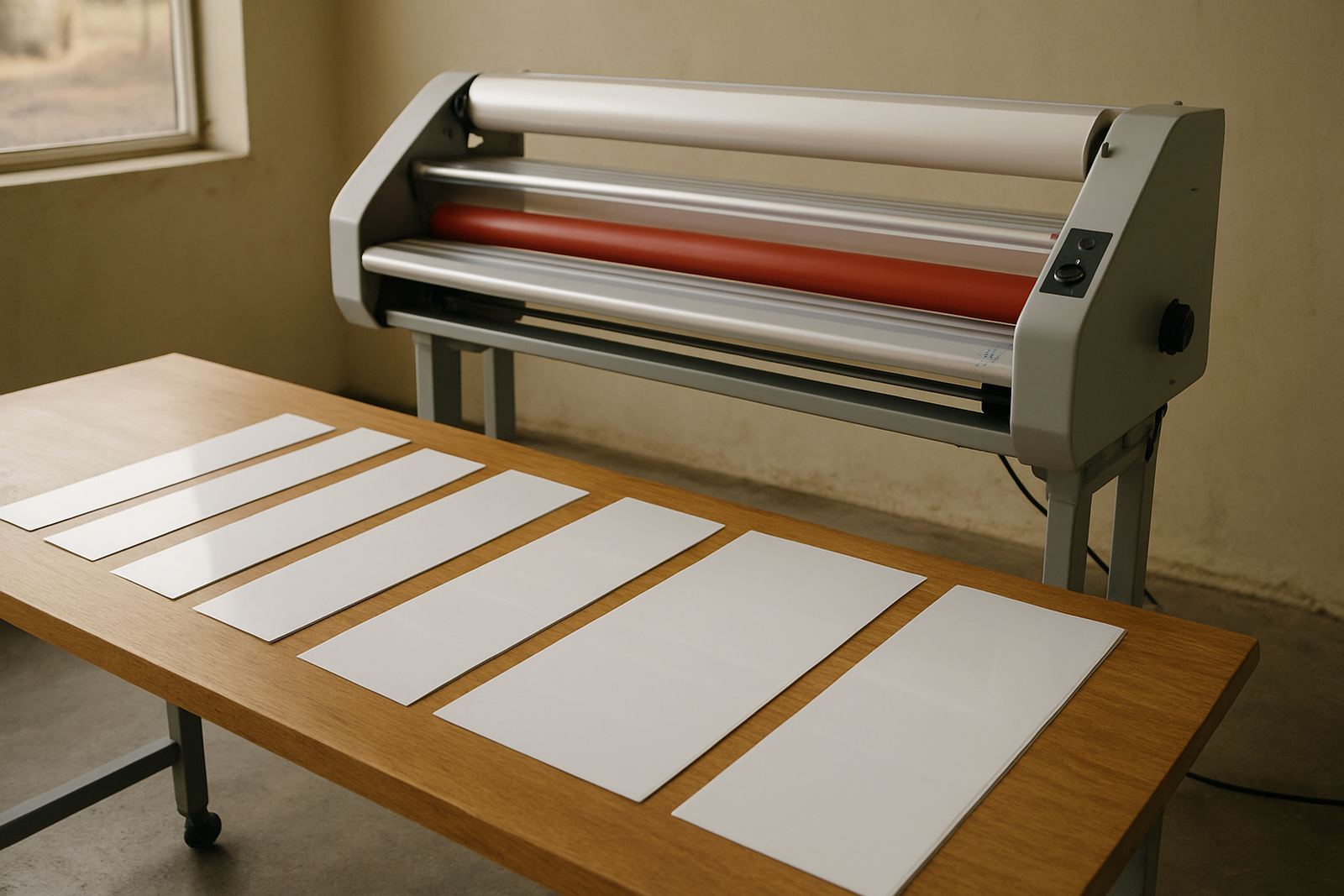
Weekly servicing should focus on the parts that affect output quality most. Pressure calibration is important for even bonding across the full width of the sheet. If pressure is too light, you can get silvering, bubbles or poor adhesion. If it is too high, the film may distort or leave marks on artwork. Check the settings with the same material thickness you use most often, then compare against previous readings.
Monthly work should be more detailed and include heat system checks, roller inspection and drive system review. Heat that runs too high can soften film too much, while low or unstable heat can cause poor bond strength. If a machine takes longer than normal to reach operating temperature, that may point to a failing element, sensor or control issue. Catching this early avoids a full stop during busy periods.
- Check the full width for pressure evenness.
- Inspect for roller glazing, dents or contamination.
- Verify thermostat readings against the set point.
- Look for wobble, chain slack or drive noise.
- Test emergency stop and safety controls where fitted.
For high-volume sites in Pretoria or the East Rand, monthly servicing may need to happen more often if the machine runs long shifts. A machine that works hard every day needs more than a once-a-year look over, otherwise it starts to lose consistency and that shows in the final finish.
Spare Parts, Breakdown Readiness and Fast Support Planning
Even with good care, parts wear out. Maintenance planning should include a small spares list so a minor issue does not stop production. Keep the items that commonly fail or wear with use, especially if the site handles urgent retail, school or exhibition work. Waiting for a part from another province can mean missed handover dates and extra transport costs.
A practical spares plan usually includes rollers or roller coverings, fuses, temperature sensors, belts, switches and common electrical consumables. Keep each item labelled and record the fitting date. If a part is replaced, make a note of why it failed. That history can show whether the machine has an underlying fault that needs proper attention.
It is also worth planning for on-site breakdowns before they happen. Know who to call, where the machine is located, and whether it can be isolated safely if a fault appears. For sites in Midrand or Sandton where turnaround matters, a clear support route saves a lot of time. The aim is not just to fix faults, but to keep the next job moving with minimum interruption.
Operator Habits That Extend Machine Life
Good servicing works best when operators handle the machine properly every day. Training should cover warm-up time, correct film loading, pressure setting and what to do when a sheet starts skewing. Many service problems come from repeated misuse rather than a single hard failure. One operator may over-tighten settings, another may rush the feed, and both can leave marks that look like mechanical trouble.
Refresher training is worth scheduling after staff changes, long shutdowns or a run of quality complaints. Make sure the team understands the signs of trouble and stops the job early instead of pushing through. A rough edge on the first metre can become a full reprint if no one reacts in time.
- Do not force thick stock through without checking settings first.
- Let the machine reach working temperature before production.
- Keep hands, loose sleeves and trimming tools clear of moving parts.
- Record faults the same day they appear.
When a team treats the machine as shared production equipment, not just a finishing station, the service record improves quickly. Fewer mistakes mean fewer emergency callouts and better output across the board.
A Simple Servicing Template You Can Put Into Use Now
If you need a starting point, use a basic service template for each laminator on site. Record the machine model, location, installation date, last service date and the name of the person responsible for checks. Then set dates for daily, weekly and monthly tasks. Add space for remarks on finish quality, noise, heat stability and any parts replaced. That way you can see changes before they become a major fault.
For a practical schedule, many South African businesses work well with this structure: daily cleaning and visual checks, weekly pressure and feed checks, monthly heat and electrical inspection, and a full preventative service every six to twelve months depending on use. Heavy use, dusty premises, or regular load-shedding may justify shorter intervals. If the machine is used in a shared production room, put the schedule on the wall where all staff can see it.
When the routine is simple, people actually follow it. That is what protects uptime, keeps finish quality steady and reduces the stress that comes with a sudden machine fault. It also makes it easier to brief a technician if you need support on site. clear notes save time, and time matters when deadlines are tight.