
What a cold laminator is used for
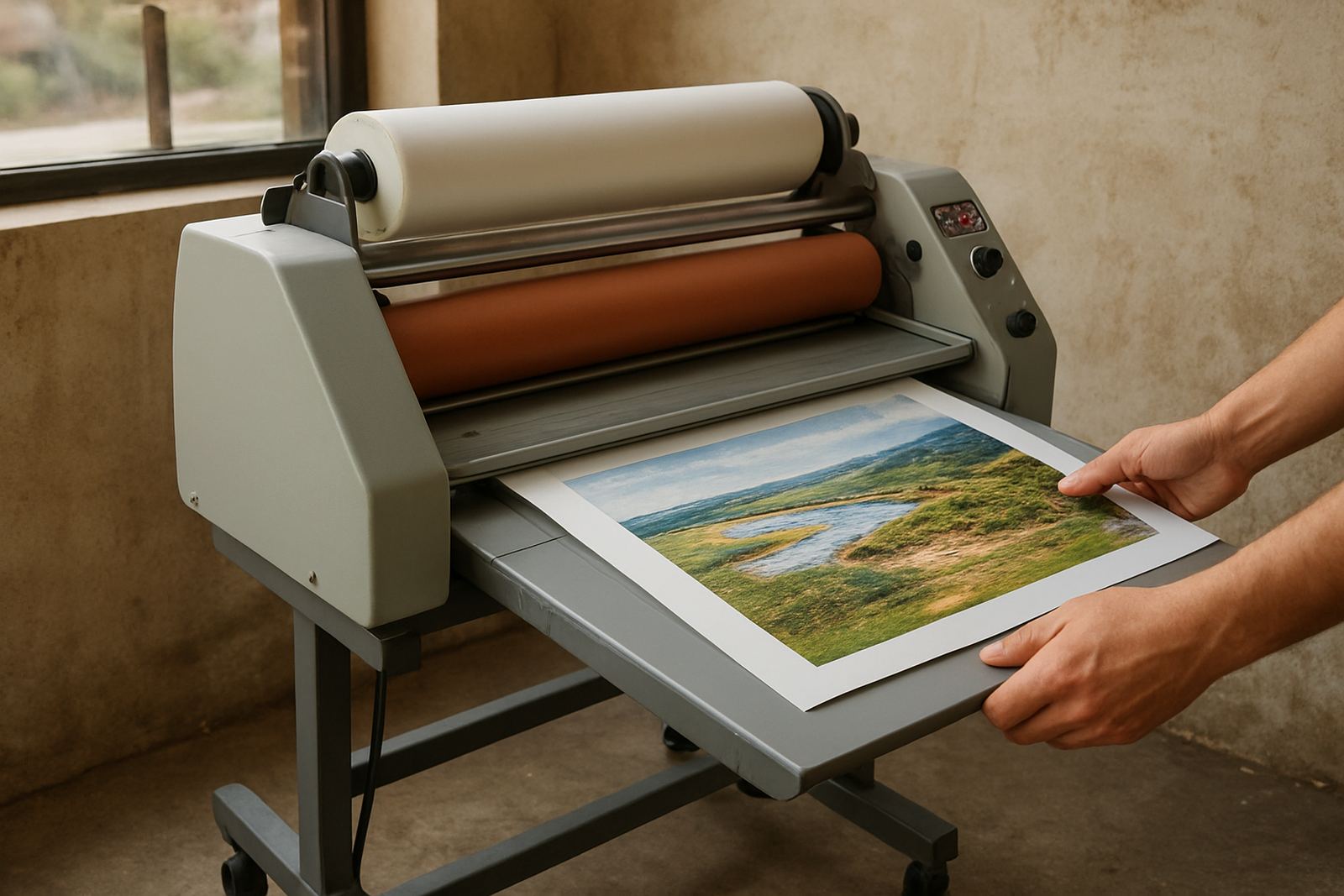
A cold laminator applies adhesive film or pressure sensitive media without heating the print. That makes it a sensible choice for inkjet graphics, photographic work, vinyl boards, PVC-free media and mounted artwork that must keep its original finish. In Johannesburg and other busy production areas, it is often used for short run signage, retail displays, exhibition panels and protective overlamination on output that must travel between sites.
For print shops in Kya Sand, Sandton and Midrand, the main benefit is control. You can protect prints from scuffing, fingerprints, light moisture and day-to-day handling without waiting for heat-up time or worrying about heat distortion. It is also a practical option for coastal humidity when prints need a clean, even finish before delivery.
Jobs that suit cold film better than heat
Cold systems are not just for one type of material. They are chosen when the print, board or finish is sensitive to heat, or when you need a consistent pressure bond across wider formats. A good rule is simple: if the substrate can move, curl or react under heat, start with cold.
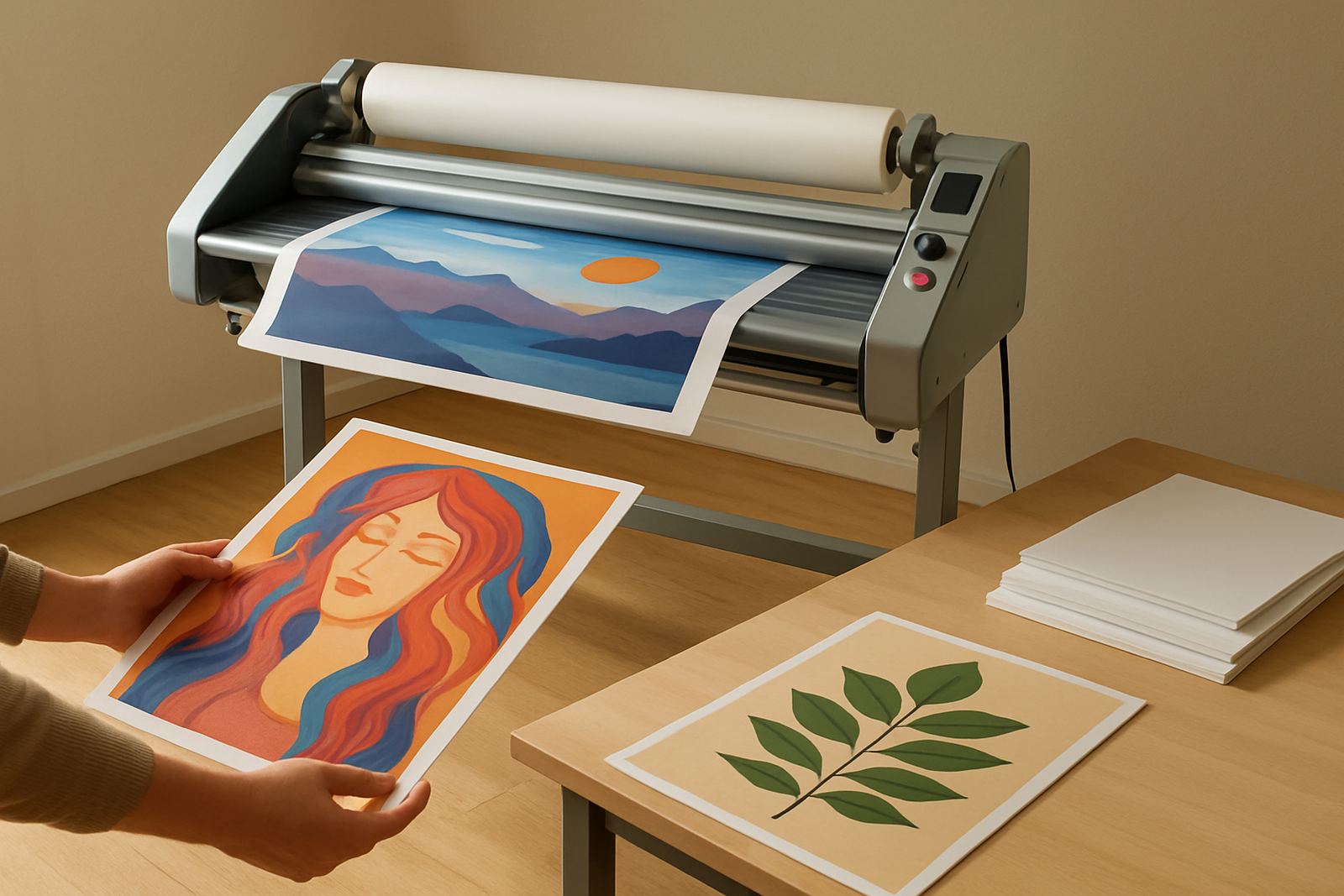
- Inkjet posters and photographic prints
- Artwork on delicate paper stocks
- Mounted boards for retail and exhibitions
- Window graphics and display panels
- Short run protective overlamination
- Jobs that must be handled soon after finishing
Cold machines also suit operators who need repeatable output across different shifts. With the right pressure setting and clean rollers, the process is predictable, which helps when several jobs are moving through the shop at once.
A practical setup checklist before you start
Good results begin before the first metre of film goes through the rollers. A few small checks save time, reduce waste and cut the chance of trapping dust or misfeeding a sheet. In shops that run through load-shedding schedules, it is worth checking power stability and having the machine positioned where it can be restarted cleanly after an interruption.
- Check that the work area is clean and dust free
- Confirm the print is fully dry or cured
- Inspect the roller surfaces for adhesive build-up
- Match the film width to the job size
- Set the pressure evenly across the nip
- Test the feed path with offcuts before the main sheet
- Make sure operators know where emergency stops are
If the print has been stored in a humid room, allow it to acclimatise first. A curled edge or trapped moisture can show up as bubbles, silvering or a slight edge lift after lamination.
How to run a cold lamination workflow
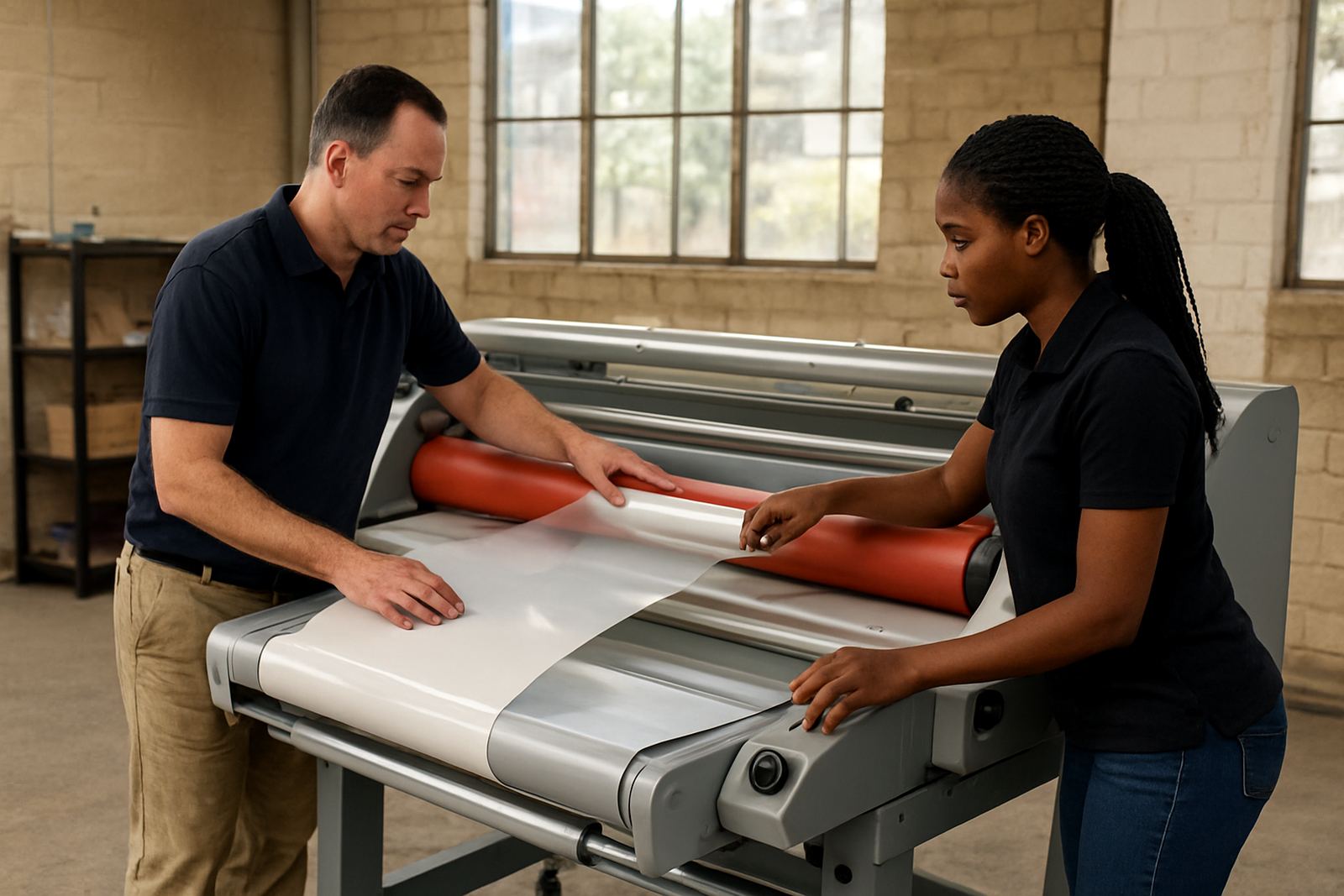
A tidy workflow matters more than speed. Start by trimming loose fibres or dust from the print edges, then align the film square to the feed rollers. Keep one person focused on feed and alignment where possible, especially on wider sheets. On larger formats, a small error at the start becomes a larger waste issue by the end of the run.
Feed the print steadily and avoid sudden corrections while the material is under pressure. Once the sheet has passed through, inspect the surface under angled light. Look for air pockets, line marks, adhesive streaks or edge lift. If you are covering a mounted board, check the corners first, since they usually show pressure problems before the centre does.
For a new operator, a simple order helps: clean, align, test, run, inspect. That rhythm keeps the process repeatable and makes fault finding much easier if something changes during the shift.
Common issues and what they usually mean
Most cold lamination faults come from three causes: dirty rollers, incorrect pressure, or poor material prep. The symptom tells you where to start. If the finish looks cloudy, check for dust, moisture or adhesive contamination. If one side grips better than the other, the pressure may be uneven across the width. If the film drifts as it feeds, the roll may not be squared up properly.
- Bubbles: trapped air, dirty print surface or rushed feeding
- Silvering: low pressure, poor contact or a rough print surface
- Edge lift: weak bond at the corners, often from contamination
- Wrinkling: misalignment, tension mismatch or a bent roller path
- Marks on finish: debris on rollers or worn pressure surfaces
When a machine starts behaving differently from one job to the next, stop and inspect rather than forcing more material through. A short check now usually prevents a larger reprint later on.
Care, servicing and support for better output
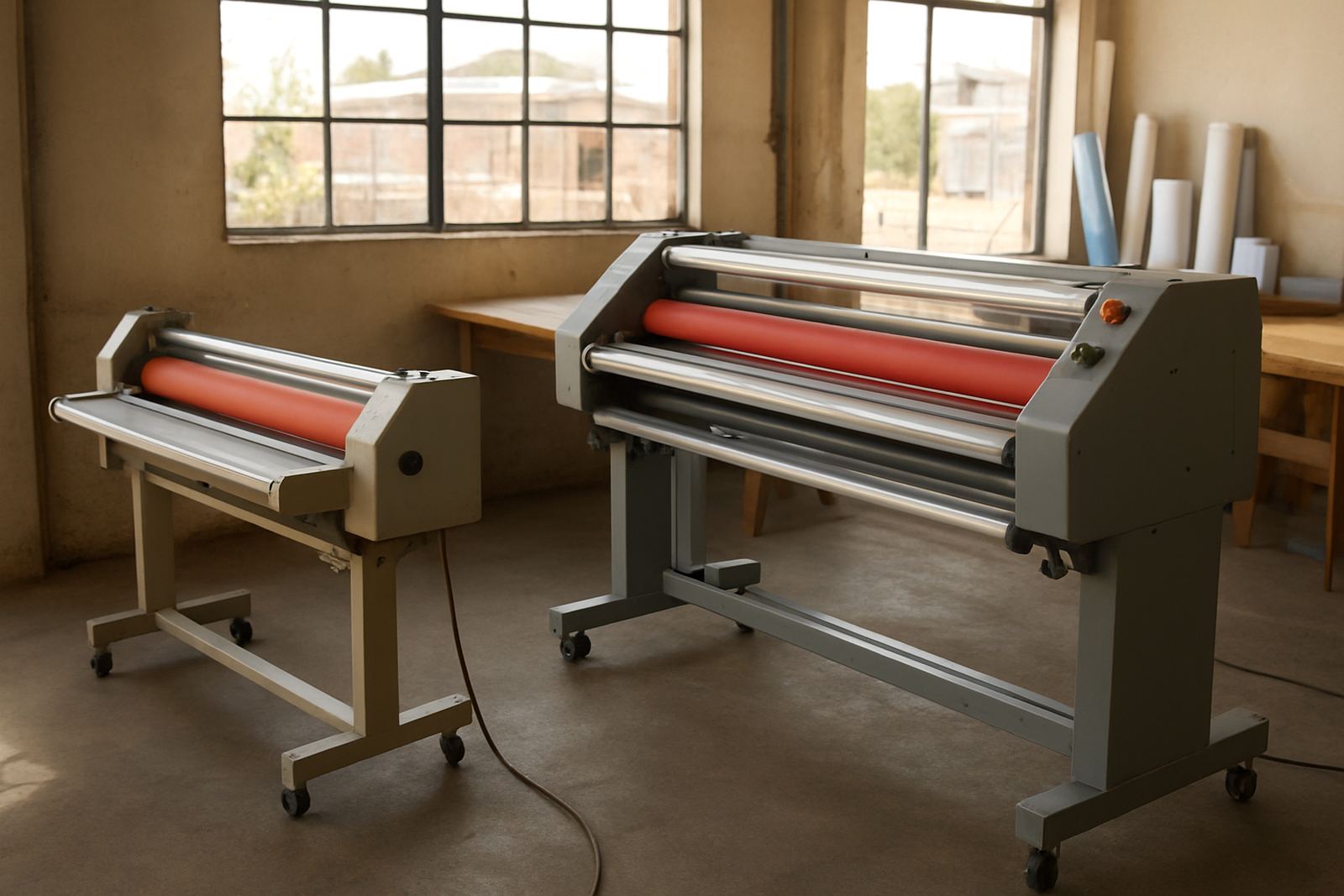
Cold laminators work best when rollers are kept clean, pressure is checked regularly and drive components are not left to wear quietly in the background. Routine servicing should include roller cleaning, pressure calibration, electrical fault finding and drive system checks. That matters in busy print environments where machines are used daily and downtime affects delivery commitments.
At Laminator in Kya Sand, Johannesburg, we support installations nationwide and help teams across Randburg, Sandton, Midrand, Pretoria and the East Rand keep their equipment in order. We also assist with on-site breakdowns, spare parts support, operator refresher training and pre-purchase inspections. If a machine is not feeding square, heating unexpectedly or showing inconsistent pressure, it is better to have it checked before it starts wasting material.
For print shops working near the coast or in areas with dust and traffic grime, a regular cleaning plan is just as important as the machine itself. A well looked-after unit gives more even finishes, fewer reworks and better day-to-day control.