
Start with the jobs you will laminate most
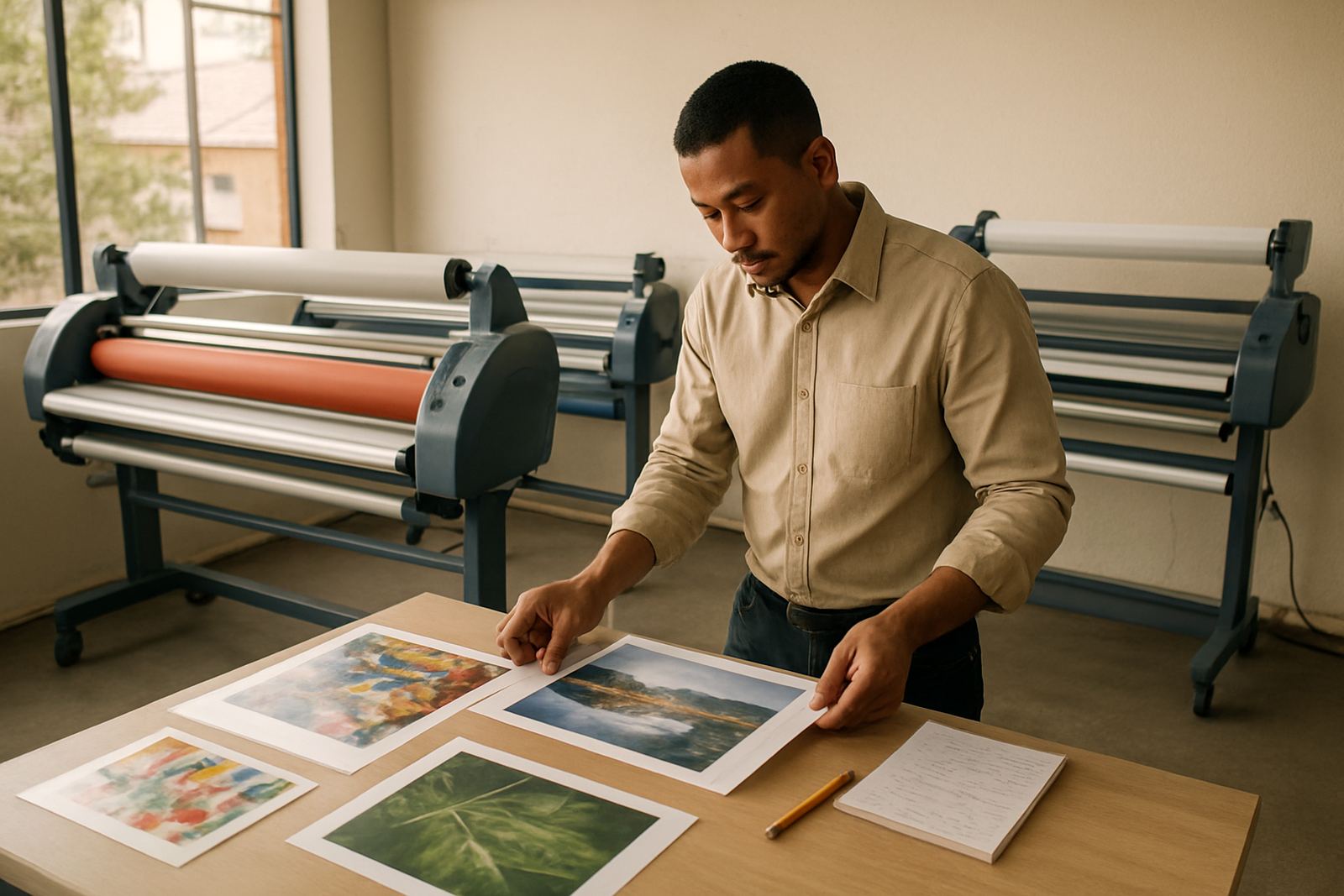
Before you look at rollers or control panels, write down the work that will pass through the machine. A print shop in Kya Sand may be mounting signs, school projects, vehicle graphics and short-run display boards, while a designer in Sandton may need clean finishing for posters, artwork and presentation pieces. If most of your work is one-off pieces, a lighter machine can be enough. If you handle repeat production every day, look for stronger pressure control and stable feed.
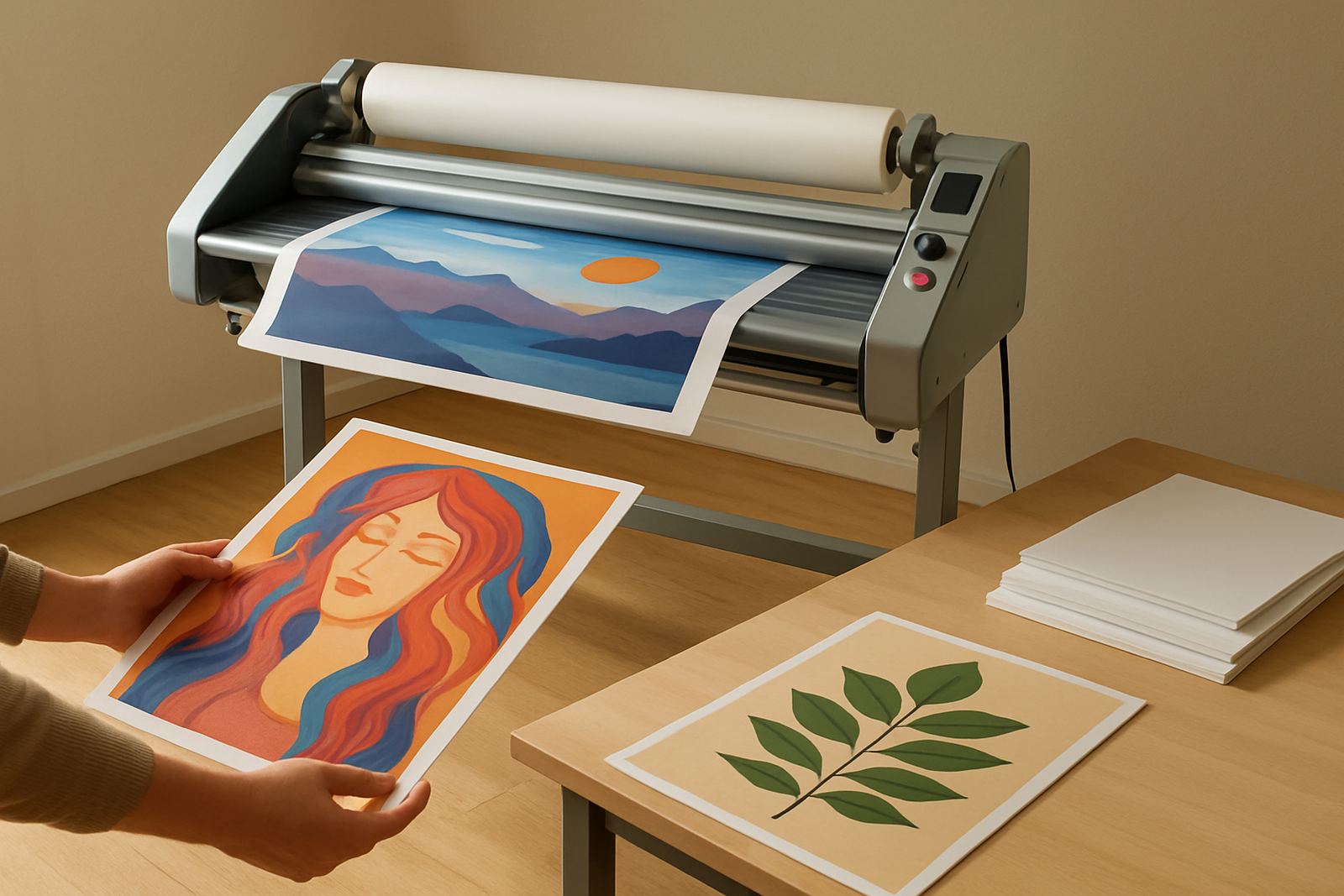
Be clear on the media too. Gloss vinyl, matte prints, foam board, and print-and-cut output all behave differently. If you work near the coast or store prints for a while, humidity can affect curl and adhesive response, so ask how the laminator handles soft films and thicker boards. The right choice is the one that suits your current output plus a bit of growth, not a machine bought for a job you may never get.
Measure the widest sheet you really need to cover
Wide-format machines are usually chosen by working width, but the safe buying point is a little broader than your biggest print. If you regularly finish 1 200 mm graphics, do not buy a 1 250 mm machine and expect easy margins every time. Allow room for alignment, entry, and trimming after lamination. Many shops in Randburg or Midrand find it easier to work one size up, especially when handling posters, panels and longer runs.
- List your top 10 print sizes from the last month
- Check the widest item, not just the average job
- Allow extra width for lead-in and edge trimming
- Think about future work if you plan to expand
If your work includes longer lengths, ask how the machine manages continuous feed and whether the frame stays steady over time. A laminator that drifts even slightly can waste material and slow production.
Choose between cold and hot lamination with care
Cold lamination is the safer choice for many printed graphics because it avoids heat stress on inks, films and digital print media. It is often the better option for shops that want quick turnaround and less training for operators. Hot lamination has its place, especially on certain films and finishing tasks, but it needs more control and more attention from the person running it.
For first-time buyers, the key question is not which method sounds stronger, but what your daily output needs. If you often work on sensitive prints, artwork or materials that can warp, a cold system may be the better starting point. If you need heat assist for specific applications, check how quickly the machine reaches temperature, how stable it stays during use, and how easy it is to adjust for different jobs. Load-shedding can also matter in Johannesburg, so ask what happens after a power interruption and how the unit recovers.
Check pressure control, feed consistency and roller quality
Good lamination depends on even pressure across the full width of the rollers. Uneven pressure can cause bubbles, silvering, wrinkles or edge lift. When you inspect a machine, ask how pressure is adjusted and whether the settings are easy to repeat from job to job. A first laminator should give you predictable results without constant fiddling.
Roller condition matters as much as width. Smooth rollers help keep prints flat and reduce marking. Ask about roller cleaning, pressure calibration and what spare parts are normally needed over time. If the machine will be used by different staff members, simple controls are worth more than flashy extras. You want the operator to load the print, set the pressure and run the job with confidence, not guesswork.
- Check for even nip across the full roller length
- Ask how often roller cleaning is recommended
- Confirm if pressure settings can be repeated accurately
- Find out which parts wear first and what they cost
Look at the space, power and workflow in your shop
A laminator that looks perfect in a brochure may still be wrong for your shop floor. Measure the footprint, the infeed and outfeed space, and the room needed for trimming. In Kya Sand and other busy industrial areas, space is often tight, so it helps to know exactly where the machine will stand and how the operator will move around it.
Also check the power supply. Some units need a stable electrical setup, and a poor supply can affect heat consistency or drive performance. If your area sees regular outages or surges, ask what protection is sensible and whether the unit needs a particular start-up routine after power returns. Good workflow matters too. If your staff must carry prints across the room, stop to align them and then move again for trimming, production slows down fast.
Ask about support, training and breakdown response
For a first purchase, after-sales support is just as important as the machine itself. You should know who to call if the drive system starts slipping, if heat readings change, or if the rollers need attention after a heavy run. That support matters whether you are in Pretoria, the East Rand or working from a smaller studio in Midrand.
Make sure the supplier can offer routine servicing, on-site breakdown help, spare parts support and operator refresher training. If you are new to wide-format lamination, ask for a clear handover that covers loading, pressure settings, cleaning routines and basic fault checks. A proper pre-purchase inspection also helps you avoid buying a unit that looks fine but has hidden wear. That inspection can save a lot of downtime later, and sometimes a lot of money too.
Use a simple pre-buy checklist before you pay
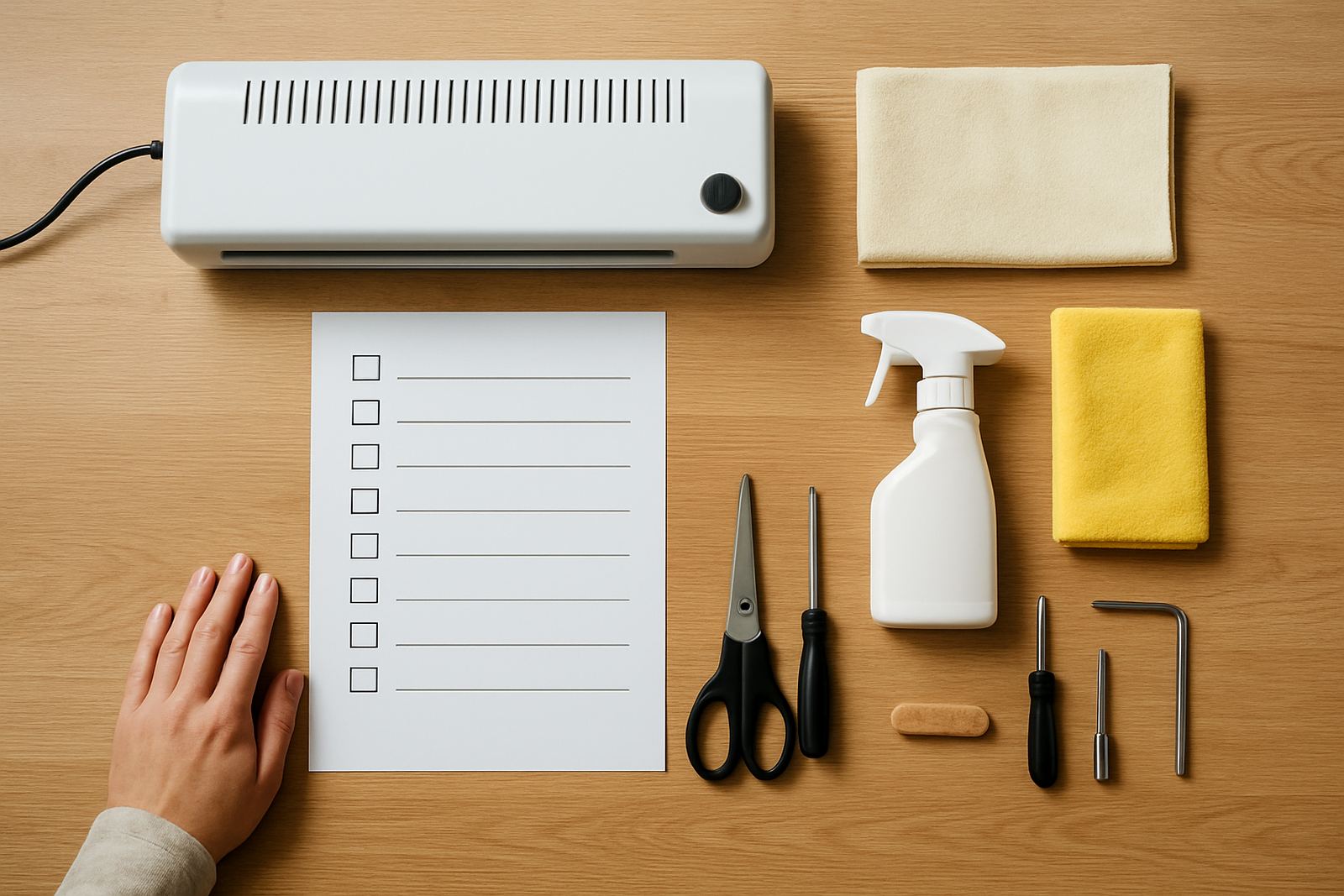
Once you have narrowed the options, use a checklist so the final decision is based on facts rather than sales talk. Ask for written details on width, power needs, roller condition, service access and lead times for parts. If the machine is going to work hard from day one, confirm installation support and who handles commissioning on site.
- What is the exact working width?
- Is it cold, hot or adjustable for both methods?
- How is pressure set and checked?
- What servicing does it need in a normal year?
- Are spare parts and technical support available locally?
- Can you get installation and operator training?
Buying your first laminator should make work simpler, not create new delays. If you compare the real jobs, the space, the power and the support, you are far more likely to choose a machine that keeps pace with your shop from the start.