
Why a sheet needs support before it reaches the rollers
When a print enters a laminator, the job is not just about heat and pressure. The way the sheet is carried into the nip matters just as much. If the front edge dips, twists, or drags, the material can enter at a slight angle and that small error shows up all the way through the run. Once that happens, you may see silvering, trapped dust, wrinkles, or a laminate edge that does not line up cleanly.
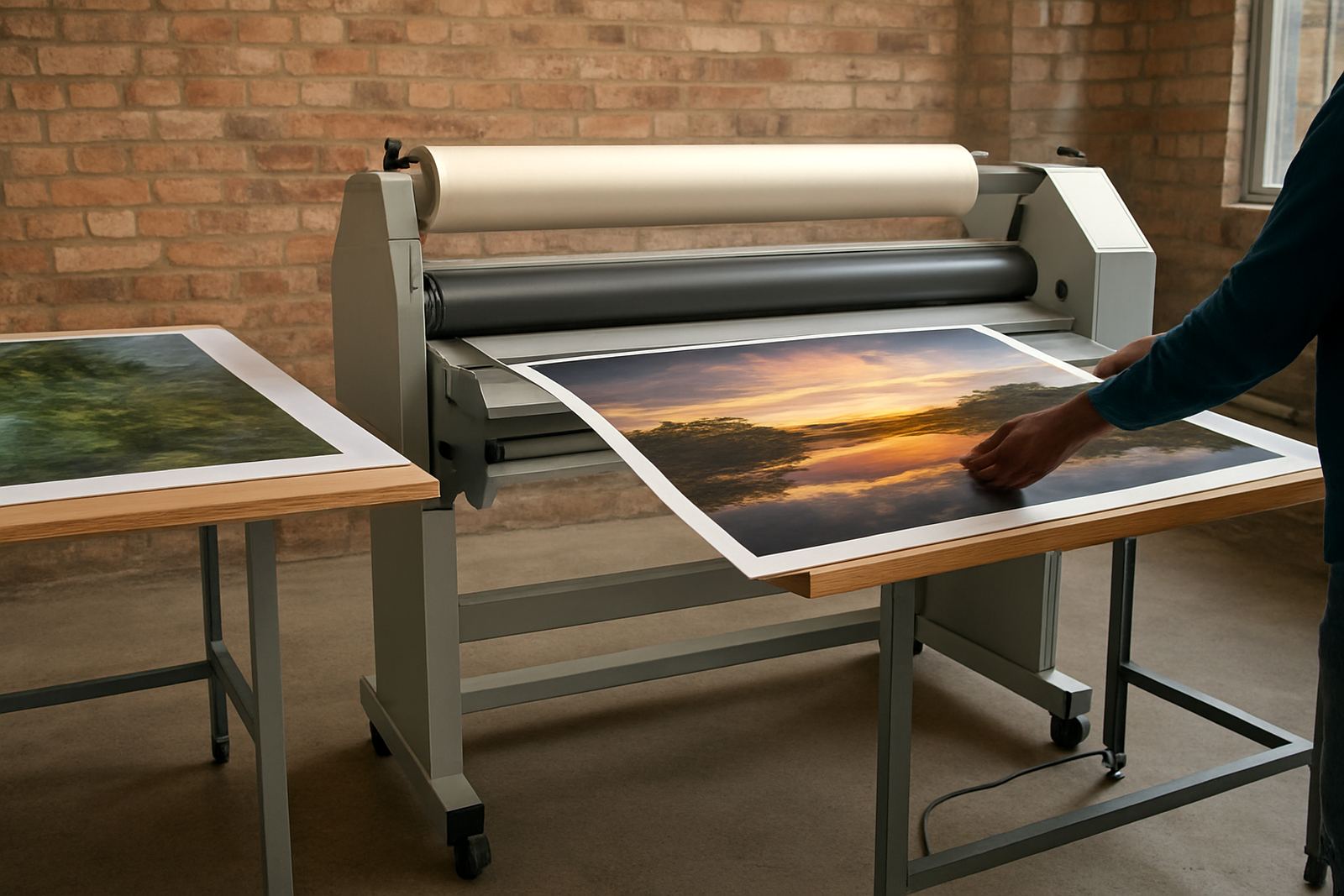
Support tables keep the media flat and level before it reaches the rollers. That helps the operator guide the job without lifting, bending, or pushing the print harder than needed. On larger work, especially 1.6 m, 1.8 m or wider, the sheet can sag under its own weight and the risk goes up fast. A proper infeed table reduces strain on the material and on the person feeding it.
In busy print shops around Johannesburg, this matters on everyday work like posters, exhibition graphics, and mounted display boards. If a team is pushing through short deadlines, even a little drag at the front edge can cause a reprint or a cleanup job that was not budgeted for.
How outfeed support keeps the finish clean and flat
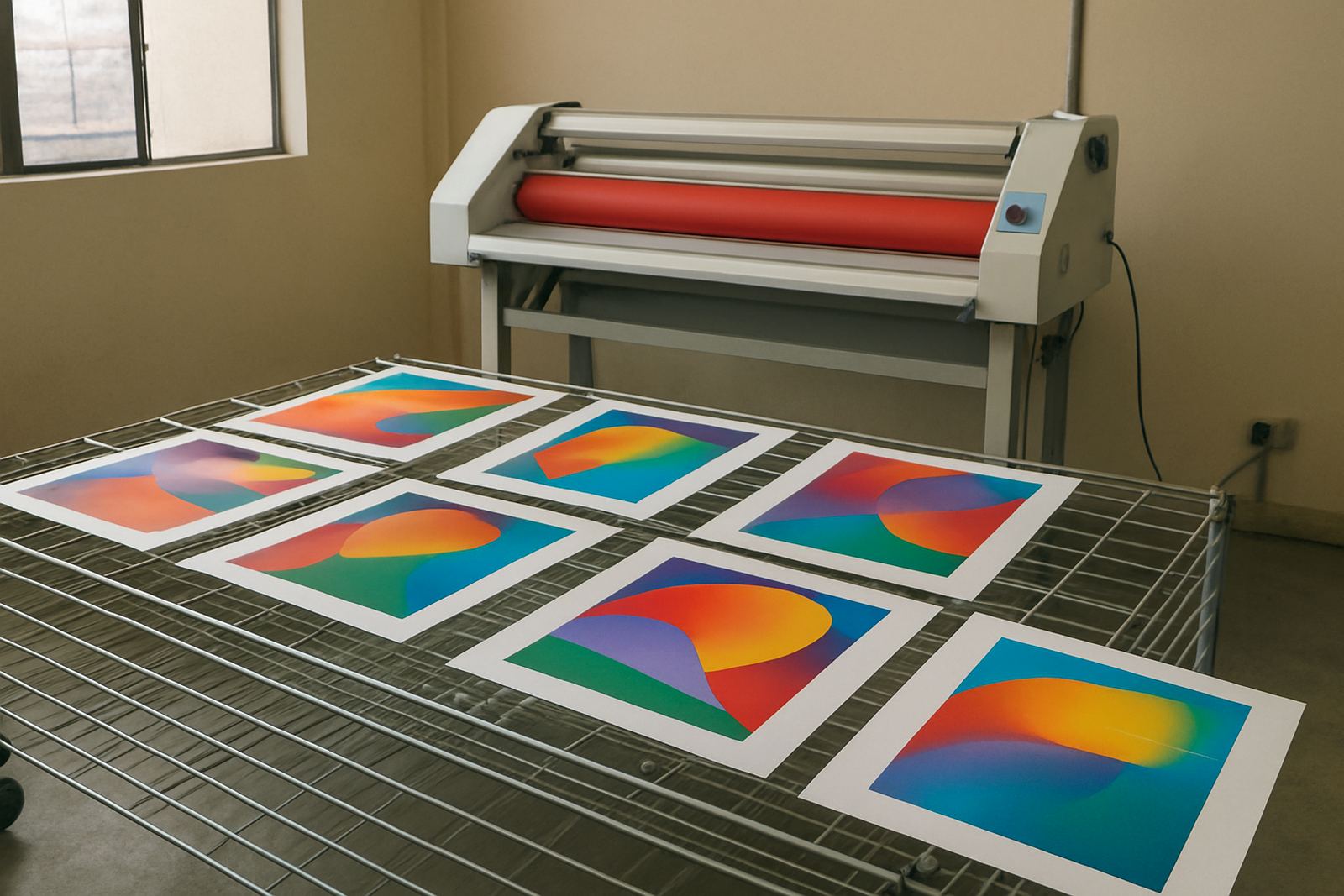
The outfeed side is often ignored until a finished job starts curling, sticking to itself, or catching on the floor. Once the laminated sheet leaves the rollers, it still needs support while it cools and settles. If it drops too quickly, the laminate can flex and take on a curve. On glossy jobs, that can also lead to scuffing or surface marks if the print rubs against a rough edge or gets touched too soon.
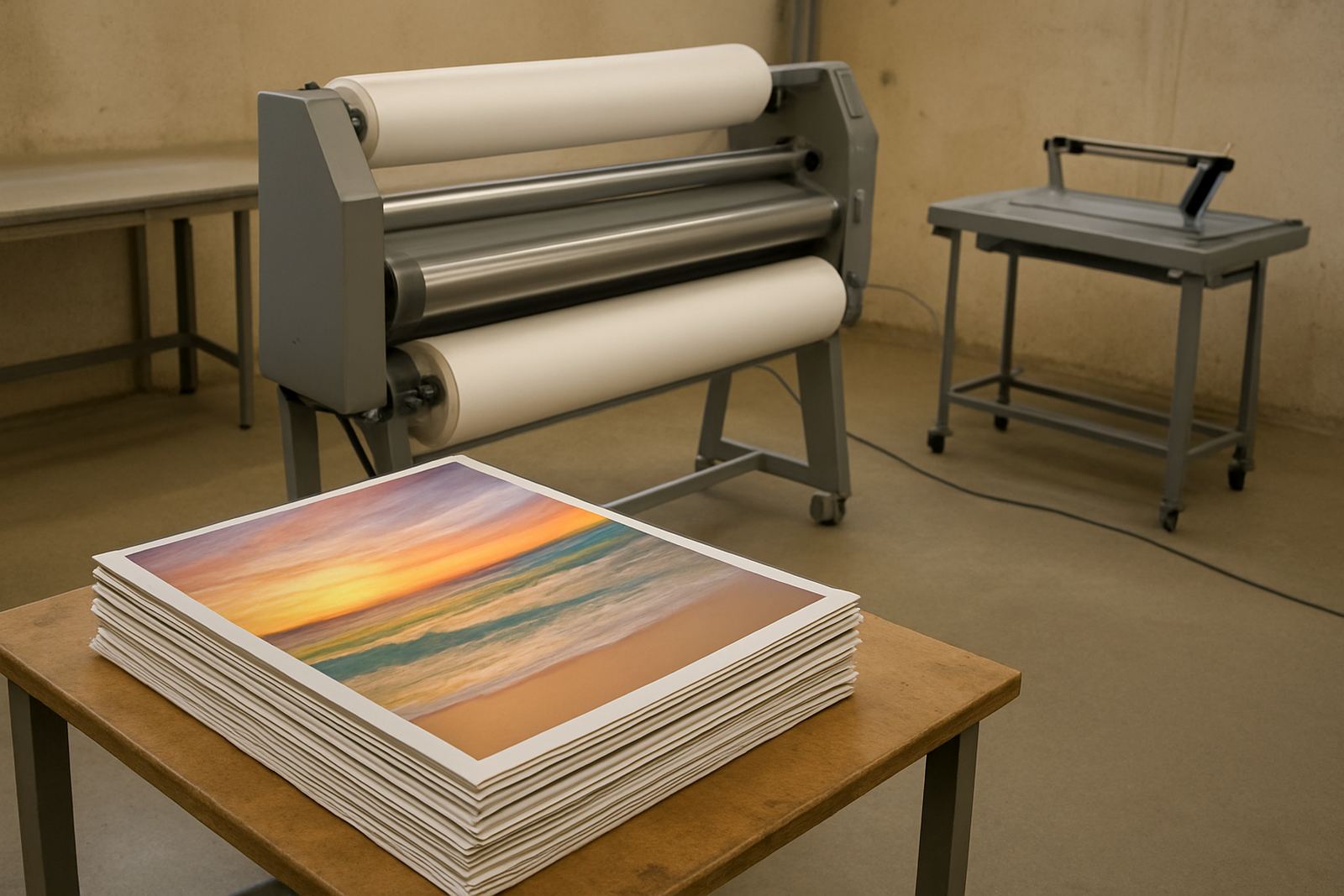
An outfeed table gives the sheet a stable landing area. That means the operator can guide the work away from the machine in a controlled way, which helps on long banners, cut vinyl panels, and mixed media artwork. It also makes trimming easier later because the laminated print stays flatter and more predictable.
For print shops working in Kya Sand, Randburg and Sandton, where many customers expect clean presentation for retail and office installs, that final stage is part of the product. A neat finish is not only about looks, it saves time when the job goes straight from laminating to cutting or packing.
Speed gains come from less handling, not more force
A lot of operators think speed means feeding the sheet faster. In practice, speed comes from smoother handling. A good support table lets the operator keep the media aligned with less stopping and less lifting. That means fewer pauses to straighten a skewed sheet and fewer hands needed on each job.
When the material is supported properly, one person can often manage work that would otherwise need two. That is useful in smaller studios and sign shops where staff switch between printing, trimming and finishing throughout the day. It also helps when the phone rings and someone has to leave the machine for a moment, because the job is already sitting stable and ready.
- Less edge damage during feeding
- Cleaner alignment on longer sheets
- Fewer pauses to correct skew
- Reduced operator fatigue over a full shift
- Better control on repeat jobs and short runs
That extra control is worth more than people expect. A machine may have good rollers and even pressure, but without proper support, the operator is doing extra work to keep the print true.
Local conditions in Gauteng and coastal areas make support even more important
South African working conditions change the way laminating behaves. In Johannesburg and Pretoria, dry air and dust can make static build-up and debris control part of the daily routine. On the coast, humidity can soften some media and make long sheets more prone to droop while moving from table to machine. In both cases, support tables help the operator keep control of the print before and after the nip.
Load-shedding also plays a role. When a machine stops mid-job and restarts later, the media can shift slightly if it was hanging unsupported. A proper infeed and outfeed setup makes those interruptions easier to recover from without scrapping the print. That matters for shops trying to keep turnaround times tight while juggling power cuts and supplier deadlines.
One Kya Sand customer had a 1.8 m wide run of retail artwork heading for a client in Midrand. Without enough front support, the leading edge kept dipping as it was fed in, and the laminate picked up a slight wave near the centre. Once the team added a longer infeed table and adjusted the feed height, the same work ran cleanly and the finish was more consistent. It sounds small, but on a batch of twenty panels, that change saved time and scrap.
What to check on your tables before the job starts
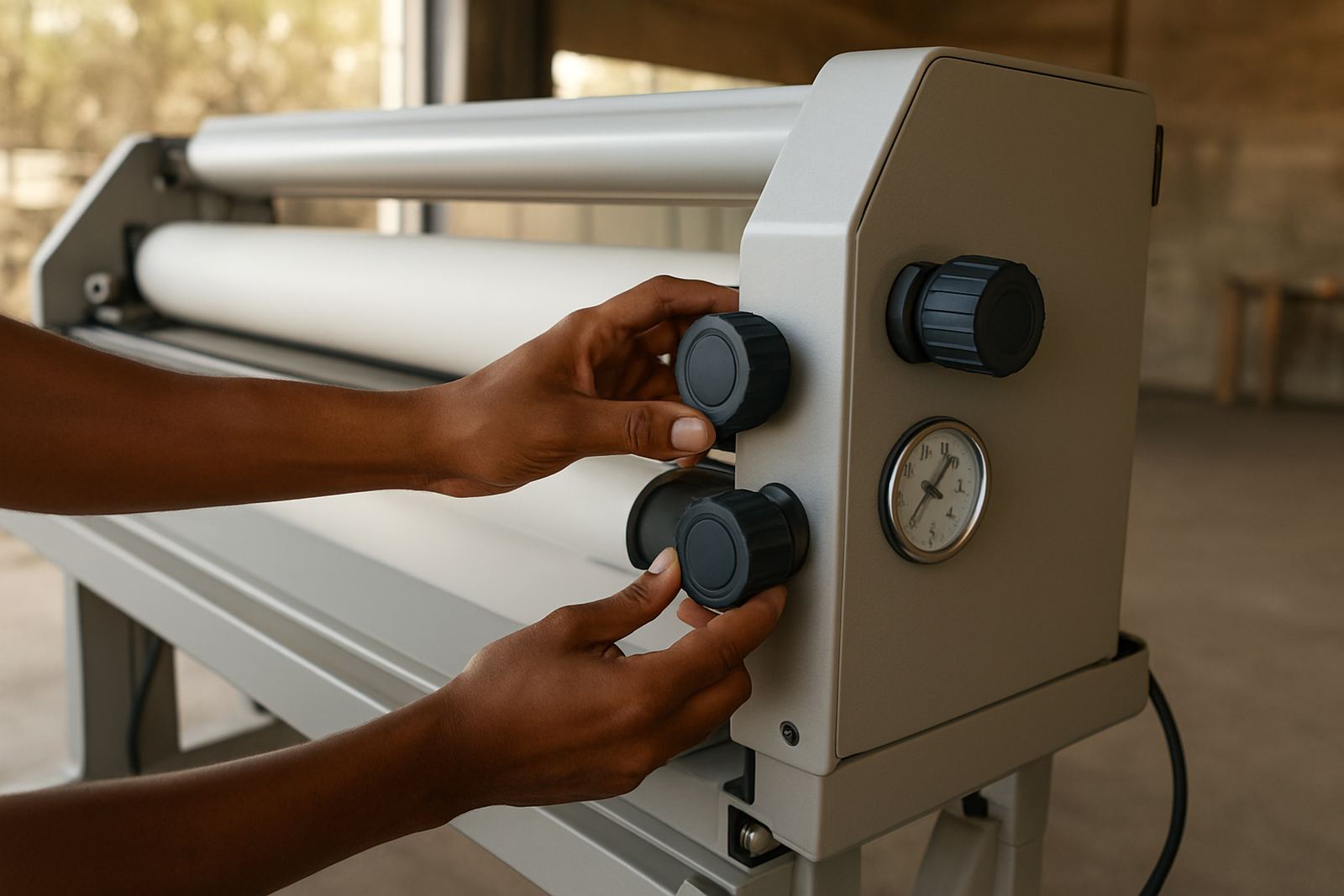
Support tables do not have to be complicated, but they must be set up properly. If the height is off, or the surface is uneven, the table can cause the same problems it is meant to prevent. Before a shift begins, the operator should check that the table lines up with the feed path and that nothing is catching on the edge.
Surface condition matters too. Scratches, bumps, and loose fasteners can mark the print or interrupt the feed. In a shop that handles a lot of photo work or coated graphics, even a small raised point can leave a visible line once the job is laminated. Keep the area clean, especially where dust and offcut bits collect.
- Check table height against the laminator rollers
- Make sure the surface is level side to side
- Remove dust, tape, and trim scraps
- Inspect guide edges for dents or sharp points
- Confirm there is enough run-out space behind the machine
It is also worth watching the floor area around the machine. If packed rolls, boxes, or bins force the operator to twist while feeding, the support table cannot do its job properly.
When support tables belong in the servicing conversation
People often call for roller cleaning, pressure calibration or heat checks when finish quality drops, and those services are important. But the support setup should be part of the same conversation. If a machine is being serviced after a string of skewed or wrinkled jobs, the issue may not only be inside the laminator. The way the stock enters and exits the machine can put strain on the whole process.
A technician checking an installation or doing pre-purchase inspections should look at how the support tables relate to the machine height, the floor space, and the type of work being done. A shop producing small decals has different needs from a team laminating long exhibition graphics or artwork panels. In many cases, a simple adjustment to the support arrangement improves the result more than people expect, and it does so without extra wear on the rollers.
For businesses in Sandton, East Rand, Midrand and Pretoria, this practical setup can be the difference between rushing through rework and getting jobs out on time. Good support does not replace a well set machine, but it lets that machine do its best work, every day.