
What roller pressure actually does
In a roll laminator, pressure is the force that brings the rollers into contact with the print and film, pushing air out and helping the adhesive or heat layer bond evenly. When the setting is right, the print comes out flatter, clearer and more stable, with less chance of lifting at the edges later on.
Pressure does more than just stick film to paper. It also affects how the sheet feeds through the machine, how much stress the image takes, and whether the surface stays smooth or picks up lines from dust, curled edges or roller marks. In busy shops across Kya Sand, Randburg and Sandton, a small pressure mistake can show up as a repeat fault for every job on the run.
Signs the pressure is too light or too tight
Most operators notice pressure problems before they can name the cause. Light pressure often gives poor bonding, cloudy patches, trapped air and corners that start to peel. Heavy pressure can squeeze adhesive out at the edges, leave platen marks or distort softer media such as thin paper, poster stock and some digital prints.
- Silvering or tiny air pockets across the print usually point to pressure that is too light or uneven.
- Wrinkles, crushed edges and image stretch can mean the rollers are set too tight.
- One side looking different from the other often points to roller alignment or wear.
- Repeated feed hesitation can show that the nip is not gripping the media evenly.
If the issue changes from job to job, check the media type first. A gloss poster and a textured artwork print will not behave the same way under pressure, even if they are the same size.
Matching pressure to the media, not the habit
One common mistake is using the same setting for every sheet because it worked on the last job. That can be risky with mixed media. Lightweight bond needs a gentler touch than board, and digitally printed work with heavy toner or ink coverage often needs more care than plain line artwork. The aim is not maximum force, it is correct contact.
As a rule, start with the manufacturer guidance for the film and media, then make small adjustments. If the sheet is thick, dry, curled or has a lot of coverage, increase pressure only as far as needed for full contact. If the substrate is soft or prone to marking, back off a little and test again. That small bit of trial saves a lot of rework later.
- Use lower pressure for delicate artwork, thin papers and heat-sensitive stock.
- Use firmer pressure for heavier boards, mounted prints and layered media.
- Check both sides of wide-format sheets, especially near the edges where pressure can drop off.
- Keep note of settings that work for repeat jobs so staff do not guess next time.
Why bonding quality changes in Johannesburg conditions
In Johannesburg, pressure settings do not work in isolation. Dry winter air, dusty rooms in industrial areas and temperature changes from load-shedding can all affect how a print feeds and bonds. A sheet that was flat in the morning may curl by mid-afternoon, and a small curl can change how the rollers grip it.
At one Kya Sand print shop, a run of mounted presentation prints kept coming out with one lifting edge. The operator first blamed the film, then the heat. The real problem was slight roller pressure loss on one side, made worse by boards stored near a doorway where dust and temperature swings were constant. Once the rollers were cleaned, pressure checked and the boards were acclimatised inside the work area for a few hours, the issue cleared up. Simple, but it took a proper look to find it.
How to check and set pressure properly
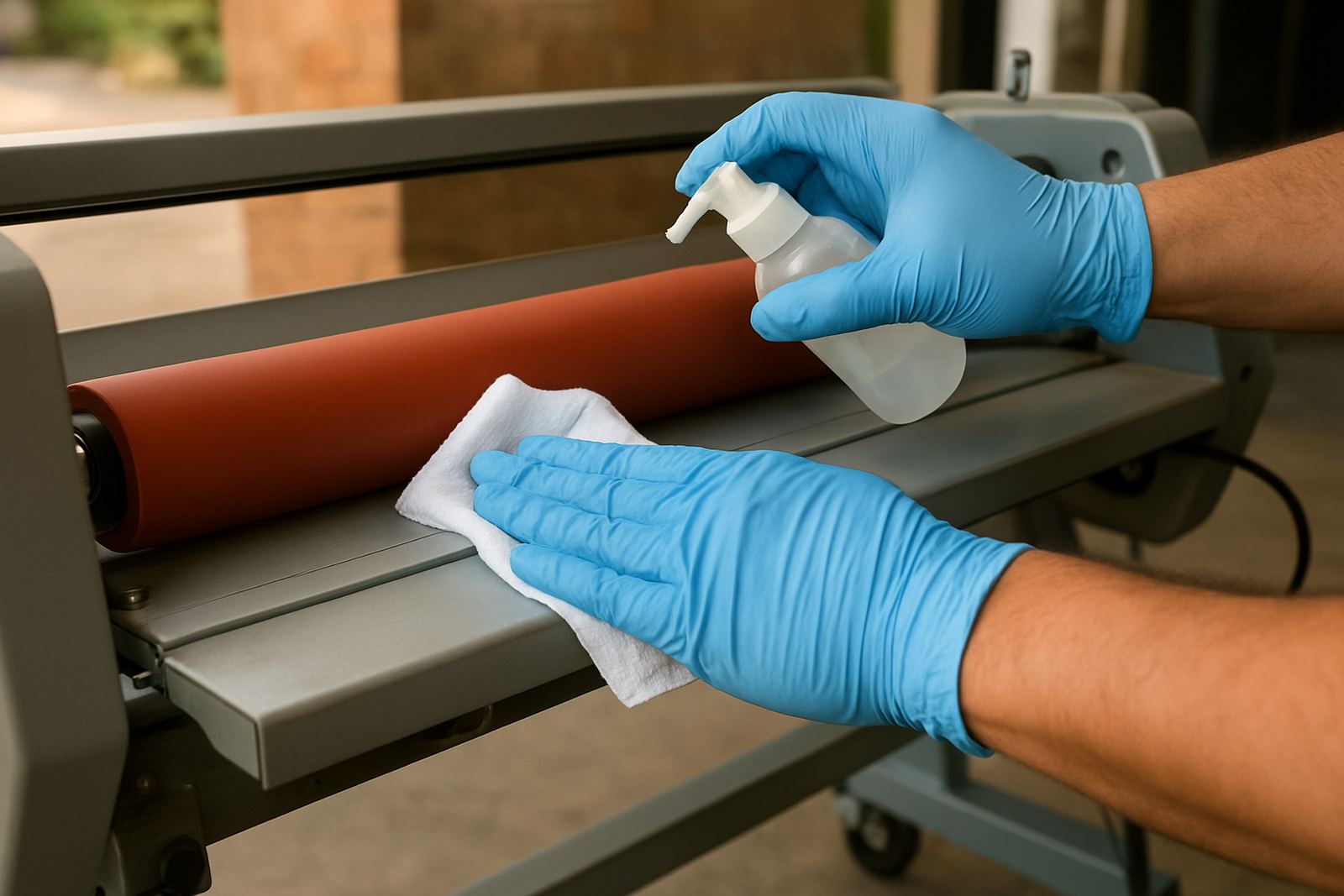
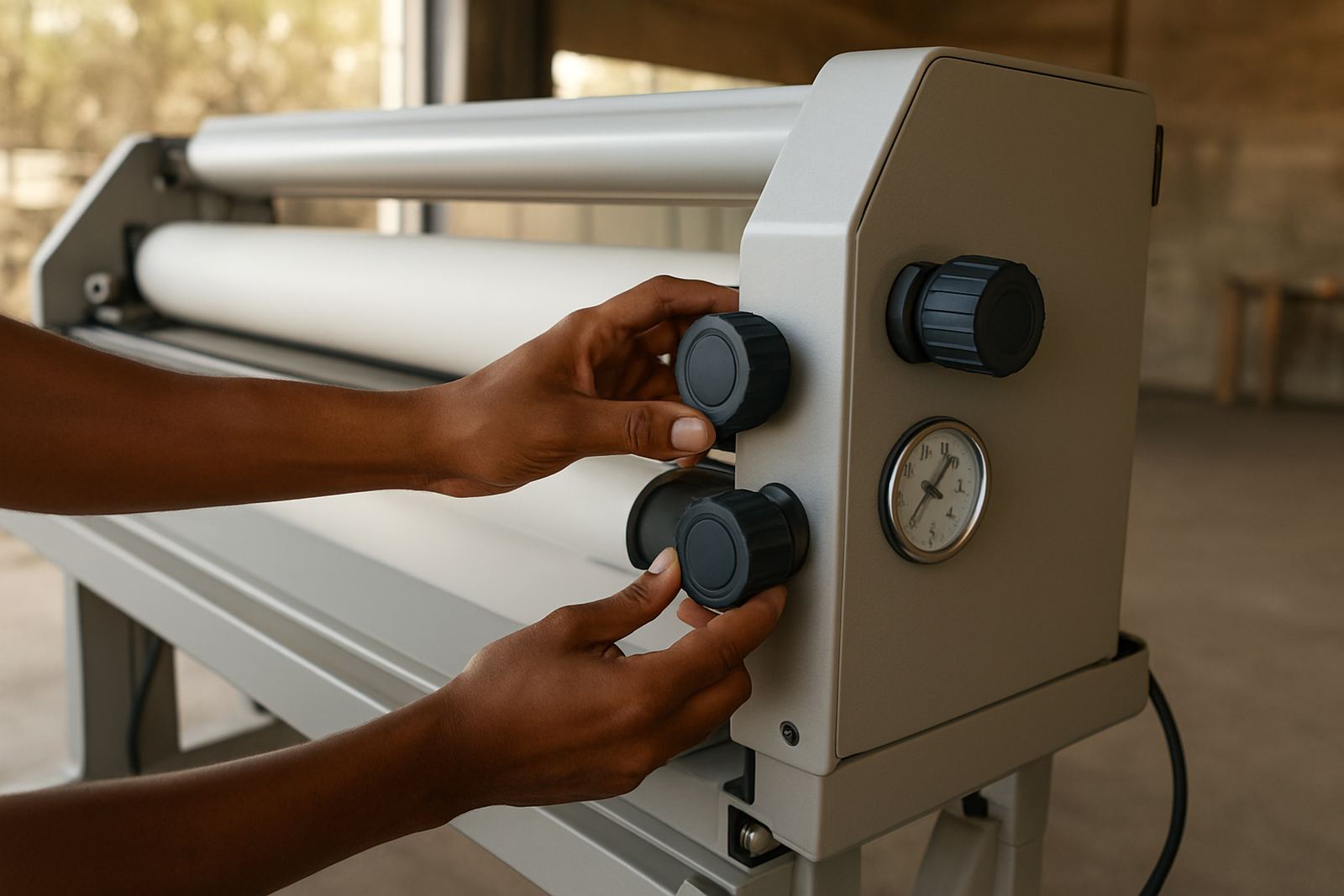
Good pressure setup starts with clean rollers and ends with a test sheet. If the rollers are dirty, glazed or carrying old adhesive, the setting will never be consistent no matter how carefully you turn the knobs. Before a job, wipe down the rollers as recommended, check for flat spots or damage, and confirm that both sides respond evenly when the pressure is applied.
Then run a test piece that matches the real job as closely as possible. If the bond is patchy, increase pressure slightly. If the sheet shows crushing or edge marks, reduce it. Make one change at a time so you know what fixed the fault. That method is slower than guessing, but it saves media and keeps operators confident.
- Inspect the rollers for dirt, wear or uneven finish before the first job of the day.
- Test with the same stock, size and film that will be used on the actual run.
- Adjust in small steps and record the final setting.
- Recheck after long pauses, especially after power interruptions or a hot workshop shift.
When pressure faults need service support
If a machine keeps drifting out of spec, pressure may no longer be a simple adjustment issue. Worn roller bearings, tired springs, misaligned frames, drive problems and electrical faults can all change how the rollers behave under load. In those cases, turning the dial further will not fix the root cause.
That is where routine servicing helps. Roller cleaning, pressure calibration, heat system checks and drive system repairs keep the machine doing what it is meant to do. For shops working in Midrand, Pretoria or the East Rand, on-site breakdown support can matter when turnaround time is tight and collections are already booked. A proper inspection before the problem becomes constant is usually cheaper than scrapping a stack of bad output.
For operators and owners, the practical rule is simple: if your settings no longer repeat, if one side behaves differently from the other, or if a familiar job suddenly starts looking rough, do not just push harder. Check the machine, then the pressure, then the media. In laminating, small changes matter more than people think, and the right pressure is often what separates a clean finish from a reprint.