
Why roller cleaning should never be rushed
Rollers on a wide-format laminator work under pressure and heat, so any dust, adhesive residue or ink build-up can change the way the machine feeds media. If the surface is cleaned too aggressively, the roller cover can harden, swell or score, and that leads to marks on prints, uneven lamination and early wear.
In our Kya Sand base, we often see machines brought in after people have used the wrong cloth, a harsh solvent or a scraper that should never have gone near the roller. It is a simple job done badly, then the next job costs much more. Safe cleaning is not only about finish quality, it is also about keeping hands clear of nip points, avoiding chemical exposure and making sure the machine is isolated before any work starts.
Start with power isolation and a cool machine
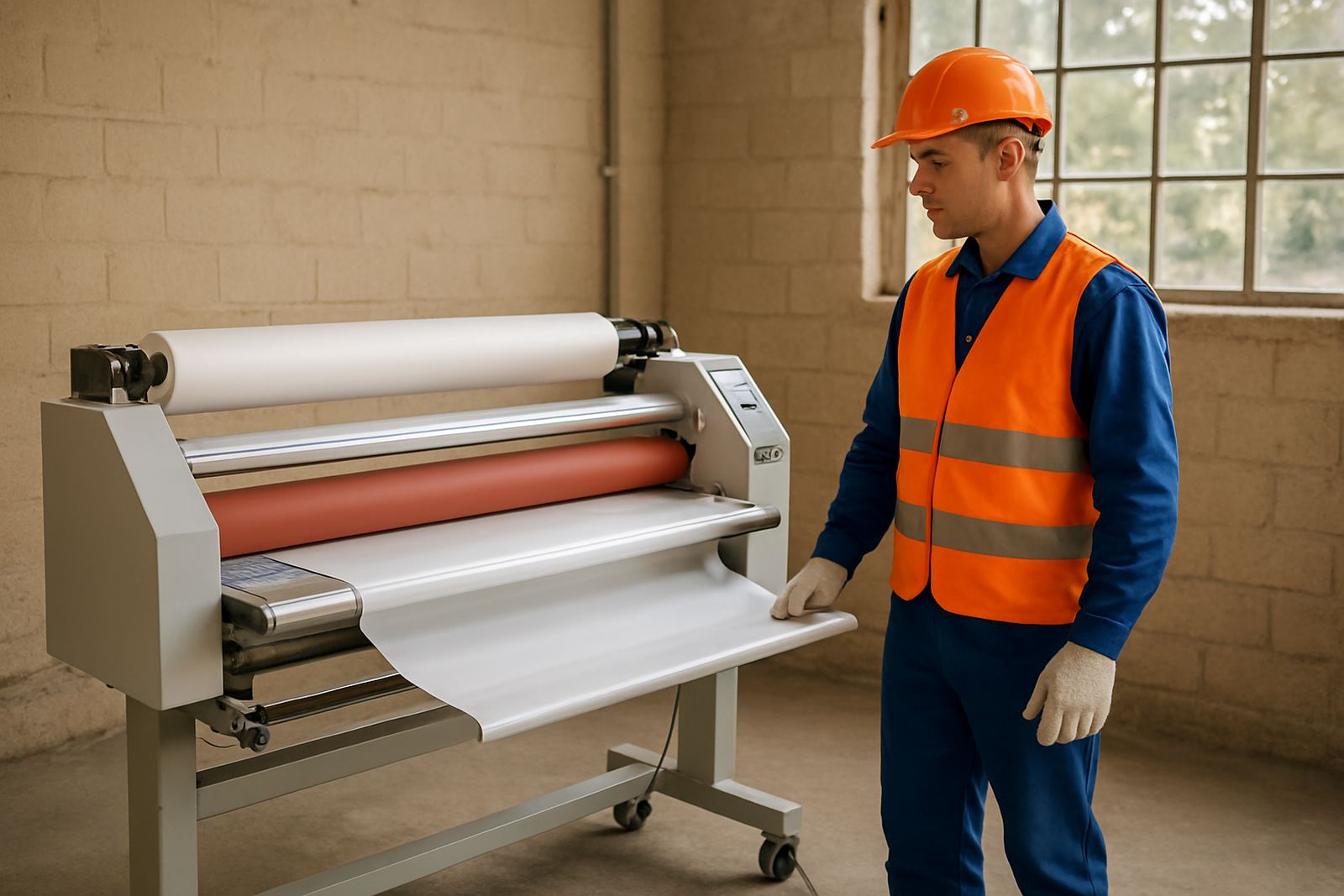
Before you clean anything, switch the laminator off properly and isolate the power. If the machine has a heater, allow it to cool fully before touching the roller area. On hot roll units, the outer surfaces can stay warm longer than expected, especially in summer in Gauteng where rooms already hold heat. A roller that feels only slightly warm can still cause a burn if you move too quickly.
Make sure the key operator knows the difference between a quick wipe and maintenance cleaning. Lock-off procedures are worth using, even in smaller print shops. That extra minute can prevent someone from re-energising the machine while another person is cleaning inside the frame. It sounds basic, but many breakdowns start with a rushed service and an unexpected startup.
- Switch off and isolate the machine at the source
- Allow hot rollers to cool before touching them
- Keep jewellery, loose sleeves and cleaning cloths away from moving parts
- Use gloves suited to the cleaning chemical, not just any pair in the drawer
Use the right cleaner for the roller surface
Not every cleaner suits every roller cover. Some surfaces tolerate mild soap and water, while others need a manufacturer-approved cleaning fluid that evaporates cleanly and does not leave a film. Strong thinners, acetone and abrasive pads are a bad idea on most laminator rollers because they can dry out the cover or leave the surface uneven. Once the finish has been damaged, no amount of polishing will bring back a proper nip.
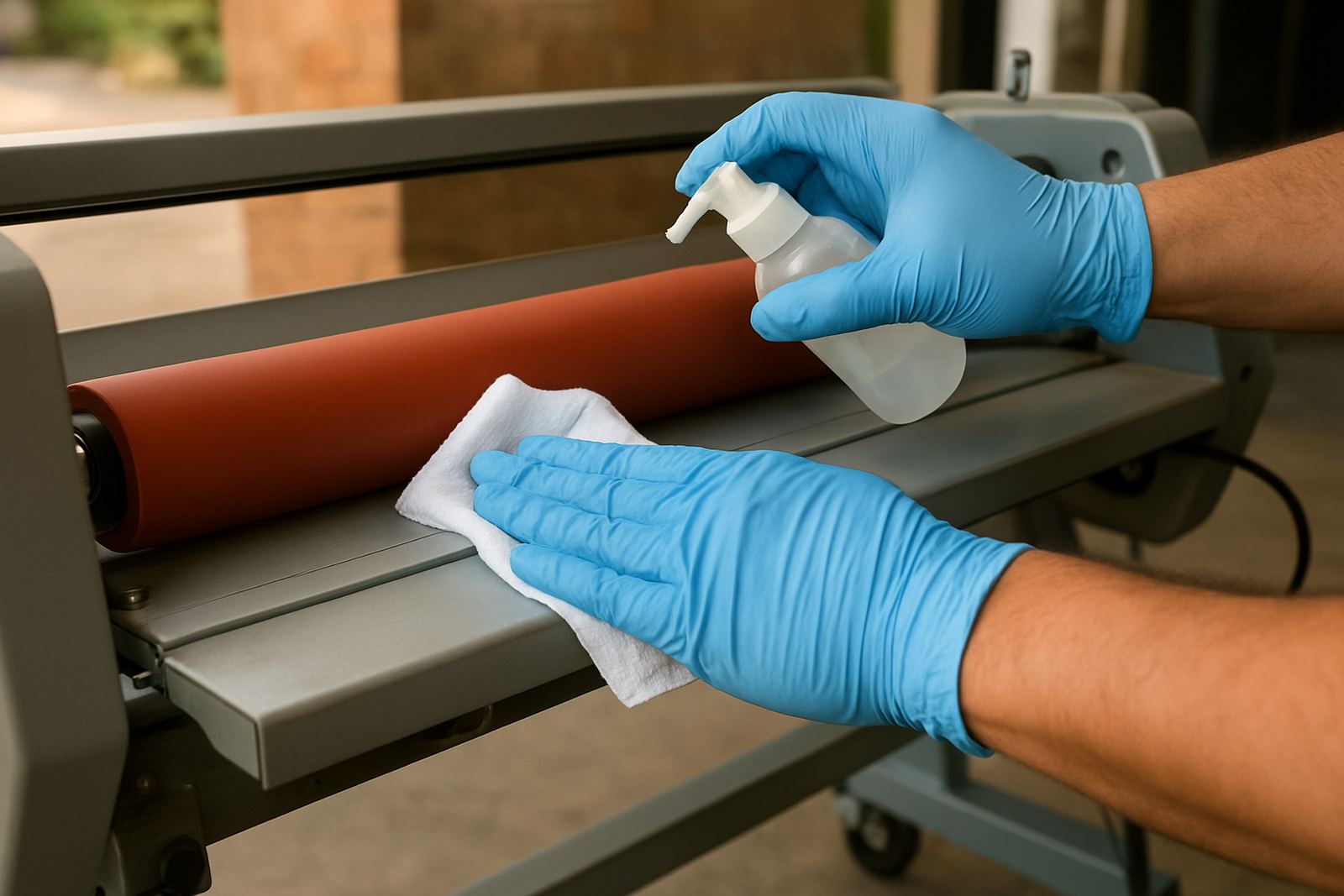
For day-to-day care, use a soft lint-free cloth and a cleaner that is safe for coated rubber surfaces. Apply the liquid to the cloth, not directly onto the roller, so it does not run into bearings, sensors or electrical parts. If there is adhesive build-up, soften it first and wipe gently in one direction rather than scrubbing in circles. That keeps the surface consistent and lowers the chance of snagging the edge of a cloth.
- Use lint-free cloths only
- Apply cleaner to the cloth first
- Avoid steel wool, scouring pads and blades
- Keep liquids away from bearings, motors and control panels
Clean around the rollers without forcing the nip open
The most common mistake we see is someone trying to pull the rollers apart with too much force so they can reach inside. That puts stress on the pressure system and can shift the alignment. If your machine allows manual opening, follow the correct sequence and never jam tools between the rollers. A clean roller is helpful, but a damaged pressure setting can affect every job after it.
Brush loose dust and trim waste away before wiping. In print shops around Sandton, Randburg and Midrand, fine paper dust often settles into the lower frame and gets pulled back onto the roller surface. Clean the surrounding area as part of the same routine. If adhesive has transferred onto the roller from a cold mount job, stop and assess it properly rather than keeping the machine running through the problem. That is where roller glazing starts.
- Remove loose dust before wet cleaning
- Do not force the nip open with tools
- Check for adhesive transfer after mount jobs
- Clean the surrounding frame as well as the roller face
Watch for early warning signs of wear
Safe cleaning also means knowing when a roller is no longer cleaning up properly. A shiny glazed strip, uneven texture, a ridge at one end or repeated streaks on laminated output can point to deeper wear. If the roller feels sticky after cleaning, or the surface takes on a hard feel rather than a slight give, the cover may be reacting badly to the wrong chemical or heat cycle.
We often find the issue during routine servicing, pressure calibration or pre-purchase inspections. Operators sometimes assume the machine needs more pressure when the real issue is contamination on the roller or a drive problem that makes the feed uneven. If you see repeat marks on the same side of a print, stop and inspect before the job pile grows. A small fault can turn into a full day of downtime.
A practical example from a Johannesburg print room
A print shop in the East Rand called after their wide-format laminator started leaving dull bands across exhibition graphics. The team had been cleaning the rollers with a harsh general-purpose solvent after every busy shift. It removed adhesive quickly, but it also dried the roller cover and made the surface patchy. They were then adjusting pressure to compensate, which only made the finish less consistent.
We carried out roller cleaning, pressure calibration and heat system checks, then trained the operators on a safer cleaning method using a suitable cloth and a mild cleaner. The difference was immediate. Output improved, the rollers ran more evenly and the machine stopped needing repeated adjustment. The main lesson was simple, clean carefully and less often if the machine is not heavily contaminated. Over-cleaning with the wrong product can cause more trouble than a day’s worth of normal work.
Build a cleaner routine that fits your production
A sensible cleaning schedule depends on the type of media, the number of shifts and the amount of adhesive work you do. A busy shop in Pretoria handling short-run signage may need more frequent wipe-downs than a studio doing occasional artwork finishing. Coastal humidity is not the main issue in Johannesburg, but dust, paper fibre and adhesive residue build up quickly in packed production spaces and should not be ignored.
If you want the rollers to last, treat cleaning as part of routine servicing rather than an emergency response. Keep spare cloths, approved cleaner and gloves in one place, and train every operator the same way so the machine is not handled differently from shift to shift. For persistent faults, on-site breakdowns or spare parts support, it is better to call for help early than keep pushing a machine that is already giving warning signs.
- Set a cleaning interval based on actual use
- Keep approved cleaning materials in one place
- Train all operators on the same method
- Book servicing when cleaning no longer restores a proper finish
Laminator supports businesses across Kya Sand, Randburg, Sandton, Midrand, Pretoria and the East Rand, with installs nationwide and practical help for operators who need the machine to keep working day after day.