
Start with the setup around the machine
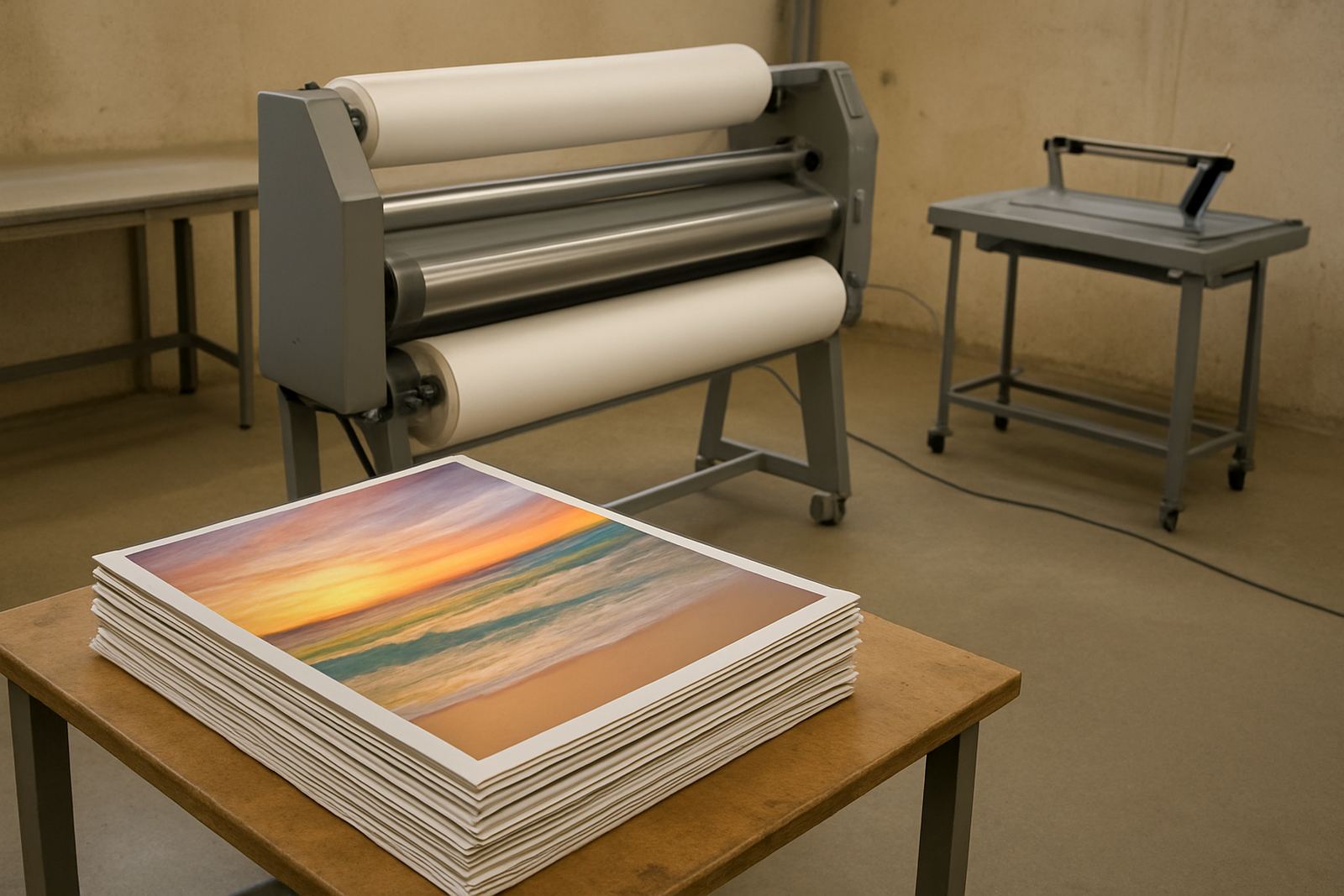
Safe operation begins before the first sheet goes in. The laminator should sit on level flooring with enough space for feed, output and maintenance access. In busy Kya Sand and Midrand print rooms, machines are often pushed close to walls to save space, but that makes it harder to work safely around rollers and side covers.
Check that the power supply is correct for the unit and that the cable is not trapped under trolleys or stock. If the machine is in an area that loses power during load-shedding, switch it off properly before a cut and allow the heaters to cool in line with the maker’s instructions. A sudden restart can catch an operator off guard and may stress electrical components over time.
- Keep the floor dry and clear of trimming offcuts, tape and loose wrap.
- Leave space at the front and back for long boards, posters and mounted prints.
- Make sure the emergency stop is easy to reach from the normal working position.
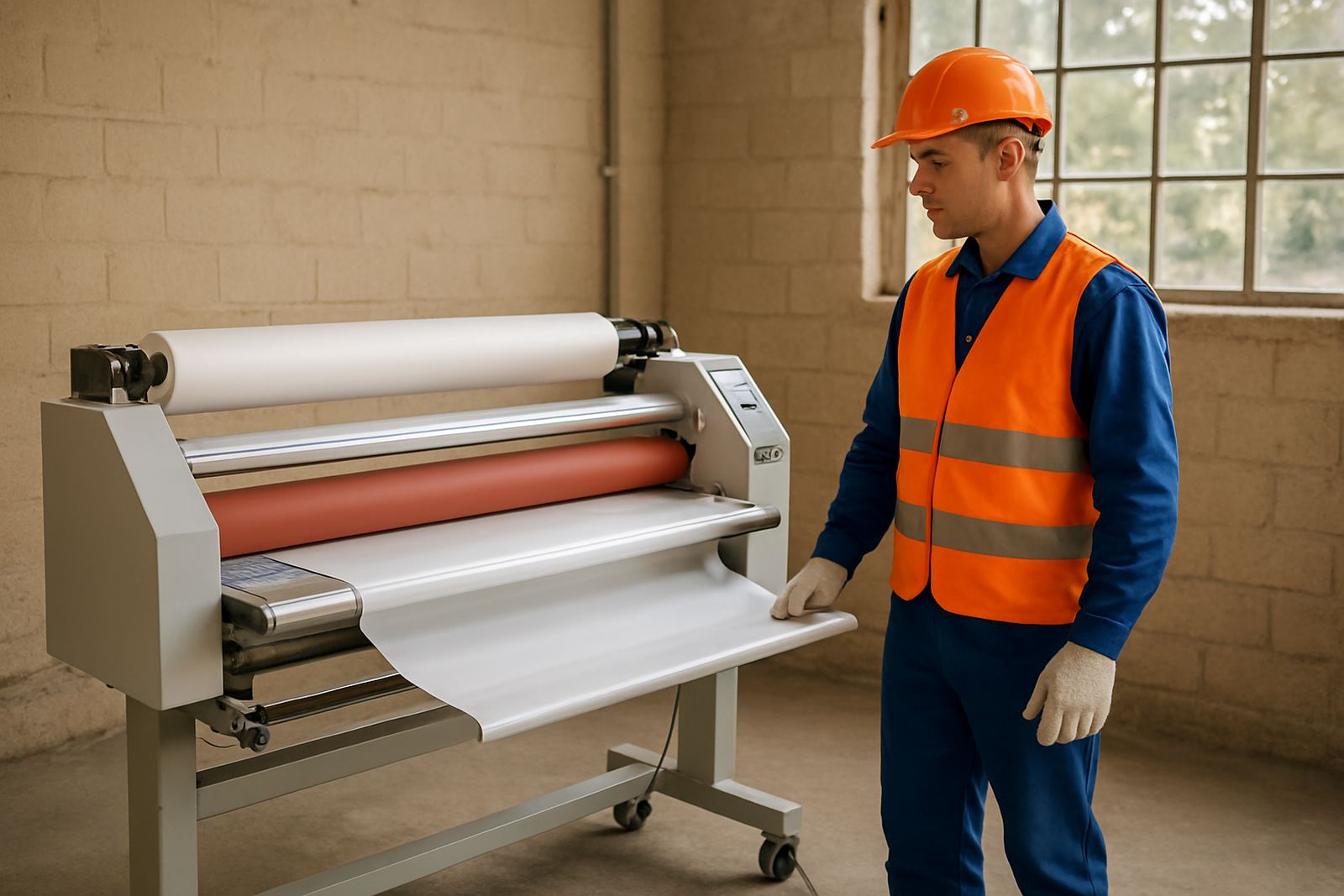
- Keep loose clothing, lanyards and gloves away from feed points.
Treat rollers and nip points with respect
The rollers do the work, but they also create the most common pinch risk. Hands should never go near the nip point while the rollers are moving. Even at low speed, a finger can be drawn in quickly and a sleeve can catch. New operators sometimes lean in to guide a curling print and forget how little force is needed for the rollers to grab a sheet.
Use both hands only where they are meant to be used, and keep one person in charge of feeding on larger jobs. If a print shifts, stop the machine before correcting it. Do not try to tug a partially fed sheet back by force. That can damage the film, bend guides and pull an operator too close to the rollers.
- Feed sheets square and do not overload the input table.
- Use guide marks or edge stops where fitted.
- Never wear rings or bracelets near moving rollers.
- If a sheet jams, isolate the machine before clearing it.
Heat settings need attention, not guesswork
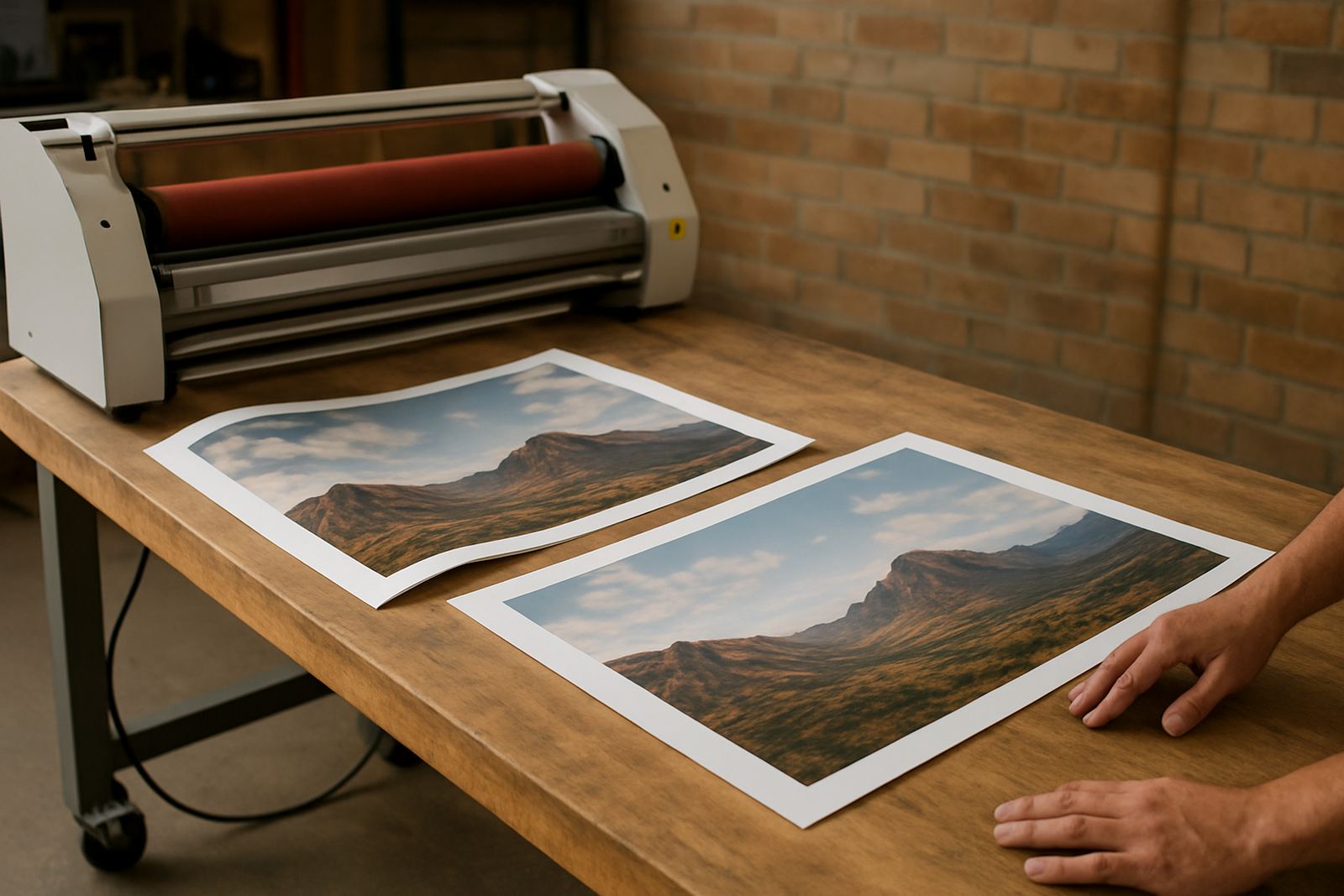
Hot roll laminators rely on stable heat, and that means the operator must watch both temperature and dwell time. Too little heat can cause poor bonding or silvering, while too much heat can warp stock, soften adhesives and mark delicate prints. For artwork and short-run display work, the safest approach is to test on sample pieces before running the full order.
Operators should know the difference between warm surfaces and parts that stay hot long after the machine stops. Cover plates, rollers and internal components can hold heat for a long time, so clean-up should wait until the machine is safe to touch. On humid days in Johannesburg or coastal deliveries coming up from Durban, humidity can also affect material behaviour so settings may need a small adjustment.
- Follow the material guide supplied with the machine and film.
- Allow warm-up time before starting production.
- Do test runs when changing stock thickness or film type.
- Keep hands clear of heated zones even after switch-off.
Move paper, film and boards without forcing them
A lot of accidents happen while handling the job, not the machine. Posters, foam board and mounted prints can be awkward to control, especially in narrow print rooms or when one person is trying to do everything. A second set of hands can prevent a corner from folding over or a board from dropping onto the feed table.
Operators should lift from the legs, not the back, and keep loads close to the body. If a roll of film is heavy or awkward to fit, use proper support and do not improvise with loose stools or stacked offcuts. It sounds simple but these are the moments when people strain shoulders or slip against a wet floor near the wash area.
- Use a clean bench for staging sheets before feeding.
- Check edges for curled corners, staples or grit.
- Store rolls so they cannot fall or unwind unexpectedly.
- Ask for help with large-format work instead of twisting to one side.
Keep guards, switches and cables in good order
Operator safety depends on the machine’s condition as much as the operator’s habits. Missing guards, loose covers and damaged cables should be reported straight away. If a cover is open for cleaning or inspection, the machine must be isolated and treated as live until proven otherwise. Electrical fault finding is not something to leave to guesswork, because a small fault can become a burning smell, a tripped breaker or repeated downtime.
Routine checks should include visible wiring, foot switches if fitted, safety interlocks and the condition of drive parts. A machine that starts hesitating or running unevenly may be warning you about a worn belt, pressure issue or control fault. Catching that early protects the operator and the job.
- Inspect cables for cuts, crushing or exposed conductors.
- Keep safety covers fitted and secured after servicing.
- Report unusual noise, vibration or odour immediately.
- Do not bypass switches or interlocks to keep production moving.
Build a routine that every operator can follow
The safest print rooms run on habits, not memory. A short checklist at the start of the shift helps the whole team work the same way, whether the operator is experienced or stepping in for a rush job. In Sandton or Pretoria, where same-day work can stack up quickly, that routine keeps pressure from turning into mistakes.
One local example is a small graphics team in Randburg that runs school signage, event boards and photo prints through a wide-format hot laminator. They lost time at first because each operator set the heat a little differently and cleared jams in their own way. After introducing a simple pre-start check and a fixed shutdown routine, they reduced waste and had fewer fingers near the nip point. The machine did not change, but the way they used it did.
- Run a pre-start check for heat, rollers, covers and cable condition.
- Assign one person as lead operator for each job.
- Record jams, faults and unusual behaviour so the next shift knows what happened.
- Schedule refresher training after staff changes or repeated errors.
When to stop and call for support
Some issues are not operator issues at all. If the machine keeps tripping, the rollers are pulling unevenly, the heat is unstable or the pressure setting will not hold, stop production and get it checked. Forcing work through a machine with a fault can damage print media and put the operator in a poor position. That is especially true on site in East Rand branches or during off-site installs where spare parts are not close at hand.
A proper inspection can confirm whether the problem is a simple adjustment, a worn part or a more serious electrical or drive fault. That saves time and gives operators confidence that the machine is safe before the next shift starts.