
Start with the job, not the machine
Before you load a long run, look at the job in full. Check the print size, film width, substrate thickness and finish required, then match those details to the laminator settings. A roll that works fine on a short proof can behave very differently once you are running dozens of metres, so it helps to confirm the basics first.
In a shop handling posters, retail graphics or exhibition work, the most common cause of trouble is rushing the set-up. Make sure the prints are properly cured or dry, the roll edges are clean, and the operator knows whether the job needs cold lamination, hot lamination or a combination. If the artwork is being sent out the same day, build in time for trimming and cooling too.
- Confirm roll width and core size before loading.
- Check that the print has fully dried or outgassed if required.
- Set the film tension to suit the media, not just the speed target.
- Keep trim tools, tape and spare cores nearby for quick changeovers.
Keep temperature and pressure steady over the full run
For hot roll work, stable heat is a major factor in finish quality. If the rollers are too cool, adhesive may not bond properly and silvering can appear in the laminate. If the heat is too high, the print can distort or the film may wrinkle. On long production sessions, the aim is consistency, not pushing settings to the limit.
Pressure also needs attention. A slight variation at the start of the run can become a recurring mark by the time you have completed several panels. Roller cleaning and pressure calibration should form part of the routine, especially where the machine runs every day. In humid areas such as parts of Johannesburg and the East Rand, moisture in the room can affect handling and make the first metres behave differently from the rest.
- Let the machine reach full working temperature before starting the job.
- Check roller pressure at the beginning of each shift.
- Watch for edge lift, hazing or curl as early warning signs.
- Keep the work area at a steady temperature where possible.
Plan for film changes before they slow the shift
Long runs are easier when roll changes are planned in advance. Keep the next roll unpacked, labelled and checked for the correct width before the current roll runs out. That sounds simple, but it avoids downtime when a line of print is waiting and the operator is suddenly searching for the next core or adapter.
A practical set-up also means knowing how much footage is left on each roll. Some shops mark remaining length on the core or keep a basic usage log, which helps when a busy week includes both small urgent jobs and larger production work. If the machine uses different films for gloss, matt or anti-scuff work, store each type in a dry area away from direct sun and dust.
- Keep the next roll within reach and already checked.
- Label film types clearly so there is no mix-up on shift change.
- Store spare rolls flat or correctly supported to avoid edge damage.
- Track usage by metres so ordering stays ahead of production.
Give the operator a process, not just a machine
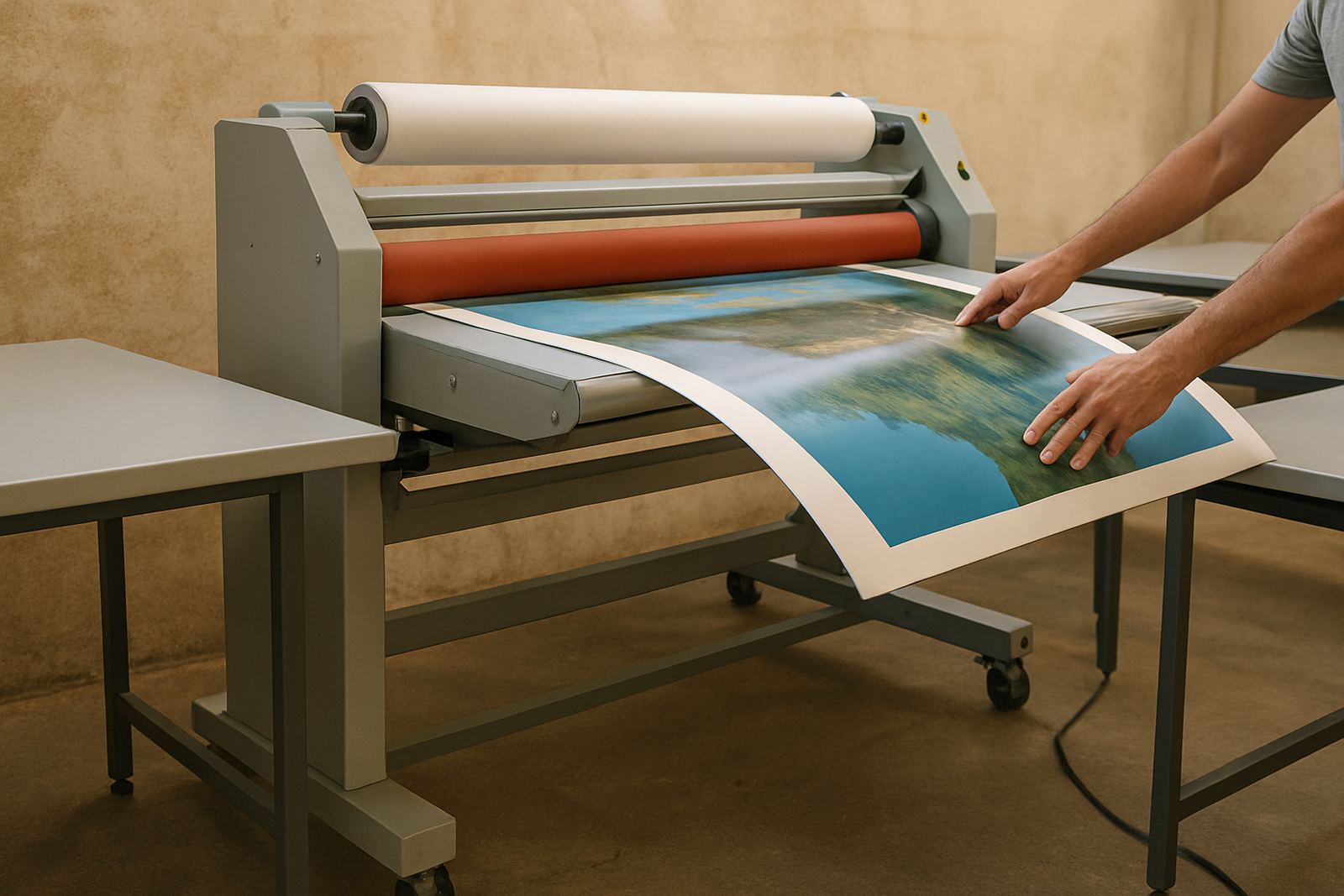
The best laminating outcomes usually come from repeatable habits. An operator who follows the same loading, trimming and inspection steps every time will catch problems earlier than someone improvising on the fly. That matters on long runs, where one small mistake can repeat itself for a whole stack of boards or prints.
Refresher training is worth doing when staff change, when new media is introduced, or after a spell of heavy work. A quick review of film loading, tension control, safety procedures and fault checks can prevent more expensive downtime later. In shops around Kya Sand, Randburg and Midrand, where teams often juggle several machines at once, a clear process saves time and cuts the chance of a rushed error.
- Use a written start-up checklist for each shift.
- Show operators how to recognise roller marks and webbing early.
- Keep basic troubleshooting notes beside the machine.
- Review safe blade handling and heat precautions regularly.
Protect productivity during load-shedding and power dips
In South Africa, a long laminating session can be disrupted by load-shedding or a sudden power dip. That does not only stop the machine. It can also affect heat recovery, cause the film to relax unevenly, and leave a job half finished at the worst possible moment. Planning for power interruptions is part of normal production, especially for print shops that work to delivery windows.
Where possible, schedule long runs around the known power plan and keep the machine on a circuit that is clearly identified. If your setup depends on heat, allow time for the rollers to recover properly before resuming production. For businesses in Pretoria, Sandton and the East Rand, a simple restart routine can reduce waste after an outage and help the operator know when a job is safe to continue.
- Keep the latest load-shedding schedule visible near the machine.
- Pause the job cleanly if power is unstable rather than forcing the run.
- Check the first metres after restart for bonding or tension changes.
- Record any faults caused by power events for later servicing.
Use local support to avoid a full-day stoppage
When a laminator is busy every day, the cost of a fault is usually measured in missed work, not only repair bills. That is why routine servicing matters. Roller cleaning, heat system checks, drive system repairs and electrical fault finding all help the machine stay predictable over long production periods. If something starts to drift, it is better to inspect it early than wait for a breakdown in the middle of a run.
A pre-purchase inspection is also useful if you are bringing in additional equipment or replacing a unit that has been under pressure. It gives you a clearer picture of the condition of the rollers, electrics and drive system before the machine is committed to production. For shops in Kya Sand and across Johannesburg, onsite breakdown support and spare parts guidance can make the difference between finishing a job and rebooking it.
Laminator works from Kya Sand, Johannesburg and installs nationwide, supporting print shops, graphic studios and production teams that need dependable laminating for longer runs. If you need practical help with a recurring fault, a new setup or an operator refresher, use our contact form and keep the work moving.
- Routine Servicing
- Roller Cleaning
- Pressure Calibration
- Heat System Checks
- Drive System Repairs
- Electrical Fault Finding
- On-Site Breakdowns