
Choose the board for the job, not just the size
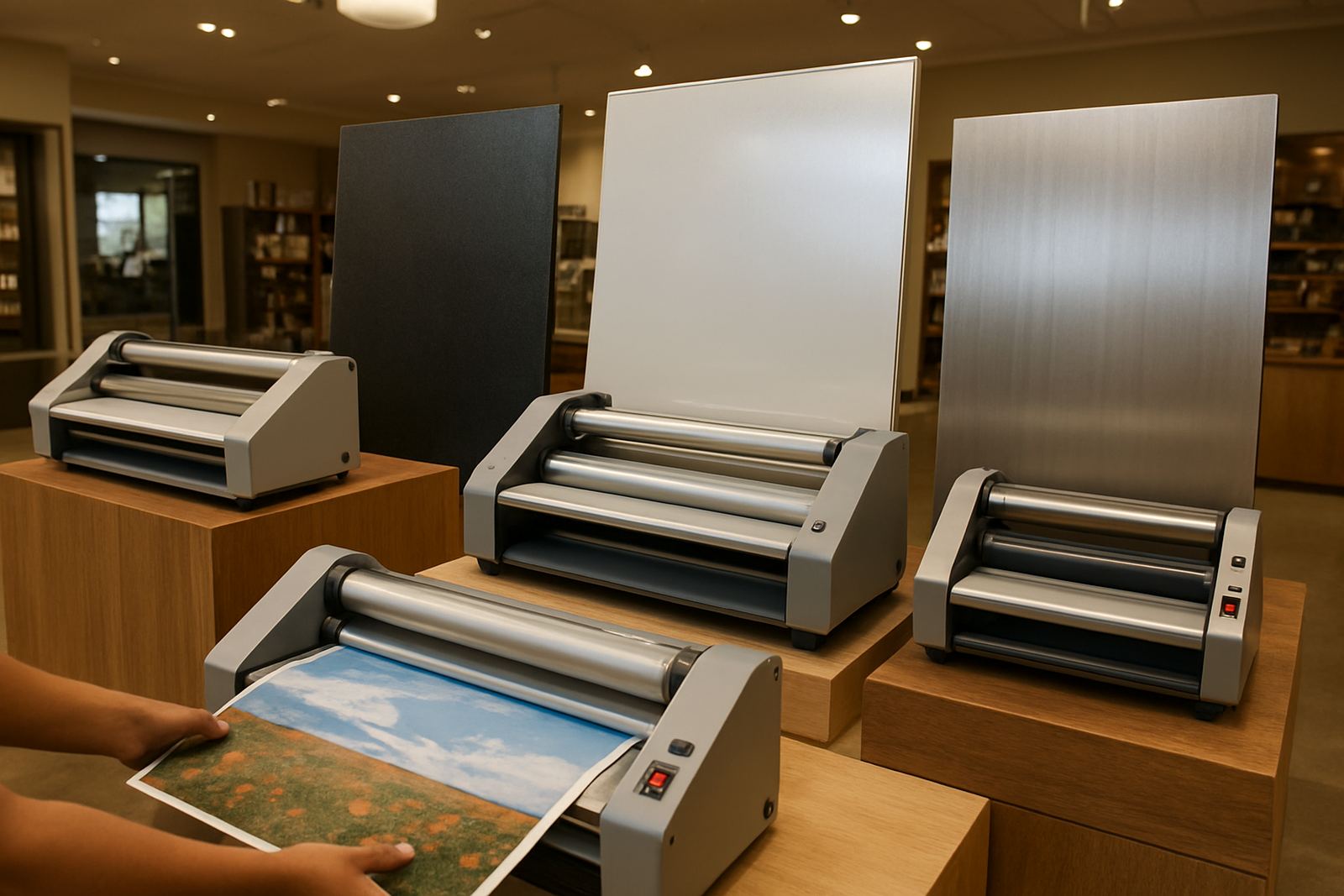
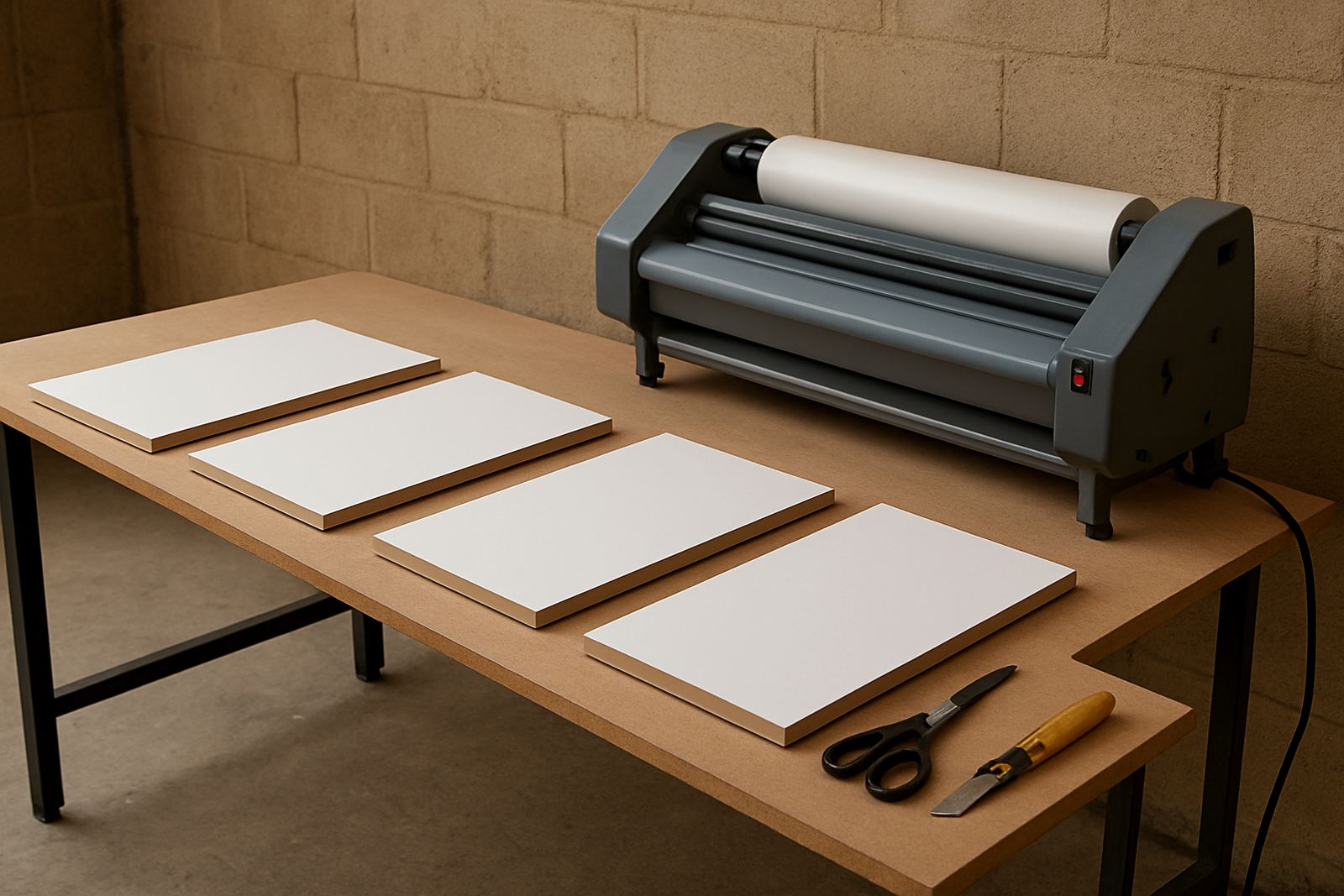
Not every mounting board behaves the same way. Foam board is light and easy to handle, while heavier presentation substrates can carry better in premium retail, exhibition and framing work. If the board is too soft, it can dent under pressure. If it is too hard or uneven, you may fight bubbles, edge lift, or a slight ripple after trimming.
For print shops in Johannesburg, Pretoria and the East Rand, the usual problem is not the artwork itself but the way the substrate responds to heat, humidity and handling. In humid coastal areas like Durban or Gqeberha, boards can absorb a bit of moisture before use. That changes how adhesive films behave, so keep stock flat, in a dry room and off concrete floors.
- Check board thickness before you start, especially on short turnaround jobs
- Store boards flat to avoid bowing
- Match the board stiffness to the final use, such as retail signage, displays or framed pieces
- Let boards acclimatise to the room for at least a few hours if they have come from cold storage
Start with a clean surface and a calm workspace
Dust is the small thing that causes big problems. One speck under the film can show as a bump, and one greasy fingerprint can weaken adhesion. Before mounting, wipe down the surface, trim loose fibres and check the print for dry ink or toner. If the print has just come off the machine, give it time to off-gas, especially on full coverage sheets.
A tidy bench matters too. Keep blades sharp, rulers clean and waste trimmed away as you work. When the room is busy, it is easy to rush the prep stage and then spend more time fixing the job later. A simple routine makes a real difference, particularly where operators are handling posters, foam boards and display panels in the same shift.
- Remove dust with a lint-free cloth or clean air
- Trim rough edges before laminating or mounting
- Allow printed sheets to rest if they still feel warm
- Avoid stacking fresh prints directly on one another
Set pressure so the board stays flat
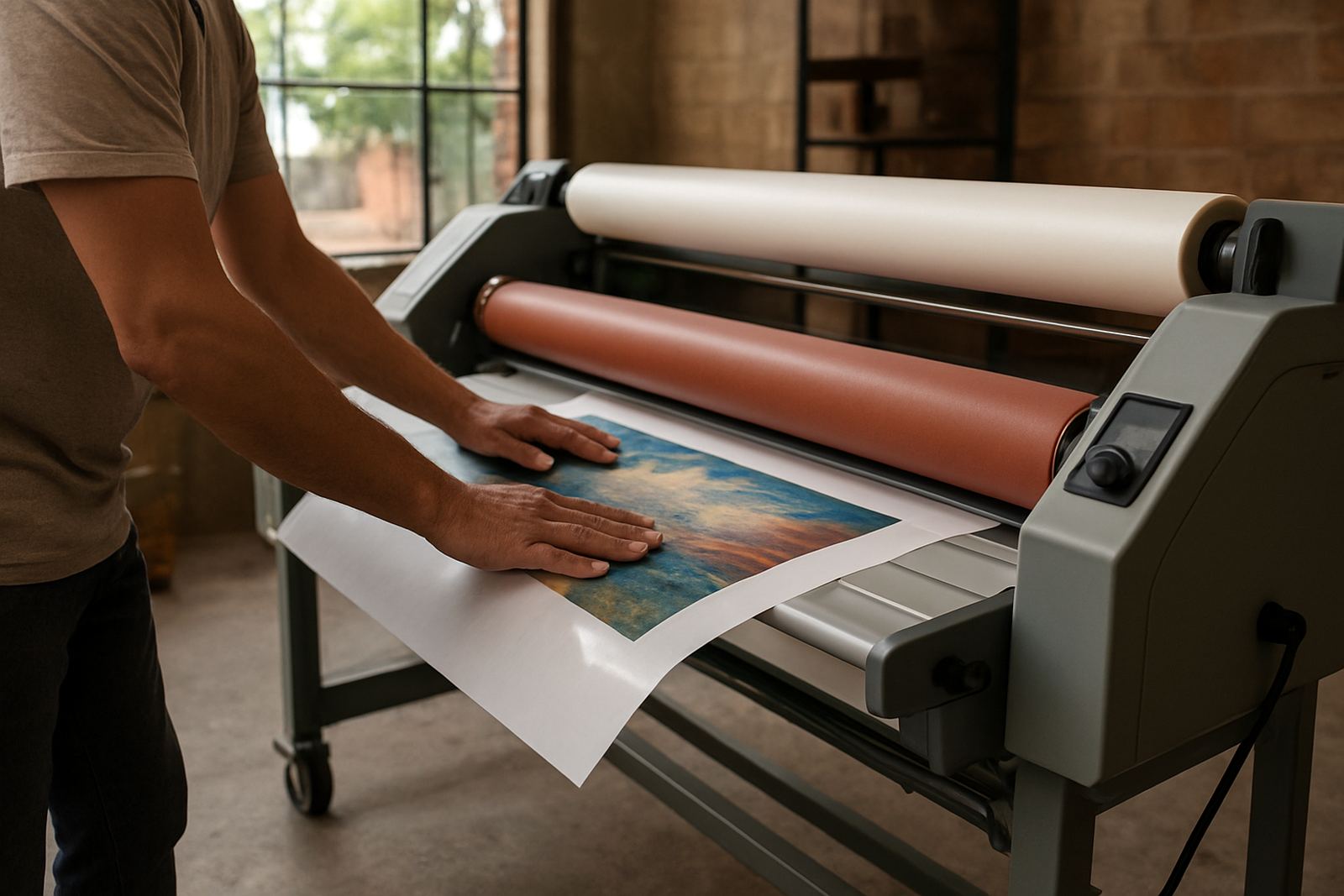
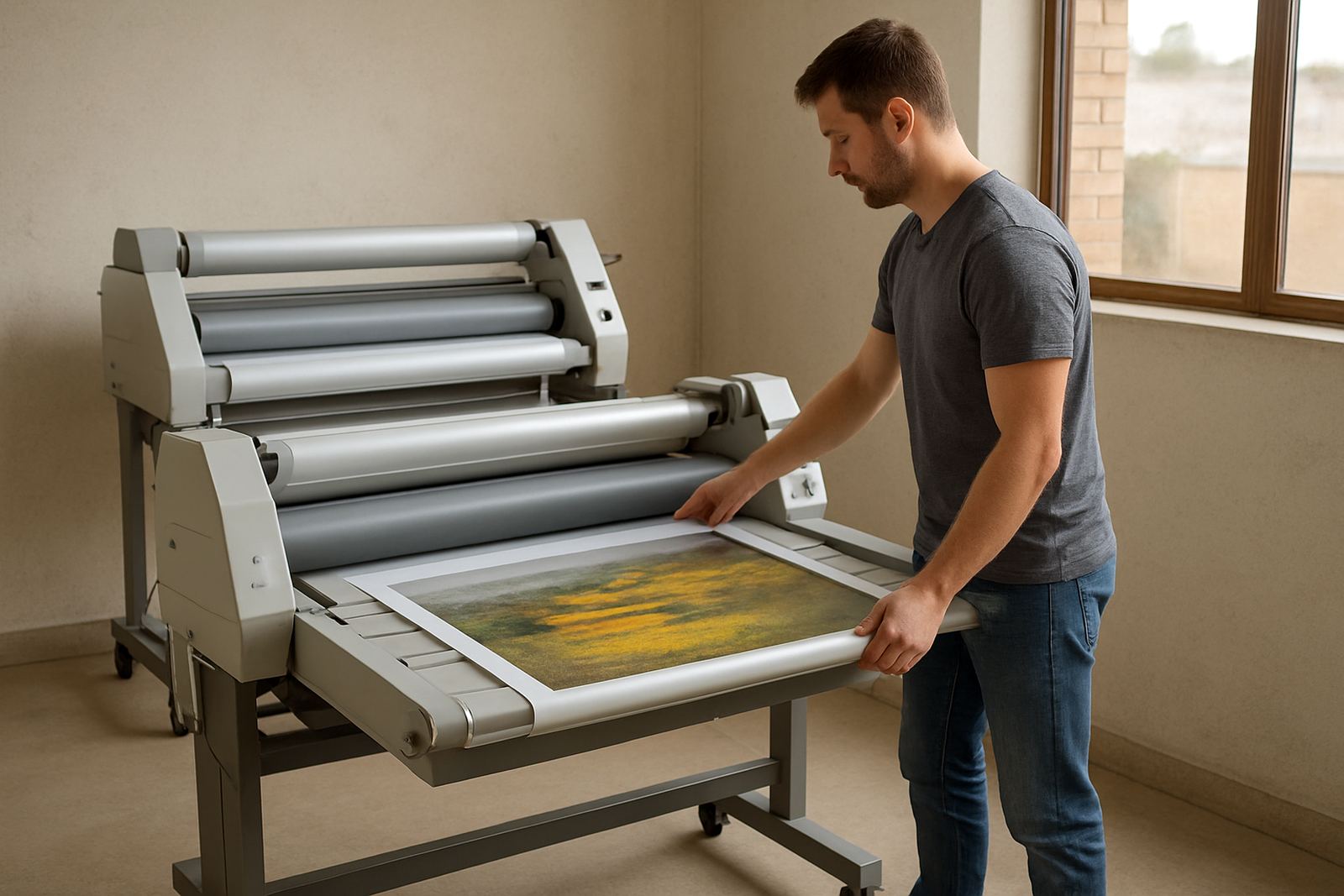
Pressure does most of the work in roll mounting, but too much pressure can flatten texture, mark the print face or force adhesive out at the edges. Too little pressure leaves pockets, weak spots and corners that start lifting after trimming. The sweet spot depends on the board thickness, film type and the feed speed on the machine.
For a Kya Sand print shop handling promotional panels for Sandton and Midrand clients, it is worth testing settings on a small offcut first. That takes a few minutes and can save a whole sheet. When boards vary from job to job, note the successful setting on the job card so the next run starts close to target instead of from scratch.
- Test on offcuts before running the full sheet
- Increase pressure in small steps, not large jumps
- Watch the leading edge for curl or squeeze-out
- Record settings for repeat jobs
Heat helps, but only when the board can take it
Hot roll systems are useful for certain laminating and mounting tasks, but the heat must suit the board and adhesive. Some materials respond well to a gentle warm-up that improves tack. Others start to soften, warp or blister if the temperature is too high. Cold mounting is often safer for sensitive prints, delicate artwork and substrates that dislike heat.
If you are unsure, keep the temperature low and raise it in controlled steps. Watch for edge curl, surface shine changes or a soft smell from the substrate. Those are signs you may be pushing too far. For operators in offices or workshops where load-shedding interrupts the day, it also pays to let the machine come back to operating temperature properly before starting a job. Rushing warm-up can lead to uneven results.
- Use heat only where the material calls for it
- Check for warping or surface changes as the board passes through
- Allow the machine to reach stable temperature after power cuts
- Keep a note of which substrates prefer cold mounting
Trim, inspect and finish before the job leaves the table
Once the board is mounted, inspection should happen straight away. Check all four corners, the centre line and the edges under good light. If you spot a bubble or soft corner early, it is easier to correct then than after packing. Clean trimming matters too. A blunt blade can tear the board face, leave ragged edges and make a neat print look untidy.
In busy production rooms, final inspection sometimes gets skipped because the next order is waiting. That is where small faults slip through and come back as complaints. A short check at the end of each job is quicker than remounting a panel later, and it helps keep repeat clients happy.
- Inspect edges and corners immediately after mounting
- Use sharp blades for final trimming
- Check finished panels under clear light, not only at the workstation
- Pack flat and support large sheets so they do not bow in transit
When to call for servicing or an inspection
Even a good laminator will drift out of tolerance over time. Pressure can change, rollers can glaze, and heat systems may stop holding steady. If you notice repeat bubbles, uneven feed, slipping boards or marks that were not there before, the machine may need attention rather than a different operator. Regular servicing keeps the work consistent and reduces waste.
For teams in Randburg, Sandton, Pretoria or further afield, an on-site breakdown visit can be the quickest way to get production moving again. Spare parts support, roller cleaning, pressure calibration and electrical fault finding all help keep mounting work on spec. If you are buying a second-hand unit, a pre-purchase inspection is a sensible step before money changes hands.
For advice, operator refresher training or service support, contact the Kya Sand team on our contact form. A well set machine makes board work easier and gives cleaner results from the first panel to the last.