
Start With a Clean Surface and a Flat Print
Most bubbles are not caused by the laminator itself. They start with dust, curled media, fingerprints or a print that has not fully dried. If you are laminating solvent, latex or inkjet output, leave enough drying time first, especially in humid coastal weather or after a late job that was rushed off the printer. A print that still carries moisture will trap tiny pockets of air once the film is down.
Before the job begins, wipe the worktable, check the roller path and make sure the print has been trimmed square. Even a small curl on one edge can pull air into the laminate as the sheet feeds. In a busy shop in Kya Sand or Randburg, this is often where trouble starts, not at the lamination stage but at the handoff from printing to finishing.
- Dust the print, mounting board and feed table before every run.
- Allow full drying time for ink and adhesive.
- Keep artwork flat under clean weights if it has been stored rolled.
- Handle prints by the edges so oils from fingers do not mark the surface.
Match Roller Pressure To the Job
Too little pressure leaves air behind. Too much pressure can force adhesive sideways and create wrinkles, silvering or trapped pockets at the edges. The right setting depends on the film thickness, the substrate and whether you are doing cold lamination or hot roll work. A quick test strip can save a full sheet.
For mounting, pressure matters even more. Foam board, PVC board and printed vinyl each react differently. If the rollers are set unevenly, one side may grip first and the other side will bubble. That is why pressure calibration should be part of routine servicing, not something done only when a job goes wrong. On older equipment a small imbalance can make the film look fine at the start then fail halfway through the run.
- Set roller pressure evenly left to right.
- Test on a short offcut before the full job.
- Recheck settings after changing film width or board thickness.
- Keep a note of proven settings for common materials.
Feed the Material in One Clean Motion
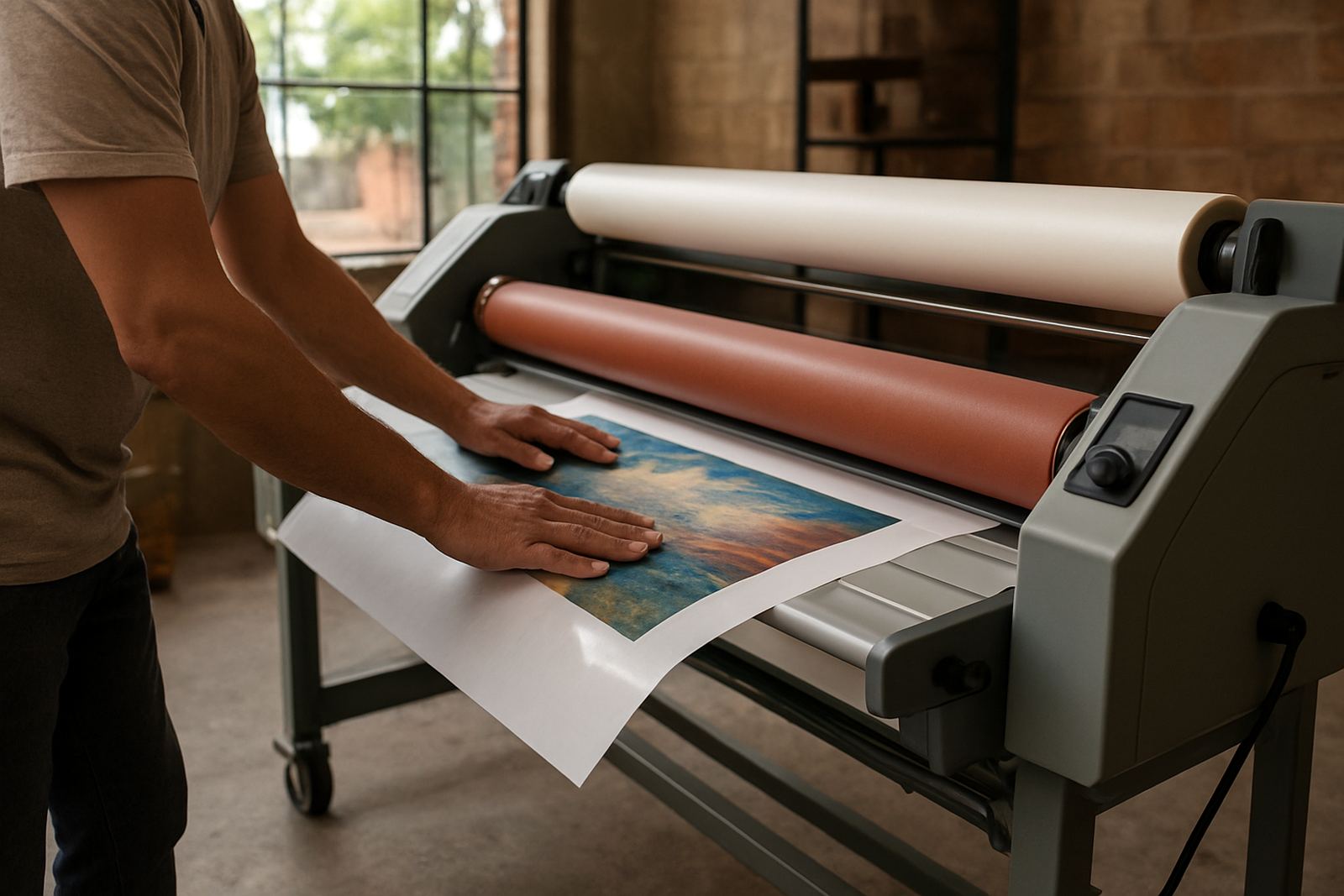
Feed speed should be steady. Stops, starts and hand corrections give air a chance to sit under the film. If two people are feeding a large print, one should call the pace and the other should follow it exactly. Even a slight sideways pull can create a diagonal bubble trail that shows up once the light hits the finished panel.
Wide-format work is more sensitive than small sheet lamination because there is more surface area to keep flat at once. When handling long runs, support the print from both sides and avoid lifting the leading edge higher than needed. If the leading edge droops, it can touch the roller unevenly and trap air before the sheet has a chance to settle. A clean, calm feed is usually better than trying to correct the sheet after it has started moving.
- Keep the leading edge straight before it enters the rollers.
- Do not pause in the middle of the pass unless the machine requires it.
- Support large prints so they do not sag.
- Have one person guide and the other monitor the exit side.
Check Heat, Speed and Room Conditions
Heat helps some jobs flow properly, but too much heat can soften film too quickly and cause bubbles to appear under the surface. If the rollers are not at the right temperature, adhesive may grab unevenly. That is why heat system checks are so useful in winter mornings in Pretoria or on cold industrial floors in the East Rand. The machine may be technically on, but not stable enough for clean output.
Room conditions matter too. A draught can lift light media at the feed end, and very dry air can increase static on synthetic films. In summer, humidity can slow drying and make the edges behave differently from the centre. If a shop keeps the laminator near an open roller door or right beside a compressor, air movement can change from one job to the next and the finish becomes inconsistent.
As a rule, warm the machine properly, keep the workspace tidy and avoid running heavy jobs when the room is too cold or too damp. This is one of those checks that seems small but prevents a lot of rework.
Use the Right Mounting Board and Adhesive Film
Bubbles often show up because the wrong material was chosen for the job. A board with a rough face, moisture in the core or dust on the surface will not bond evenly. The same applies to adhesive film that is past its shelf life or stored badly. In a warehouse in Midrand or Sandton, heat from a closed storeroom can affect rolls quicker than people expect.
When mounting artwork, test the board first. If it is bowed, swollen or chipped on the edge, fix that before starting. A good operator will also check whether the adhesive side is meant for cold application or needs heat to flow properly. Using the wrong method can leave a cloudy patch or a line of bubbles that only becomes visible once the panel is framed or hung.
- Store boards flat and dry.
- Keep adhesive films sealed when not in use.
- Check expiry dates and batch condition before big runs.
- Reject warped or moisture damaged board.
Spot Early Trouble Before It Becomes a Full Rework
The best time to stop bubbles is in the first metre of a run. Watch the leading edge and the centre line carefully. If you see milky areas, small domes or a slight wave under the film, stop and investigate before the whole sheet is compromised. Many operators try to push through, but that usually makes matters worse and wastes more material.
For shops handling repeat work, an operator refresher helps everyone keep the same standard. A quick reminder on roller cleaning, pressure checks and feed alignment can save hours later. If bubbles keep appearing on the same side of the machine, there may be a drive issue, pressure imbalance or electrical control fault that needs proper attention. In that case, a service call is worth more than another roll of wasted film. One Pretoria print shop we assisted had recurring bubbles on long banner panels and the cause turned out to be slight roller misalignment, not the laminate itself.
It pays to keep a simple checklist next to the machine so each operator follows the same routine, even when the shop is busy and the phone wont stop ringing.
Keep the Machine Clean and the Settings Recorded
Roller cleaning is not just about appearance. Adhesive build-up changes grip, creates drag and can push tiny air pockets into the surface. Clean rollers also feed more evenly, which is important for both hot and cold systems. If the rollers have residue from a previous job, the next run may show spots or streaks that look like bubbles at first glance.
After every shift, note the film type, board type, heat setting, pressure setting and any issues noticed during the run. This habit makes fault finding faster when a job starts misbehaving. It also helps with pre-purchase inspections because the machine history tells you whether the unit has been maintained or just kept going with quick fixes.
For businesses in Johannesburg and surrounding areas, that record also helps with service planning around load shedding, after-hours work and delivery schedules. When the machine is running properly, the finishing room becomes calmer and the job comes out cleaner.