
What silvering looks like on laminated graphics
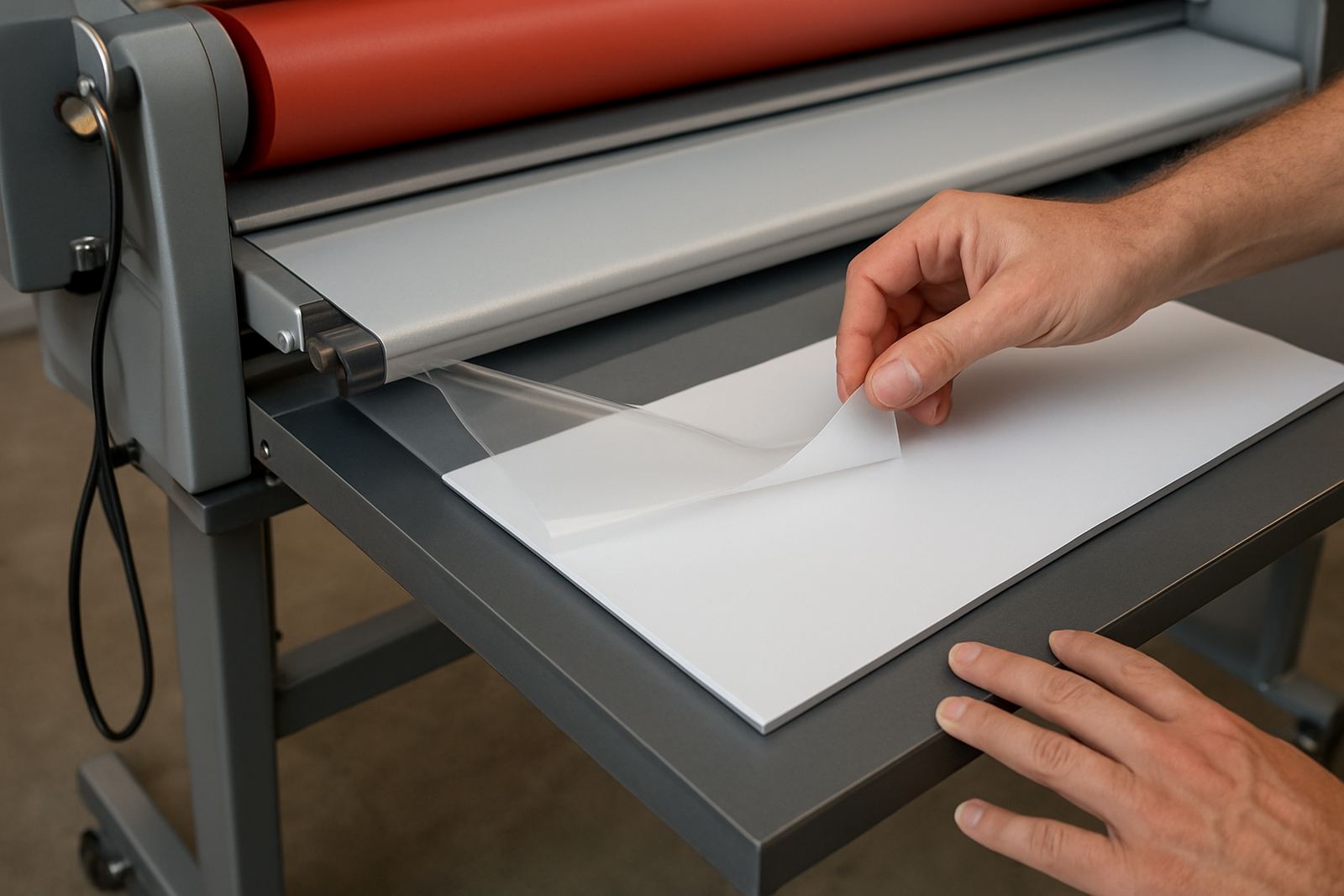
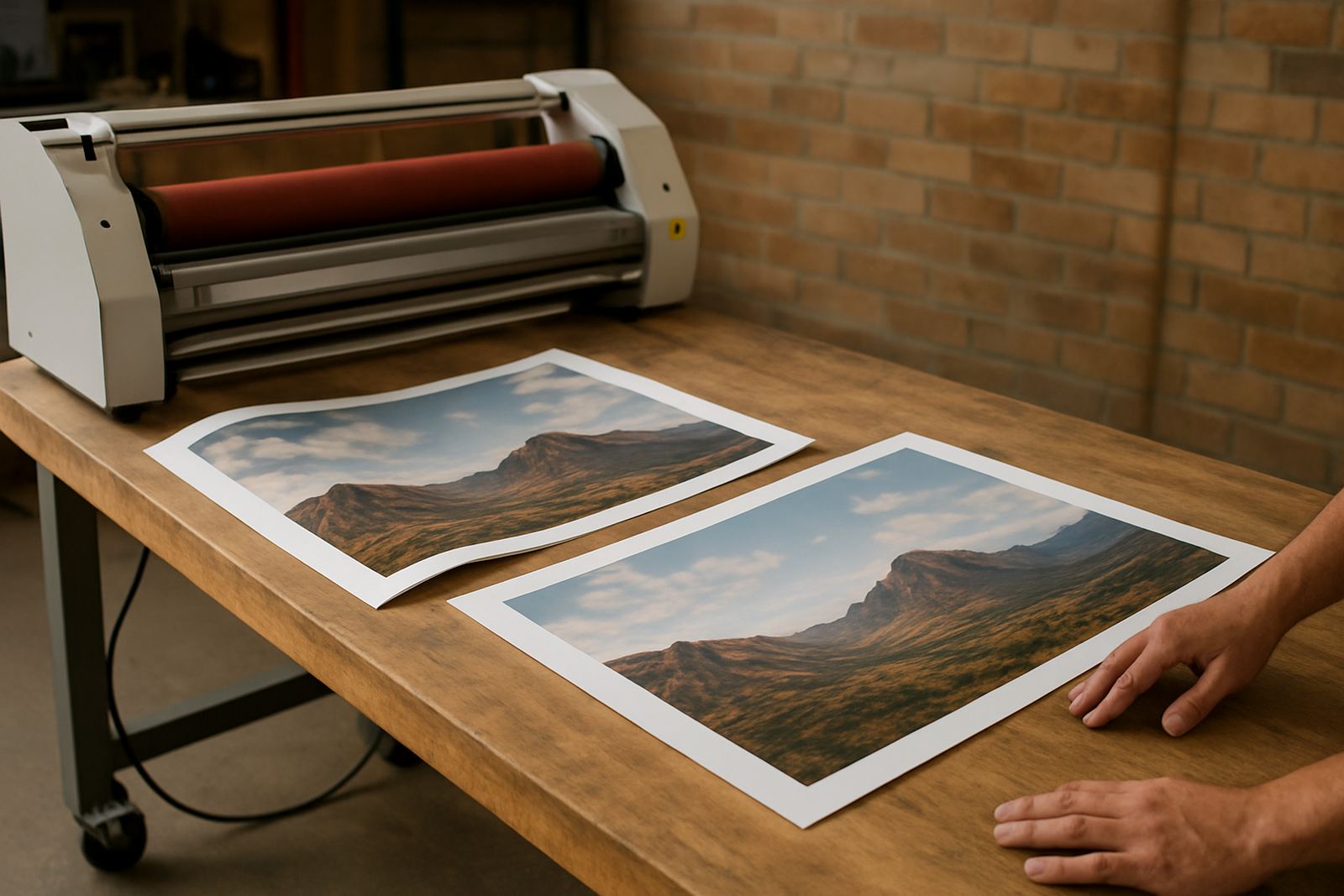
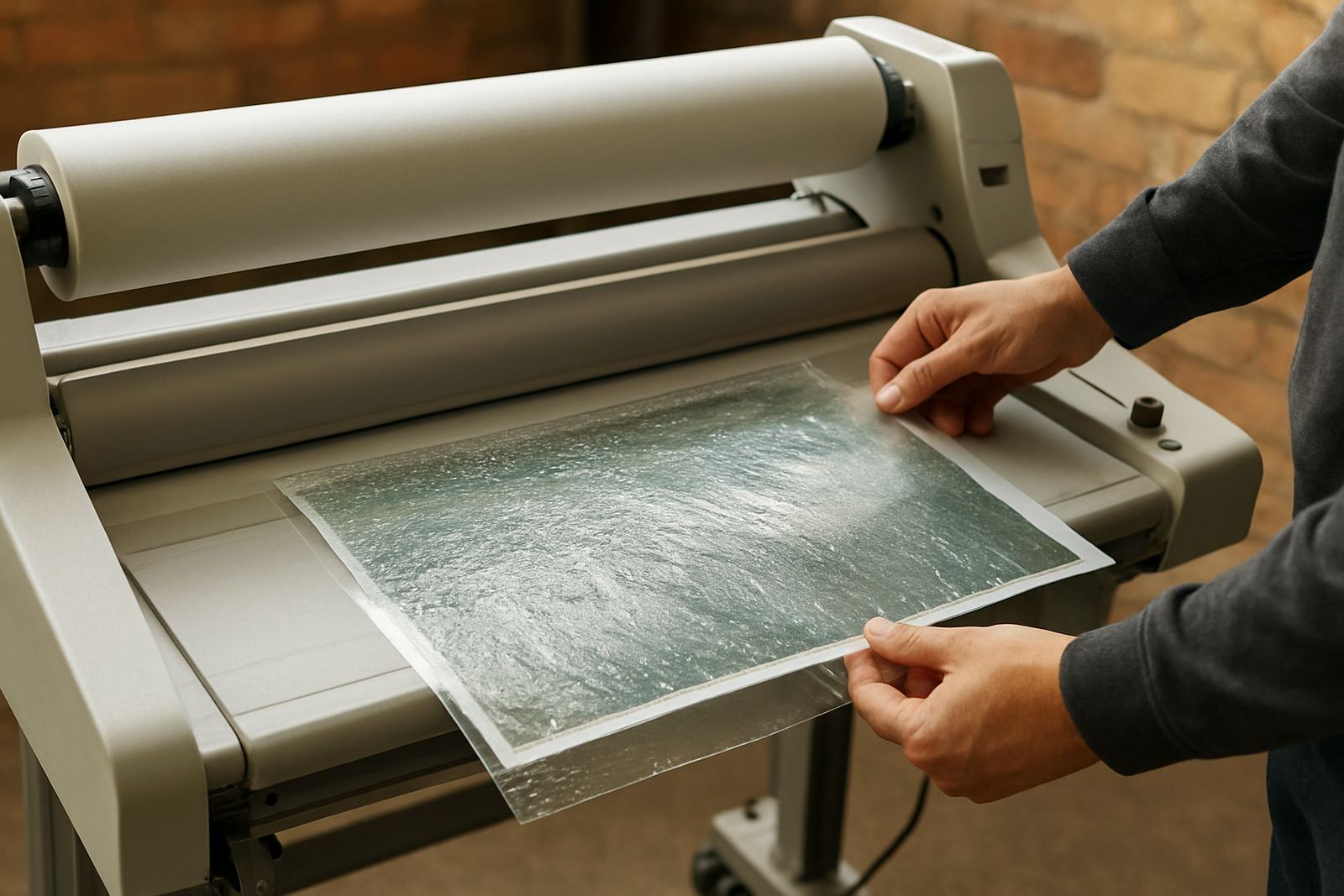
Silvering shows up as a light, milky shimmer or tiny silver dots under the laminate, usually in darker blocks or solid colour areas. It is most visible when the print is viewed at an angle, or under strong light in retail spaces, office foyers and exhibition stands. On a laminated poster or sign board the image may still look fine from straight on, but once the light catches it the finish looks uneven.
The problem is common on digitally printed work, especially where the toner or ink sits with a slightly textured surface. That texture creates tiny pockets of air that reflect light back through the film. In practical terms, the job is not bonded evenly, so the finished piece can look patchy even when the laminate is applied neatly.
In Johannesburg, we often see this after print shops rush a short run for a Sandton launch or a Midrand retail fit-out. The job may leave the machine looking acceptable, then the silvering becomes obvious after trimming or framing. It is frustrating because the print is not always defective, the finish just was not matched to the substrate and production conditions.
Why silvering happens in the first place
The main cause is air trapped between the print and the laminate adhesive. That can happen when the adhesive does not flow properly, when pressure is uneven, or when the print surface is too dry, too rough or too cold. Gloss films can make it more visible because they reflect light sharply, but matte films are not immune either.
Temperature matters too. In cooler print rooms, especially in winter in Pretoria or early mornings in Randburg, the film and print can be too cold to bond well. At the other end of the scale, too much heat can soften the adhesive unevenly and create new problems. Load-shedding also plays a part because machines are sometimes started up before they have stabilised, or after a power dip that affects heater performance and roller consistency.
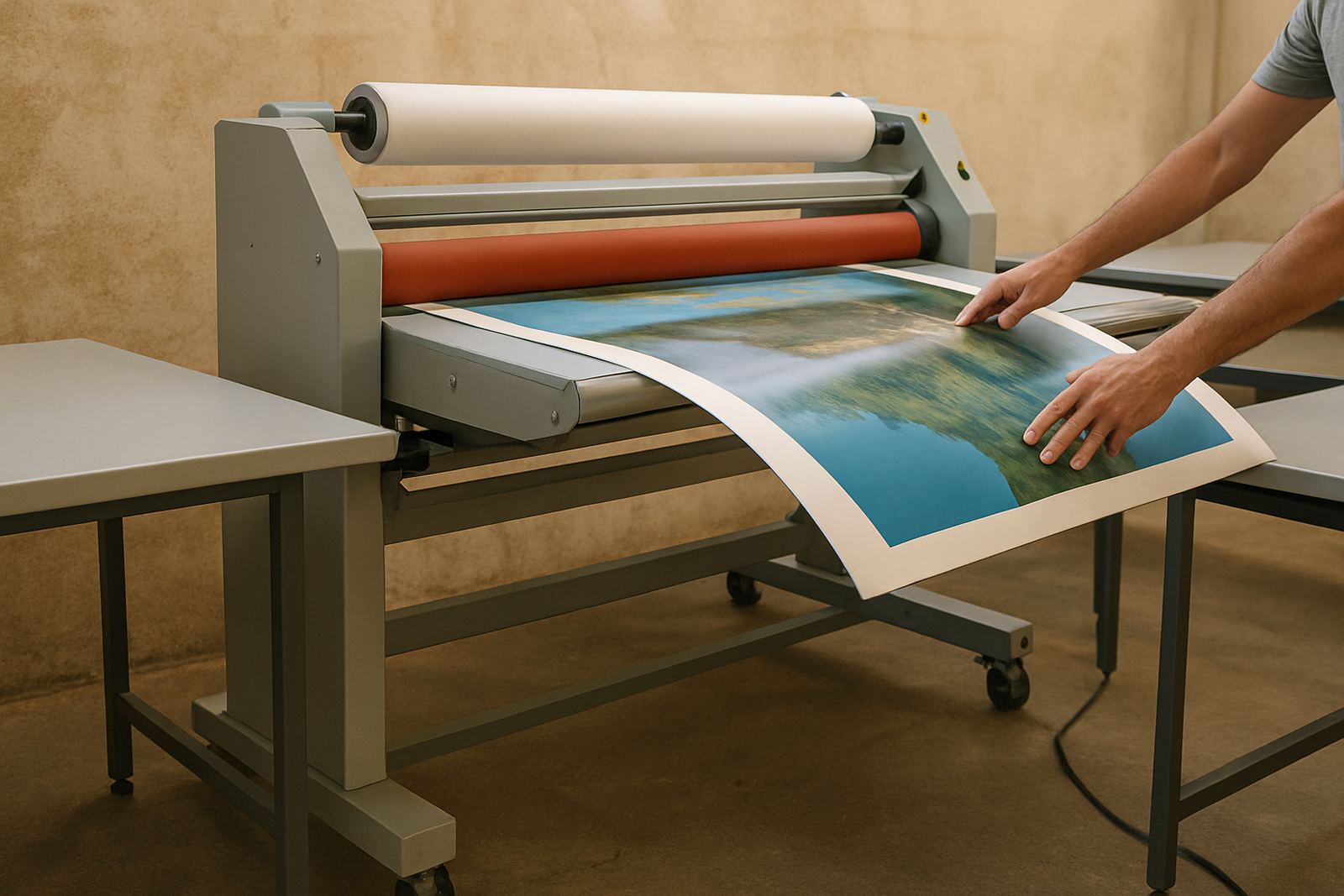
Pressure calibration is another common issue. If the rollers are not applying even pressure across the full width, one side of the sheet may bond properly while the other side leaves tiny air gaps. On wide-format work, that unevenness can travel across a full metre or more, so the fault is easy to miss until the piece is finished.
Materials that are more likely to silver
Certain materials are simply more sensitive than others. Prints on textured media, heavy ink coverage, or dense black backgrounds tend to show silvering first. Some papers and self-adhesive materials also release more air during lamination than others, especially if they have not been given enough drying time.
- Glossy black and dark blue graphics where every flaw shows under spotlights.
- Heavy solid fills on posters, exhibition panels and retail signage.
- Cold prints that have not acclimatised to the room temperature.
- Uncoated or lightly coated media with a more open surface.
- Work laminated too soon after printing, before solvents or moisture have settled.
Coastal humidity can also complicate things for clients sending work from Durban, the East Rand near damp storage areas, or even a Cape installation after a wet delivery trip. If the print absorbs moisture and then gets sealed too early, the adhesive has to fight the surface instead of flowing across it. That is when silvering starts to appear around the edges and in the deeper colour blocks.
How to reduce silvering during production
The easiest way to cut silvering is to control the full process, not just the final pass through the laminator. Start with the print itself. Let it dry properly, keep sheets flat, and allow them to stabilise in the same room where they will be laminated whenever possible. A room that is too cool, or a print stack taken straight from a cold vehicle, can create avoidable trouble.
Match the film to the job. Cold laminating films are useful for heat-sensitive work, while hot roll systems help the adhesive flow into the surface on many print types. Neither option is perfect for every application, so the operator needs to test the combination before a full run. On important jobs, a small test strip can save a full reprint.
Keep the rollers clean and set the pressure correctly. Dust, adhesive build-up and worn rollers all reduce contact. On wide-format equipment, even a slight pressure change can affect the finish from edge to edge. If the machine starts showing inconsistency, it is worth checking calibration before the next production run rather than trying to correct the result later.
- Allow prints to dry and cool fully before lamination.
- Store media in a stable room temperature, not in a van or against a cold concrete floor.
- Use the correct nip pressure for the film and substrate.
- Run a test sheet on new media before the full job.
- Clean rollers regularly so adhesive and dust do not interfere with bonding.
Site conditions that make the problem worse
Silvering is not only a workshop issue. Site conditions matter once the work leaves the machine. A board installed in direct sun at a highway-facing site in Midrand may expose every small fault, while a board under downlights in a Sandton reception can look different again. The same job can seem acceptable in storage and then fail visually once mounted.
Handling is important too. If a fresh laminated sheet is bent, rolled too tightly or trimmed too quickly, air can shift under the film and create more visible silvering. Transporting work in the back of a bakkie on a dusty road also introduces fine contamination that can show as speckling under the laminate. Once that happens, the issue is no longer just cosmetic, it becomes a rework conversation.
For businesses working across Johannesburg, Pretoria and the East Rand, it helps to treat silvering as a production standard issue rather than a one-off complaint. The same factory in Kya Sand might handle point-of-sale graphics for a shop in Randburg one day and presentation boards for a consultant in Sandton the next. If the environment, timing and machine settings are controlled properly the finish stays far more consistent.
When to service the laminator instead of blaming the film
If silvering starts appearing on jobs that used to finish cleanly, the machine may need attention. Drive system wear, uneven heat output, dirty rollers, or pressure settings that drift over time can all change the bonding result. Electrical faults can also affect temperature stability, which means the same settings no longer behave the same way from one shift to the next.
That is why routine servicing matters. Roller cleaning, pressure calibration, heat system checks and fault finding should not only happen after a breakdown. A pre-purchase inspection is also worth doing before taking on a second-hand unit, because hidden wear can turn into repeat silvering very quickly. For shops in and around Kya Sand, an on-site breakdown visit can often identify whether the issue is media, operator settings, or the equipment itself.
Silvering is usually manageable once the cause is isolated. In many cases the fix is simple: better drying time, correct pressure, or the right film for the print. But if the machine is drifting, no amount of careful handling will fully solve it. A clean, well-calibrated laminator gives the operator a much better chance of getting a flat, even finish every time.