
Why photo prints need a careful approach
Photo prints are not the same as posters or signage. They carry fine tonal shifts, skin tones, soft shadows and reflective highlights, so the laminating process has to protect the print without changing how it looks. If the pressure is too high or the heat is uneven, you can get ripples, silvering or colour shift, and that is hard to correct after the fact.
In Johannesburg and other inland areas, the environment is often dry, dusty and affected by load-shedding. In coastal towns, humidity can create its own problems with curling and edge lift. A good laminated finish helps guard against handling marks, moisture and repeated display, but the process must suit the photo paper weight and surface.
For photographers, galleries, studios and print shops, the first question is not only “can this be laminated?” but “how should it be laminated so the image still looks right?” That small difference matters when a client is paying for colour accuracy and presentation.
Choosing between cold and hot lamination
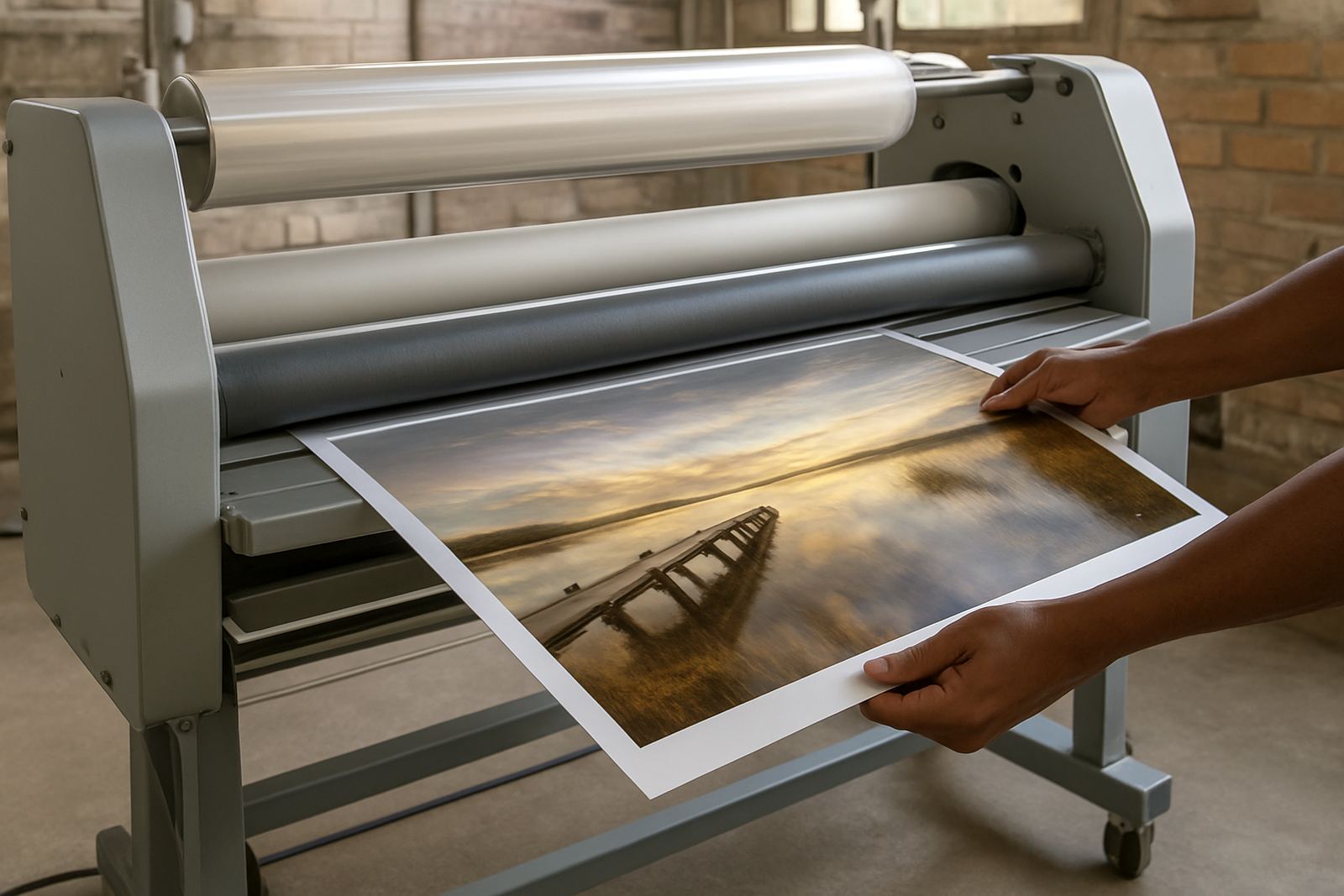
Cold lamination is often the safer choice for many photo prints, especially where the print has sensitive inks, a satin surface or a finish that may react to heat. It uses pressure rather than heat, so there is less risk of softening the print surface or changing the tonal balance. It is commonly used for mounted prints, exhibition boards and images that need a protective layer without extra gloss from heat.
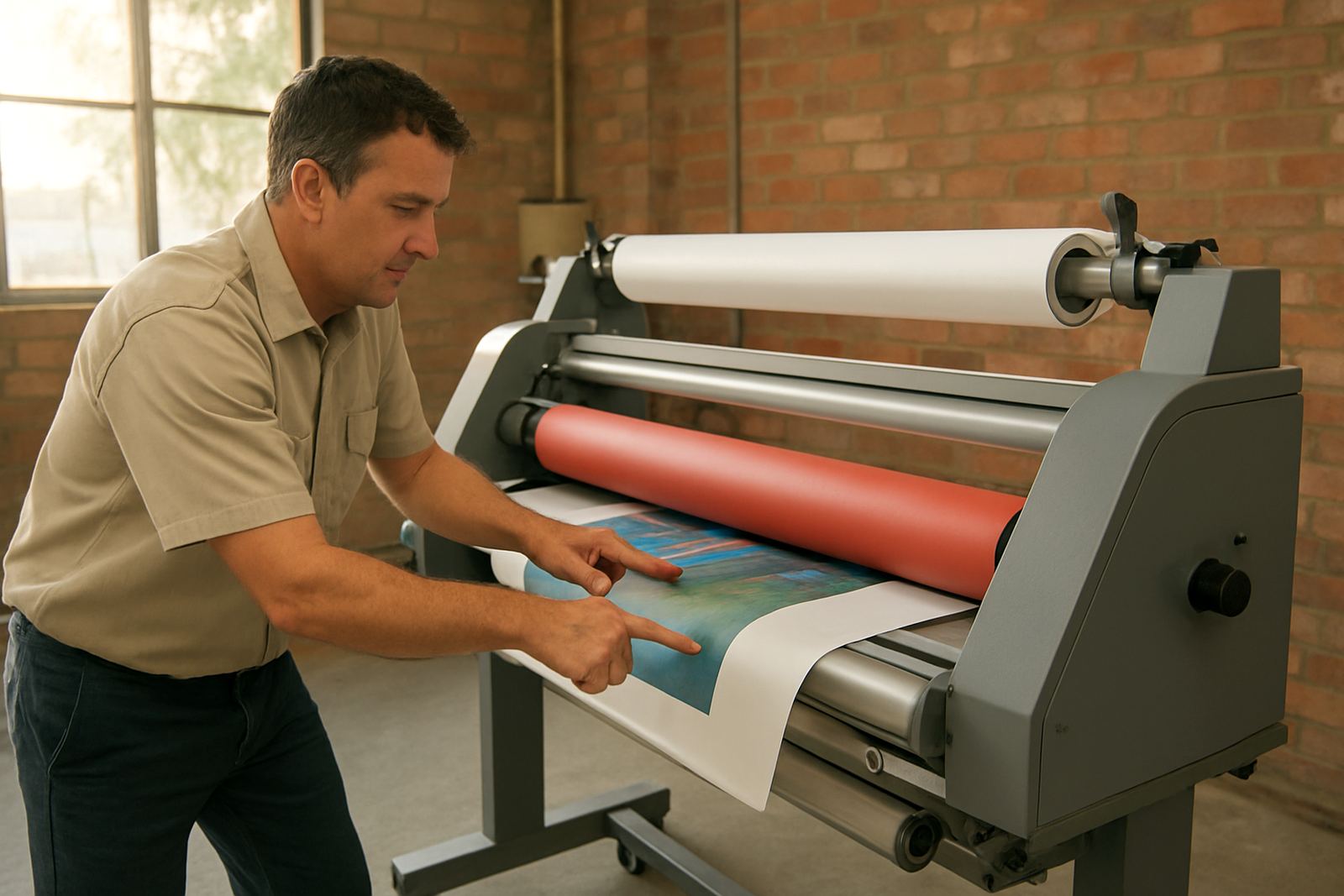
Hot roll laminators can also work well, but only when the print media and ink system can handle the temperature. They are better suited to certain large-format applications where a firm bond and a cleaner edge are needed. If the print is going onto foam board, display panels or high-volume presentation work, hot lamination may be the right route, but it needs correct calibration.
- Use cold lamination for delicate photo paper, fine art reproductions and work that must keep the original surface feel.
- Use hot lamination only where the print media and inks are rated for heat.
- Test one sample before doing a full run, especially on new paper stocks or a fresh batch of prints.
Gloss, matt or satin finish makes a bigger difference than most people think
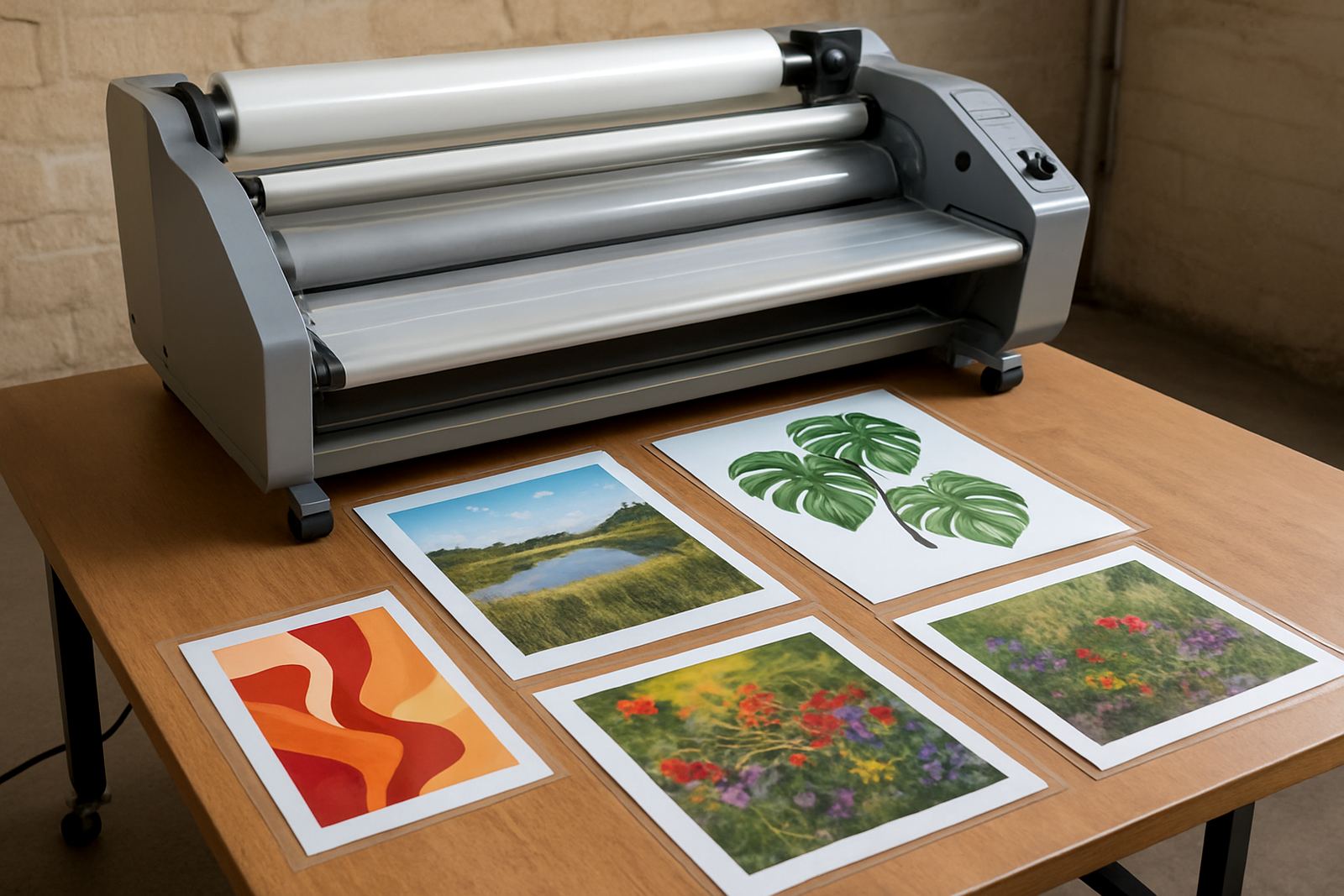
The finish you choose changes how the photograph reads to the eye. Gloss can make colours pop and deepen contrast, but it also shows fingerprints, light reflections and dust more easily. That can be a problem in offices with strong overhead lighting or shop floors where prints are handled often.
Matt reduces glare and works well in bright spaces, reception areas and homes where sunlight falls across the frame. It can soften the image slightly, which some photographers like for portraits and black-and-white work. Satin sits in the middle and is often a practical compromise when the print must look clean from different angles.
Here is the simple rule: match the finish to where the photo will be viewed, not just how it looks under workshop lights. A glossy print that looks excellent in Kya Sand may be a headache in a Sandton office with full glass frontage and strong afternoon sun.
- Gloss: strong colour impact, but more glare and visible marks.
- Matt: low glare, good for bright rooms and framed display.
- Satin: balanced appearance with less reflection than gloss.
Heat, pressure and alignment decide the final quality
Even with the right film, poor settings can spoil a print. Too much pressure can distort the paper or force air into the surface. Too little can leave bubbles or weak adhesion at the edges. Heat that runs unevenly across the rollers can create patchy bonding, especially on wide-format work where one side may behave differently to the other.
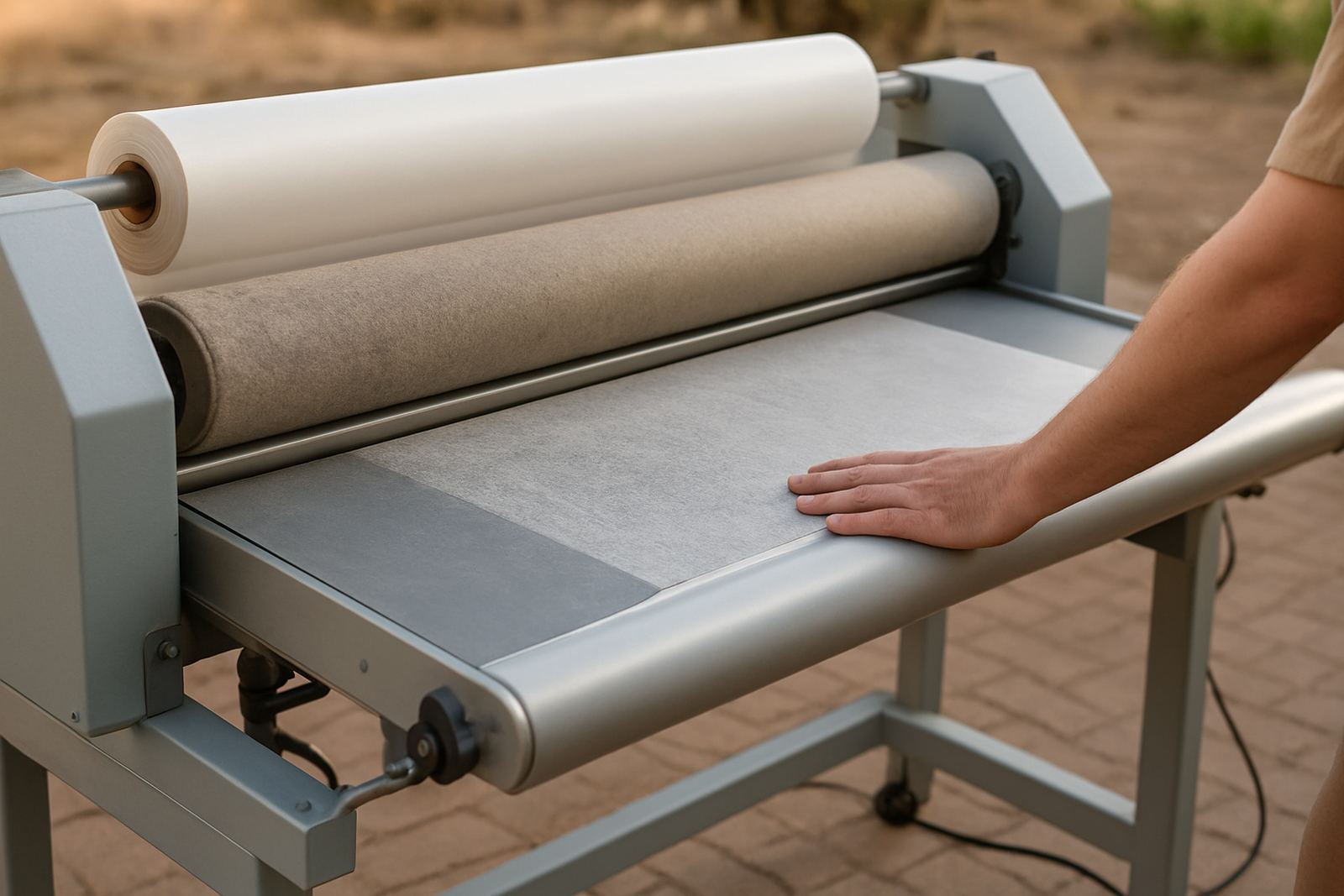
Before laminating a photo print, check that the rollers are clean and the machine is properly calibrated. Dust, adhesive build-up and worn rollers show up quickly on glossy photographic material. If you are working through a week of power interruptions, allow the laminator to warm up properly after each restart, and make sure the temperature is stable before feeding the print.
It also helps to work with a consistent feed speed. Pulling the print through too fast can cause tracking issues, while stopping and starting can leave marks. A steady setup gives better results and keeps the image looking even from edge to edge.
When lamination helps and when it is the wrong answer
Some photo prints need extra protection, but not every image should be laminated. If a print is meant for a high-traffic environment, a classroom, a retail wall or a boardroom display that will be handled often, lamination is often sensible. It helps against moisture, fingerprints and everyday wear, and it gives the print a longer working life.
For original artwork, archival prints and pieces intended for collectors, the choice must be more careful. Some photographers prefer to keep the print unlaminated and instead use proper mounting, framing and controlled storage. If future resale, conservation or reprinting is likely, adding a laminate layer may not be the best choice.
Ask three questions before you commit: will the print be touched, will it be exposed to light or moisture, and does the client want the original surface preserved? If the answer to the last question is yes, lamination may not suit the job.
- Good for frequent handling, display boards and public spaces.
- Useful where moisture, dust or repeated cleaning is a concern.
- Less suitable for conservation work and some fine art pieces.
A local example from a Kya Sand print shop
A print shop in Kya Sand recently needed to protect a set of large photo prints for a property development office in Midrand. The images had soft grey skies, glass reflections and fine architectural detail, so the goal was to protect them without adding too much shine. The shop tested two finishes first, then chose a satin result that kept the detail clear under office lighting.
Because the client wanted the prints mounted on board and installed across several walls, the operator checked roller pressure, cleaned the rollers and confirmed the heat zone was stable before production started. The job was completed in batches so each piece could cool flat before trimming. That saved time later and reduced the risk of edge curl. Small steps like that make a real difference, especially when there are deliveries, install times and municipal access rules to work around.
For businesses working across Johannesburg, Pretoria, Sandton, Randburg and the East Rand, consistency matters as much as speed. A photo print that leaves the workshop looking perfect should still look good after transport, handling and installation.
Simple checks before you laminate photo work
Before starting a run, a few basic checks will save time and wasted material. Keep the print flat, allow inks to dry fully and confirm that the chosen film suits the paper type. Check the edges for dust and make sure the room is not too humid, especially in coastal conditions. If the machine has been idle after load-shedding, run a test strip first.
If the print is a one-off or a client proof, ask for approval on finish and brightness before laminating the full set. Once the film is applied, the look of the image changes slightly and that decision is much harder to reverse. For repeat jobs, keep a written note of the settings, pressure and film type so the next run matches the first one.
For advice on photo print lamination, servicing or pre-purchase inspections of wide-format laminators, our Kya Sand team can assist nationwide. We work with print shops, studios and visual production teams every day, and we know the settings that keep a photograph sharp, clean and presentable.