
Why media starts to skew in the first place
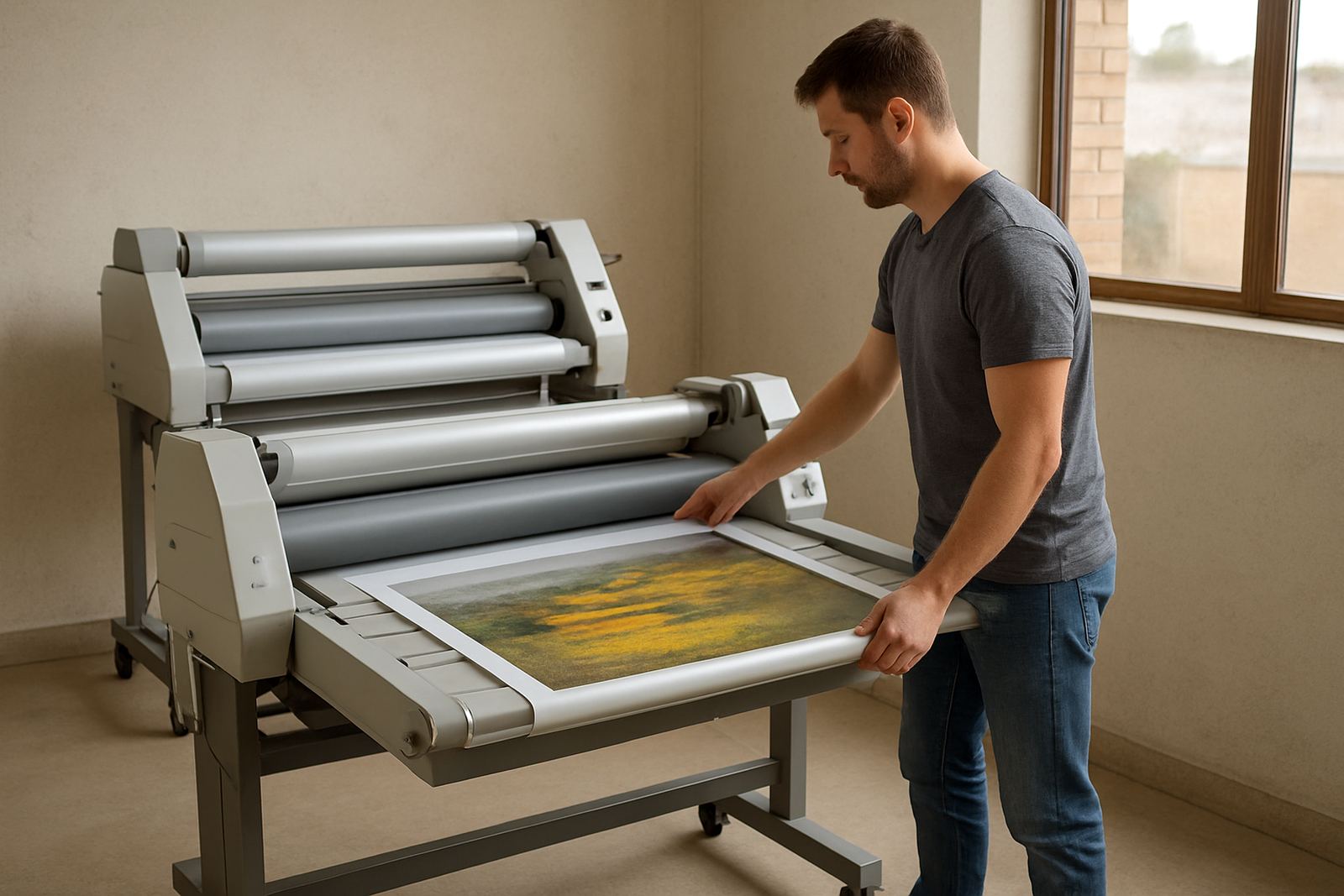
Skewing usually begins before the media reaches the nip rollers. If the roll is loaded slightly off centre, the material will track toward the tighter side as soon as tension builds. On wide-format jobs, even a few millimetres out at the feed edge can show up as a crooked laminate line by the time the sheet reaches the exit table.
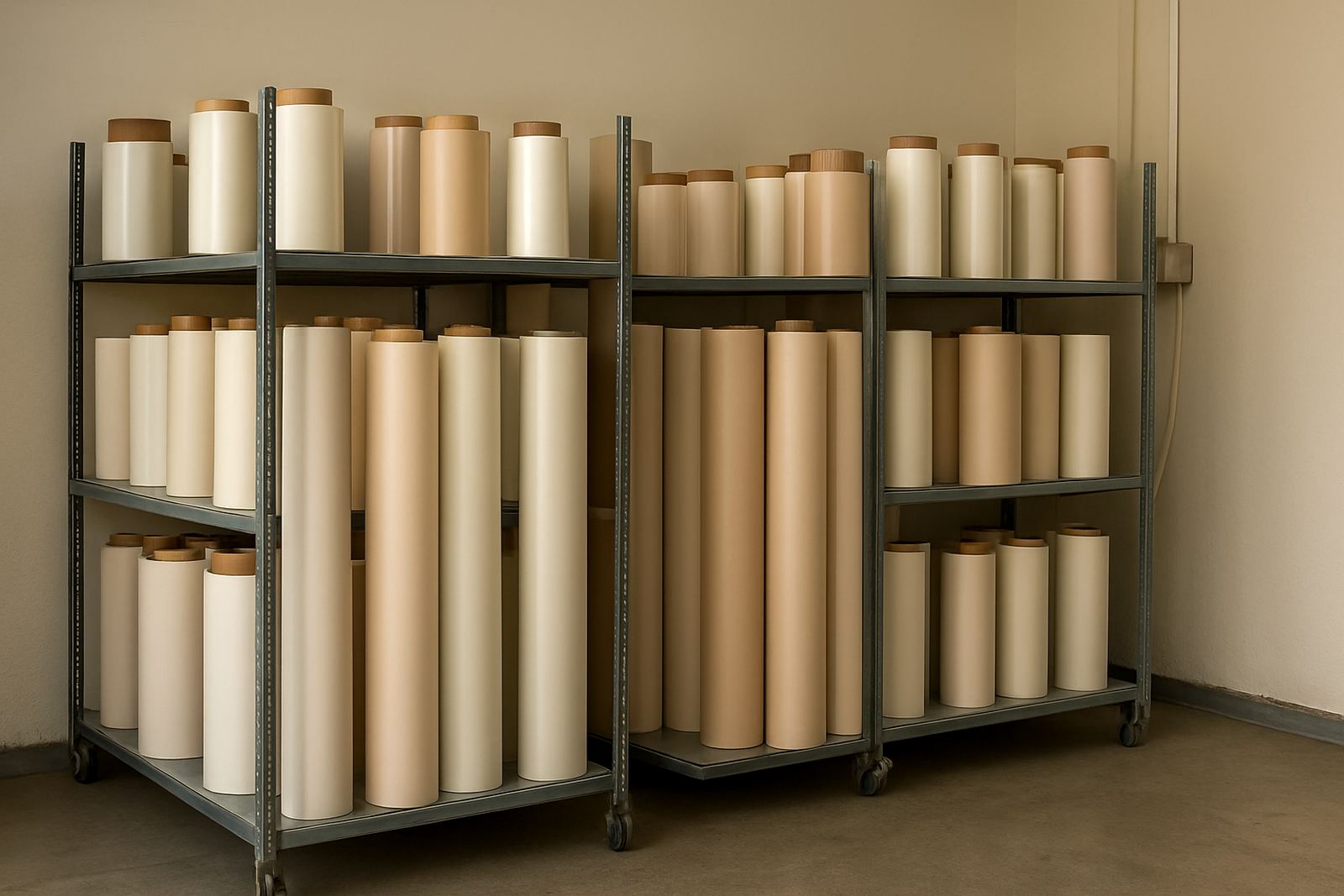
In our Johannesburg work, we often see skew caused by uneven core loading, bent end caps, or a roll that was left standing in a damp room overnight. Coastal humidity can soften some films too, so the roll feels fine in the morning and then behaves differently once heat and pressure are applied. That is why the same job can run well in Sandton but start wandering after a move to a cooler storeroom in Midrand.
- Check that the roll is loaded square to the machine frame
- Make sure both sides of the material unwind at the same rate
- Inspect the roll edges for crushing or damage
- Keep stock in a dry, stable room before use
Wandering feed and the signs your rollers need attention
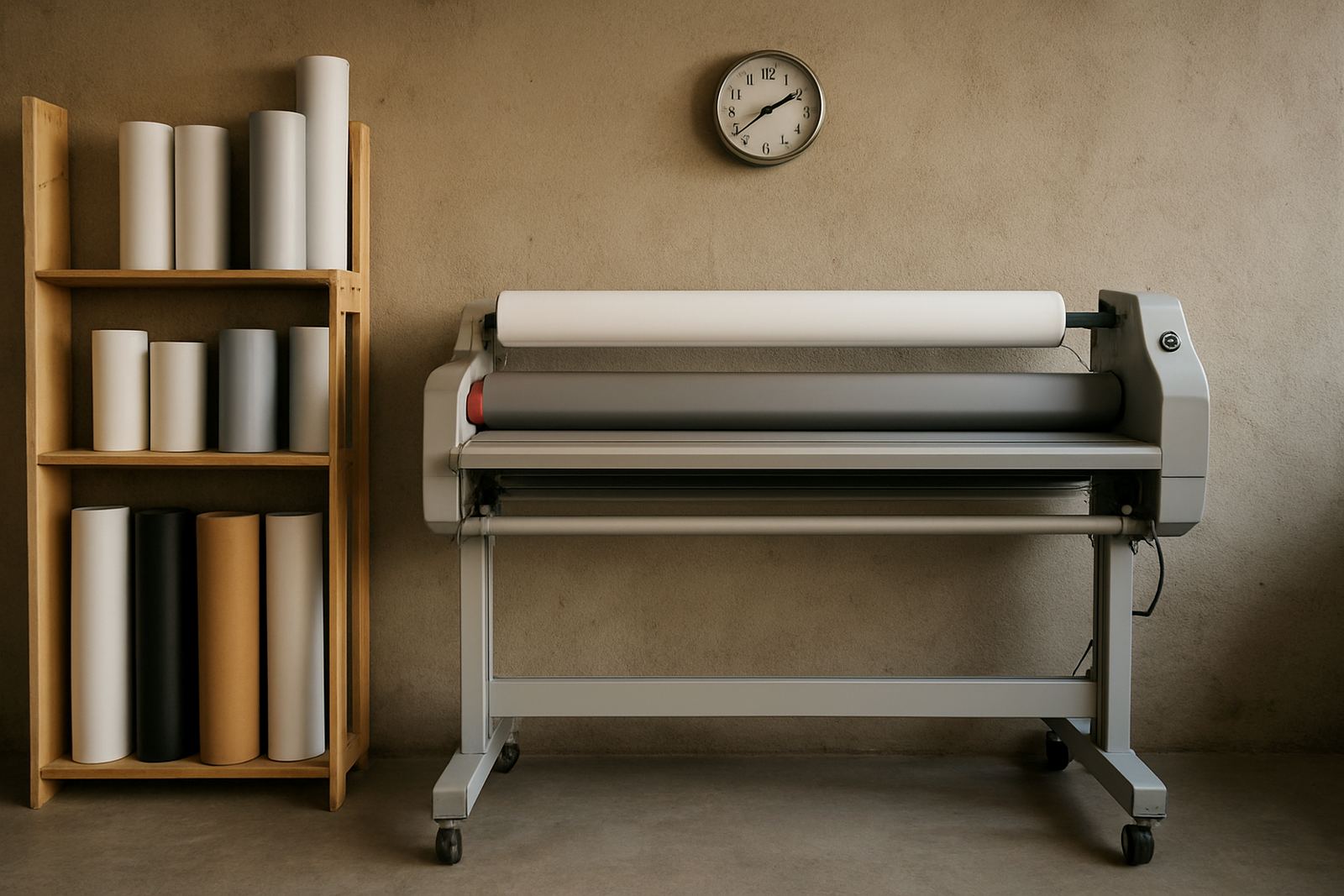
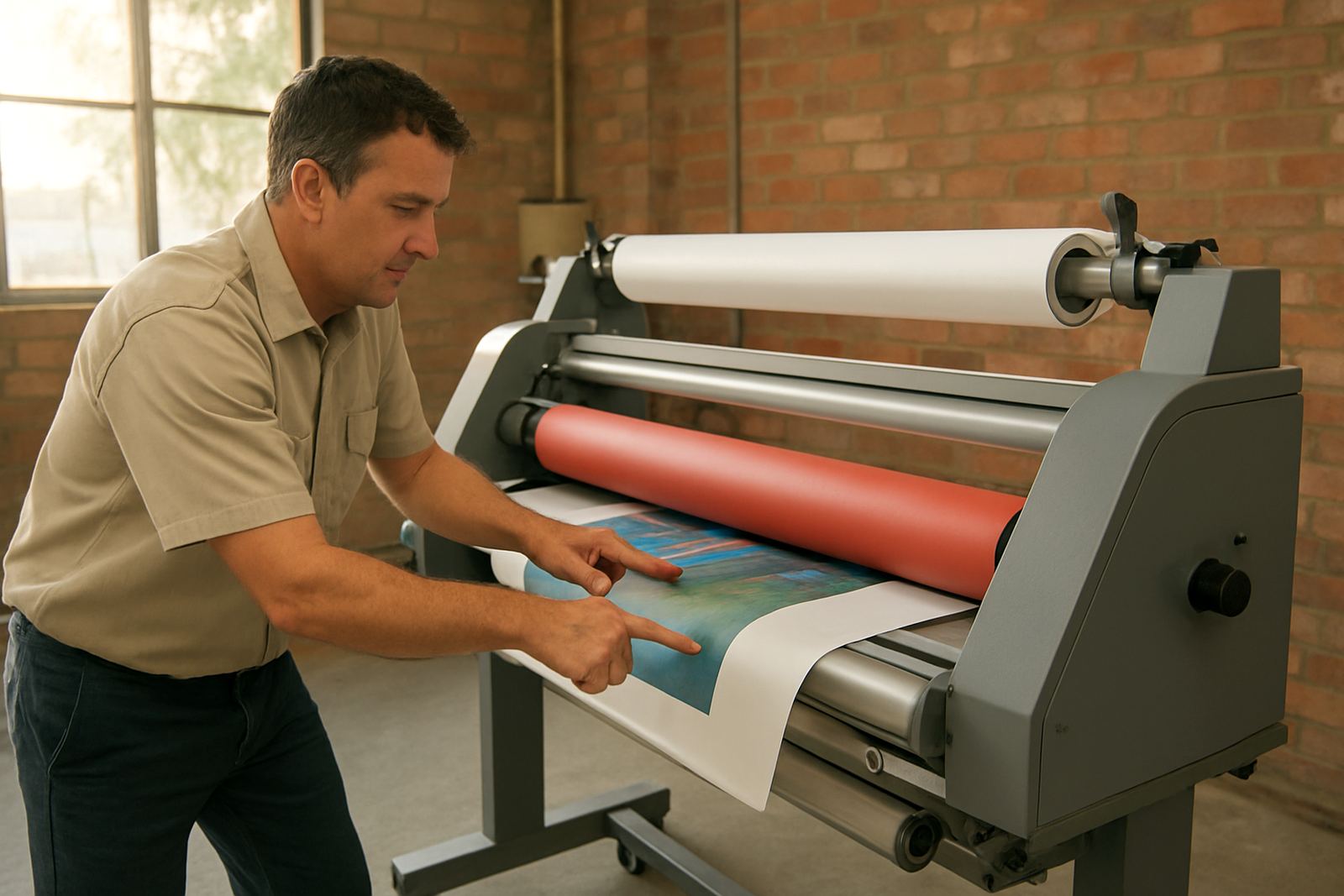
Wandering feed is different from a one-off skew. It happens when the media starts straight but slowly drifts left or right during the run. That often points to roller wear, pressure imbalance, or a dirty feed path. If the top roller grips better on one side than the other, the material will chase the stronger side every time.
Printer operators in Pretoria and Randburg often tell us the machine only wanders on longer pieces. That usually means the problem shows up after the rollers have warmed up or after pressure has been set too light. A quick wipe of the roller surface may help, but if the rubber is glazed or uneven, cleaning alone will not hold the line.
- Look for shiny patches on the rollers
- Feel for flat spots or hard edges with the machine off
- Check whether pressure is equal across the full width
- Run a short test strip before committing to a full job
Uneven feed when the job is heavier or wider
Heavier laminating films and wide prints place more load on the drive system. If the feed motor is tired, the chain or gears are loose, or the drive belt has stretched, the machine may pull in pulses rather than smoothly. That gives the operator a slight stop start motion which can be hard to see at first but shows up in the finished sheet.
Uneven feed also appears when a machine has not had routine servicing for a long stretch. Dust, adhesive residue and paper fibres build up around guide rollers and drive points. On some sites in Kya Sand and the East Rand, we find the machine has been running through load-shedding conditions for months without a proper electrical check, which can leave the controls inconsistent and the drive under strain.
- Listen for changes in motor sound during a run
- Check that the feed remains steady at low and high speed
- Inspect belts, chains and couplings for slack
- Ask when the last electrical fault finding was done
Moisture, temperature and the South African workroom
Media feed problems are not only mechanical. A warm room with cold rolls can create slight curl, and curled material does not enter evenly. In cooler months, a room near a roller shutter door can be enough to change the behaviour of the film or board. Add humidity and the edges may lift before they reach the nip, which makes alignment harder for the operator.
In practical terms, the best setup is simple: store rolls flat or upright as recommended by the supplier, let material acclimatise before use, and keep the feed area clear of fans blowing directly onto the stock. If a job is very wide, give yourself extra table support at the infeed and outfeed so the weight does not pull the sheet sideways.
- Allow cold stock to sit in the workroom before use
- Avoid direct airflow across the feed path
- Keep the floor around the machine dry and clean
- Support wide sheets with extra tables or stands
What to check before calling for service
Before you book a technician, there are a few checks that can save time and costs. First, confirm the material itself is square and cut cleanly. Then check the roll core, the side guides, the pressure setting, and whether the feed surface has any adhesive build-up. If the problem happens only on one type of film, the issue may be material-specific rather than a machine fault.
For shops in Sandton or Midrand doing daily production, it helps to keep a simple fault note with the job size, material type and when the problem started. That makes it easier to see patterns, especially if the machine behaves differently after servicing or after a power interruption.
- Test with a second roll or sheet to rule out bad stock
- Compare short runs and long runs
- Note whether the issue changes with speed or pressure
- Record any unusual sounds, odours or heat from the machine
When routine servicing stops repeat problems
Some feed faults keep returning because the underlying wear is never addressed. Routine servicing, roller cleaning, pressure calibration, heat system checks and drive system repairs all play a part in keeping feed consistent. If the machine is used every day, a minor issue can spread into a major one quickly, especially when operators keep increasing pressure to compensate.
For businesses across Johannesburg, Pretoria, the East Rand and nearby areas, we recommend a scheduled check before the busy periods rather than waiting for a breakdown. A technician can check roller condition, adjust pressure across the width, test the drive and look for electrical faults that are not obvious during normal operation. That is usually cheaper than replacing spoiled media and redoing a run.
If your laminator is skewing, wandering or feeding unevenly, fix the cause early and the machine will behave much better. Most problems are not mysterious, they just need careful checking in the right order.