
Start With The Room And The Machine
Before the rollers warm up, take a minute to look at the work area and the machine itself. In Kya Sand, Randburg and similar industrial areas, fine dust builds up quickly overnight and can move onto rollers, belts and sensor points. If the unit is near an open roller shutter, check for wind-blown grit, packaging offcuts and moisture on the floor. A clean start is not just about appearance, it helps the laminator feed straighter and reduces the chance of markings on finished work.
Walk around the machine and check that there is enough space at the feed side and the exit side for boards, posters or print runs. No bins, trolleys or loose cores should be left where they can catch a sheet. If the area had load-shedding the day before, check whether the laminator has been left on a partial shutdown or with a cold roller still holding film tension. That is where many small faults begin.
- Check the floor around the machine for dust, offcuts and any oil or water
- Make sure infeed and outfeed space is clear for the day’s largest job
- Confirm safety guards, covers and emergency stops are in place
- Look for loose tools, blades or tape left near the rollers
Check Film, Rollers And Pressure Before The First Job
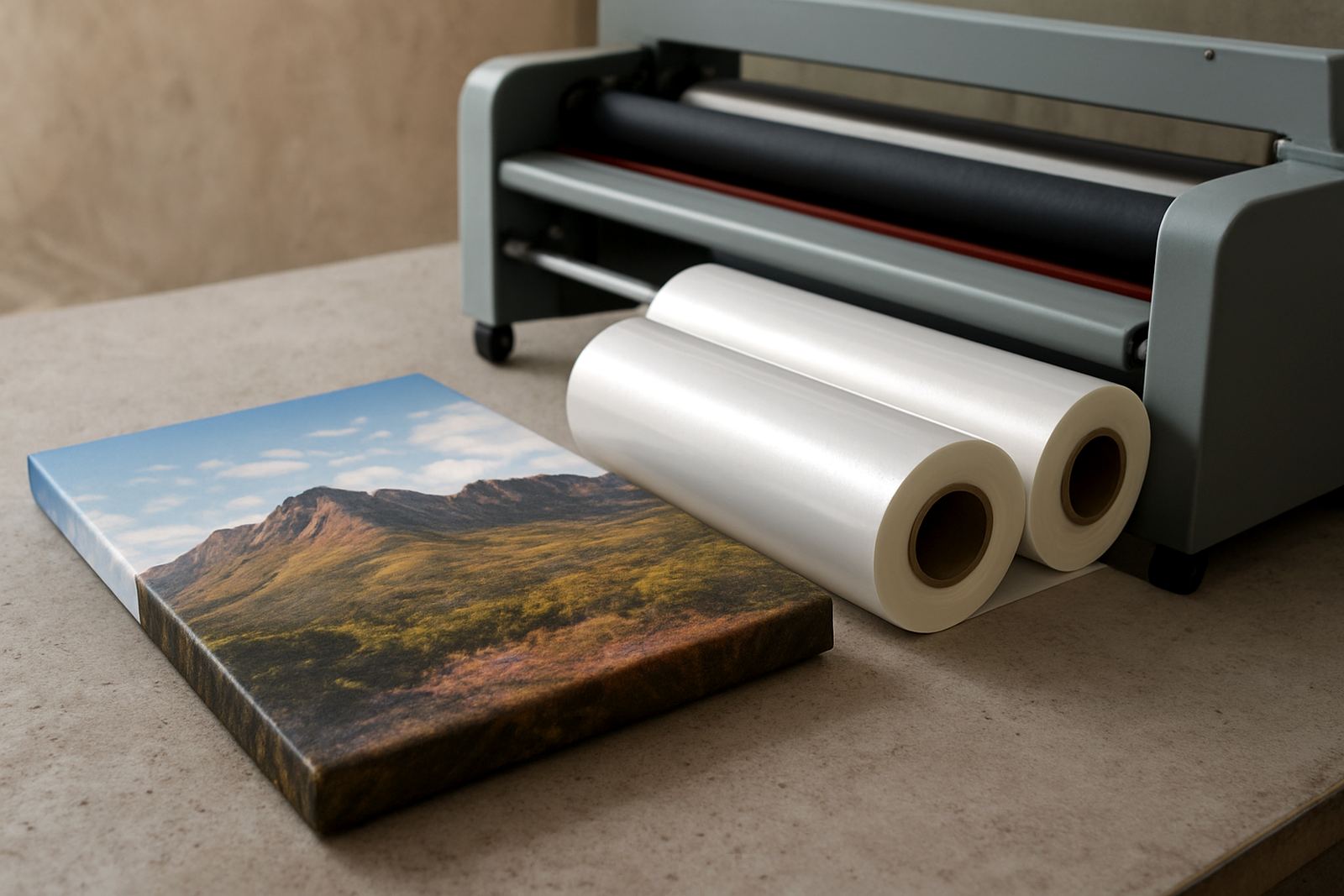
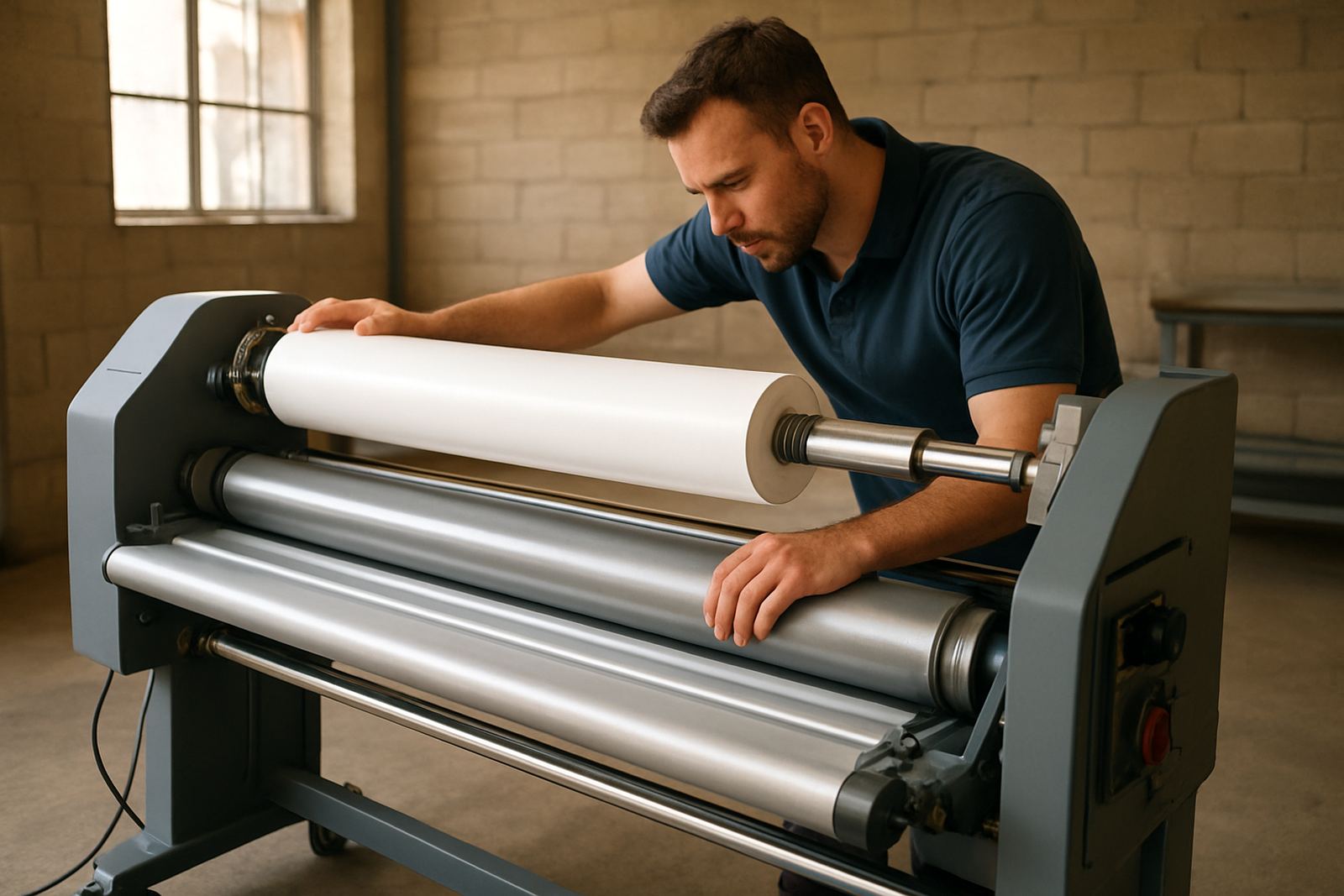
Roll film should be inspected before production starts, not after the first misfeed. Confirm that the correct width, core size and finish are loaded for the day’s work. If the film roll has been standing in a hot storeroom or a humid space near the coast, it may pick up curl or slight surface contamination. Even inland, a roll that has sat open overnight can collect dust that shows up on a matt finish.
Look closely at the rollers. They should be clean, free from adhesive build-up and turning evenly. A quick wipe with the correct cleaning cloth can make a big difference, but do not use sharp tools or aggressive solvent where the roller surface can be damaged. Check pressure settings and make sure they match the material thickness for the first run. If pressure is too light, edges lift. If it is too heavy, artwork can be marked or crushed.
- Confirm the correct film type and width for the day’s order
- Check roller surfaces for dirt, glue build-up or nicks
- Set pressure to suit the substrate thickness
- Test-feed a scrap sheet before starting live production
Confirm Heat, Speed And Feed Settings
On hot roll laminators, temperature is a working setting, not a guess. Give the machine time to reach the right operating point before beginning production. If the rollers are still cold, film may not bond properly and the first jobs of the day can come out cloudy or with edge lift. If the heat is too high, print can warp, especially on coated stock and lighter paper grades.
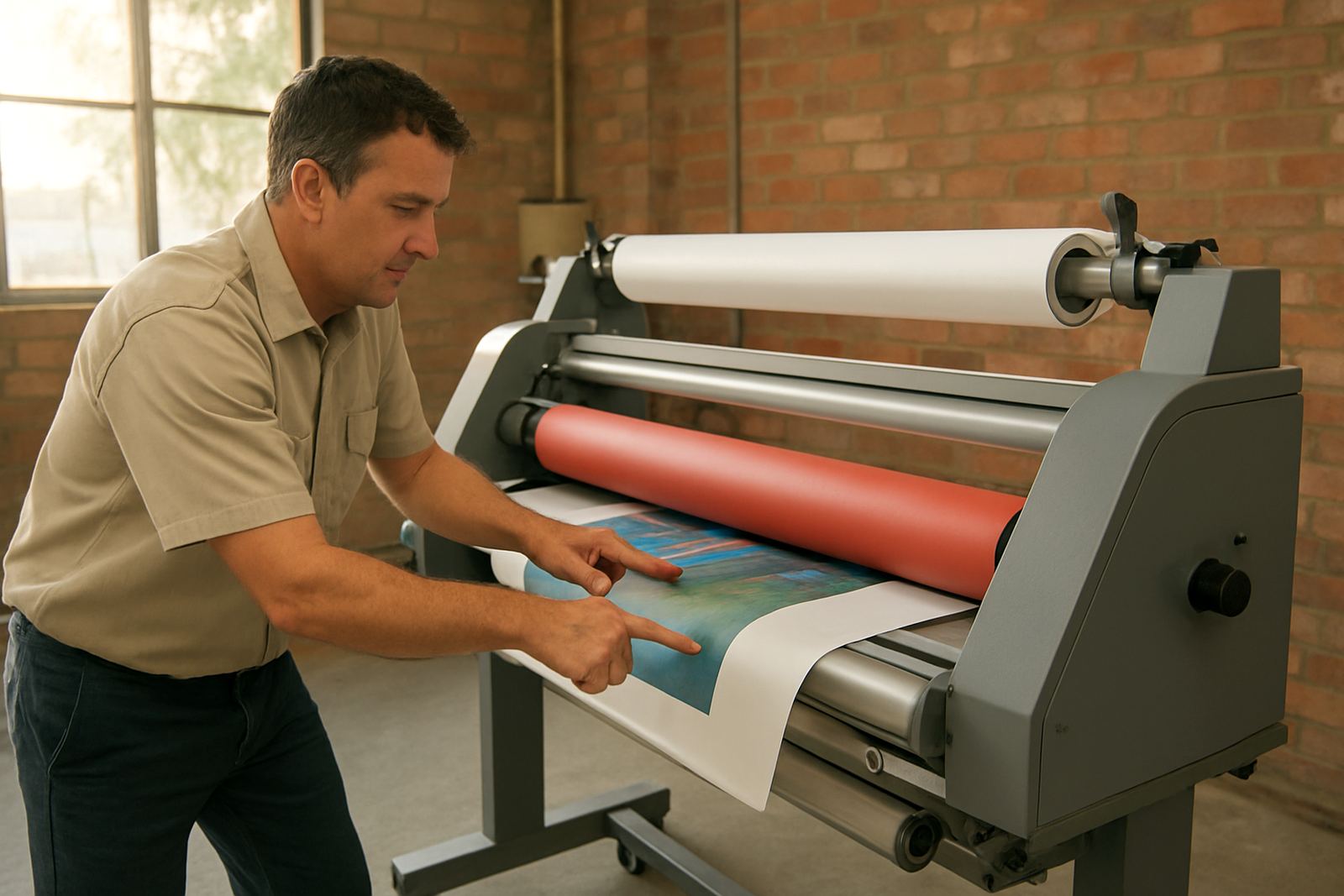
Check speed settings as well. A fast feed may suit some print runs, but not every artwork job needs the same setting. For larger poster work in Sandton or Pretoria, operators often rush because of the queue, then spend more time re-running work than they would have spent setting the machine properly. The same applies to cold laminators where tension and roller alignment must be balanced before the first sheet. Small adjustments at startup save a lot of waste later on.
- Allow the machine to reach operating temperature before feeding stock
- Check that speed matches the type of print and film
- Run a short test strip to confirm bond and alignment
- Watch for curling, silvering or edge lift on the first output
Do A Power And Control Check Before Production
Electrical checks are part of daily discipline, especially in areas where power interruptions are common. After load-shedding or a night-time trip, inspect the plug point, isolator and cable for heat marks, loose fit or damage. A machine that powers up but behaves strangely can be dealing with a control fault, an intermittent connection or a thermostat issue. If the display, switchgear or indicator lamps are not responding properly, stop and have it checked before production begins.
It is also worth listening to the machine during the first minute of operation. Unusual humming, clicking or a drive sound that was not there yesterday should not be ignored. Operators often get used to small noises and only report them when the fault becomes expensive. A careful morning check can catch a problem while it is still a simple adjustment instead of a breakdown that stops the whole print schedule.
- Inspect power cables, plugs and isolators for wear or heat damage
- Check that displays, switches and indicators respond normally
- Listen for unusual motor or drive noises on start-up
- Stop immediately if there is burning smell, sparking or repeated tripping
Keep Operator Checks Short But Consistent
The best startup routine is one the team can do every day without cutting corners. A laminated checklist near the machine helps new staff and experienced operators follow the same order. In a busy shop in Midrand or East Rand, the pressure is usually to start printing immediately, but a three minute check can save an entire morning. Make it part of opening the shutters, switching on lights and getting the first jobs ready.
Assign clear responsibility. One person should confirm the machine is clean, another should check film and settings, and the operator on duty should sign off the test run. If there is more than one shift, record anything unusual from the previous day. That includes minor wrinkles, pressure changes, slow warm-up or a film core that was tight on the shaft. Daily Startup Checks help the next operator start from facts, not guesswork.
- Use the same opening order every day
- Keep a printed startup checklist next to the machine
- Record faults, adjustments and unusual sounds in a logbook
- Hand over issues clearly between shifts
Know When A Startup Check Turns Into A Service Call
Some issues are routine and some are early warning signs. If the rollers are not heating evenly, the pressure will not hold, or the feed keeps drifting despite normal setup, do not keep forcing the job through. That usually means the machine needs servicing, roller cleaning, pressure calibration or drive system attention. Electrical faults, repeated temperature swings and poor bond on more than one job are also signs that a technician should inspect the unit.
For print shops handling tight deadlines, it helps to know the difference between a small operator correction and a fault that needs professional support. A machine that starts each day with the same symptoms is telling you something. Catch it early, before the film is wasted and customers begin asking why turnaround has slipped. In Johannesburg, Pretoria and across the country, the shops that stay ahead are usually the ones that treat startup checks as a daily habit, not a box-ticking exercise.
When a machine is set up properly in the morning, the whole day runs cleaner. Jobs feed better, finishes look sharper and staff spend less time fixing avoidable problems.