
Why speed changes the final finish
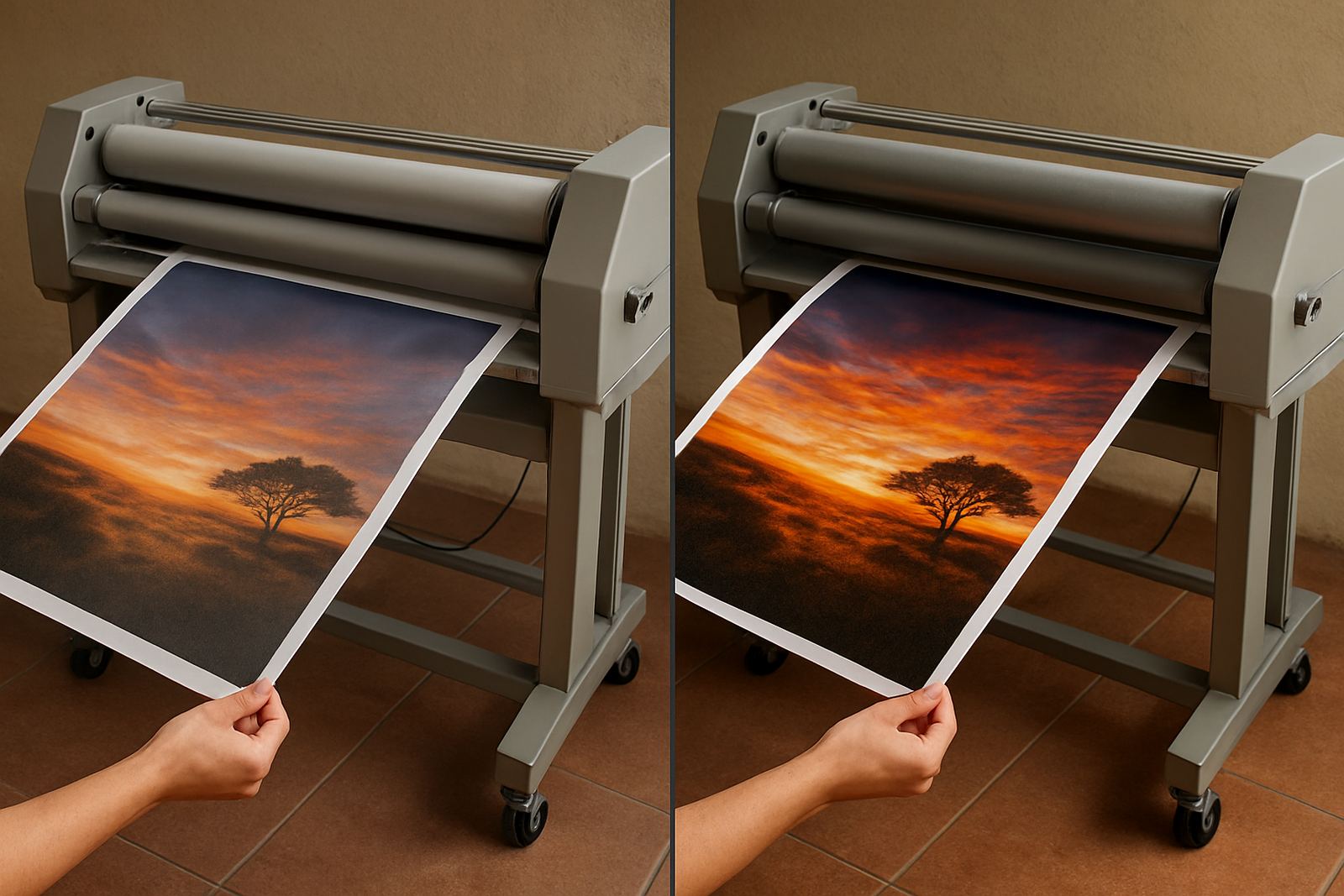
Output speed controls how the film meets the print, how the rollers press it down and how much time the adhesive or heat cycle has to do its job. On busy jobs, that matters just as much as temperature or pressure. A good finish is not only about shine, it is about even contact across the full width with no silvering, no tunnelling and no lift at the edges.
On wide-format work, speed has a bigger effect because the material has more distance to travel across the rollers. A poster that looks fine at 2 metres per minute can start to show stress marks at 6 metres per minute if the operator has not matched the speed to the film type and board thickness. The goal is to keep the print flat and steady, not force the machine to rush a job that needs control.
When faster output helps and when it creates problems
Faster output is useful for simple runs where the media is stable and the film is suited to quick processing. Think short promotional posters, office signage and repeat jobs with a proven setup. In these cases, speed helps a print shop move more sheets through the machine, especially when the team is working through a weekday rush in Sandton or Midrand.
Speed becomes a problem when the job carries more risk. Heavy artwork boards, laminated panels for humid coastal deliveries, or digitally printed pieces with delicate ink coverage need more control. If the speed is too high, the film may trap air, the pressure may not be even and the operator has less time to spot a skew before it becomes scrap.
- Use higher speeds for repeatable, flat materials with stable dimensions.
- Slow down for thicker boards, textured surfaces and jobs with tight finishing tolerances.
- Watch for edge lift, waviness and stretch marks after the first few metres.
How output speed affects operator control
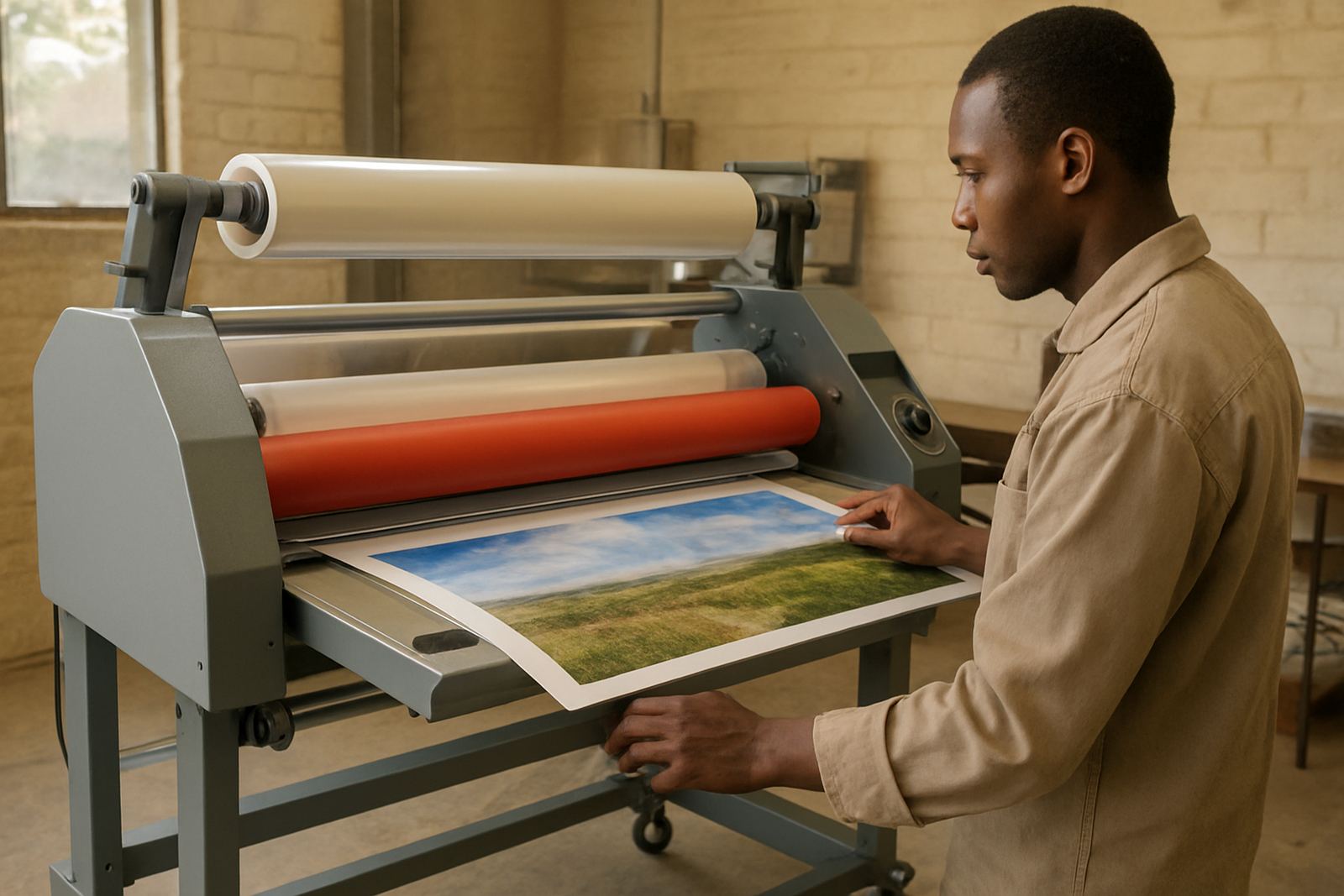
Speed is closely tied to control. At a slower pace, the operator can guide the media better, keep the entry straight and react to small changes in tension. This matters when a technician is training a new operator or when the machine is being used for a first run after servicing. A steady pace gives more time to check alignment, roller contact and feed tension before the mistake runs far into the sheet.
In many Johannesburg print rooms, the pressure to finish jobs quickly comes from same-day orders and tight courier cut-offs. But a controlled pace often saves more time in the end because fewer sheets are reworked. One missed wrinkle on a 1.2 metre banner can cost more than a few extra minutes of processing, and that is true whether the job is going to Pretoria or the East Rand.
Matching speed to film, heat and pressure
Output speed should never be chosen on its own. It must sit with the film type, roller pressure and heat setting. A hot roll laminator may tolerate a different pace from a cold roll machine, while thicker films usually need more patience to bond properly. If the temperature is too low and the speed is too high, the result can look sealed on top but weak underneath.
For cold lamination, pressure and speed are especially important because the adhesive needs even contact from edge to edge. For hot systems, the machine needs enough dwell time for the film to activate without scorching the print. The right balance also protects electrical parts and drive systems by keeping the machine running within its normal working range, instead of forcing it through stop-start work all day.
- Check the film spec before changing speed settings.
- Test on a short sample before running a full batch.
- Keep the roller surface clean, because dust changes how speed behaves.
A local example from a Kya Sand production floor
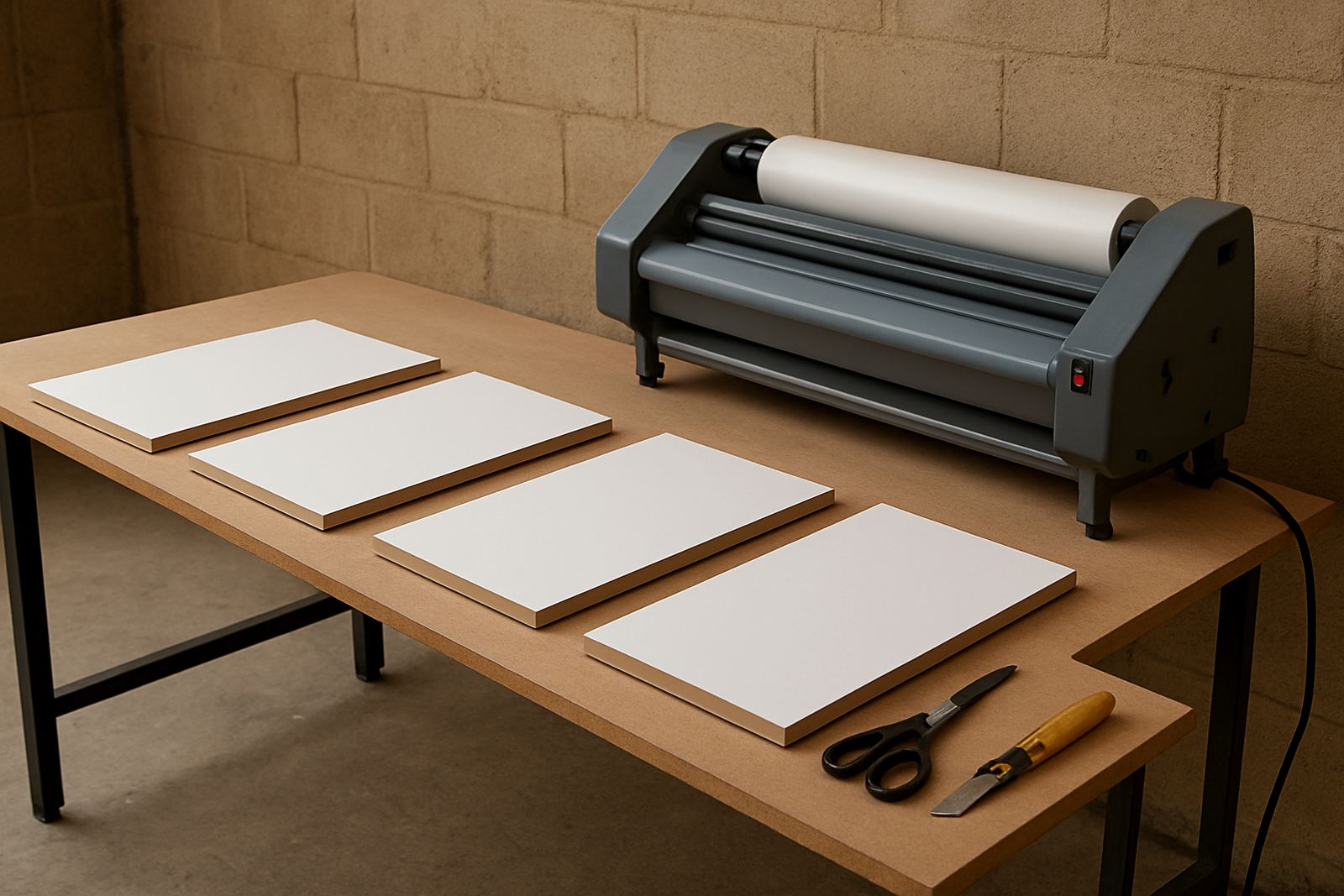
Consider a signage shop in Kya Sand that handles vehicle graphics, artwork boards and presentation prints for clients across Randburg and Sandton. On a Monday morning the team may need to laminate a batch of display panels before dispatch. If they run everything at the same speed, the lighter sheets may pass fine, but the thicker boards can start to drift at the entry point and one misfeed can hold up the whole queue.
After adjusting the machine to a slower, more controlled output speed for the heavier stock, the operator gets cleaner edges and fewer reprints. The team finishes the job slightly later, but with better consistency and less wastage. That kind of decision matters even more during load-shedding where production windows are shorter and there is no spare time for faulty runs or repeated warm-ups.
What to look for during testing and servicing
If output speed seems inconsistent, the issue may not be the setting alone. Worn rollers, drive slip, poor calibration or electrical faults can make the machine behave differently at one speed versus another. That is why routine servicing and pressure calibration are worth doing before a machine starts losing consistency. A machine that hesitates, feeds unevenly or changes tone under load is already telling you something.
Before choosing a permanent speed for regular work, test the machine across a few typical jobs and note the results. Keep a simple record of film type, board thickness, temperature and output speed. This helps operators in the shop avoid guesswork and gives technicians a useful baseline if the machine later needs fault finding or on-site breakdown support.
- Listen for changes in motor sound as speed increases.
- Check both sides of the laminate for equal pressure marks.
- Record the settings that give the cleanest finish on your common jobs.