
When a flat proof must look like the final piece
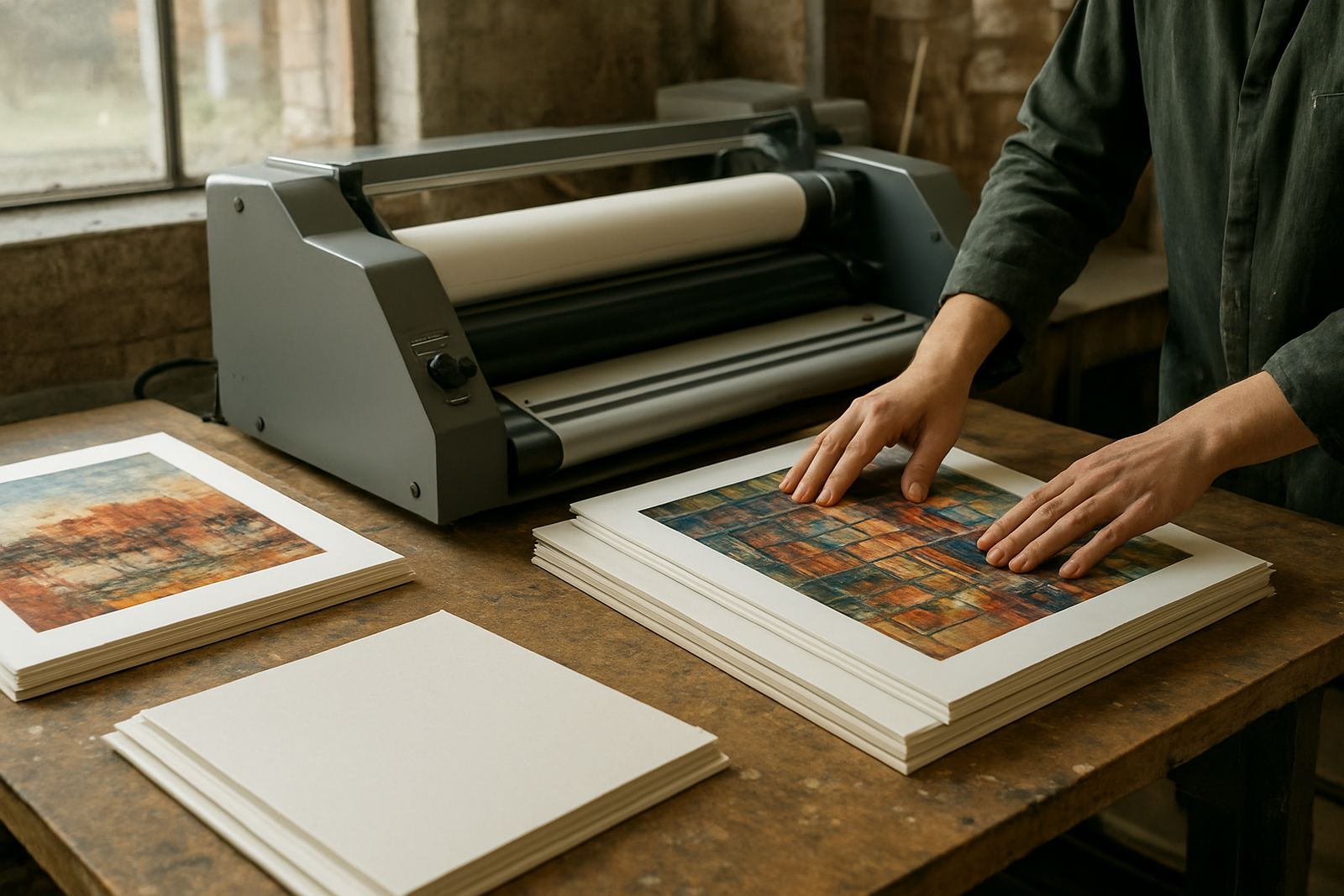
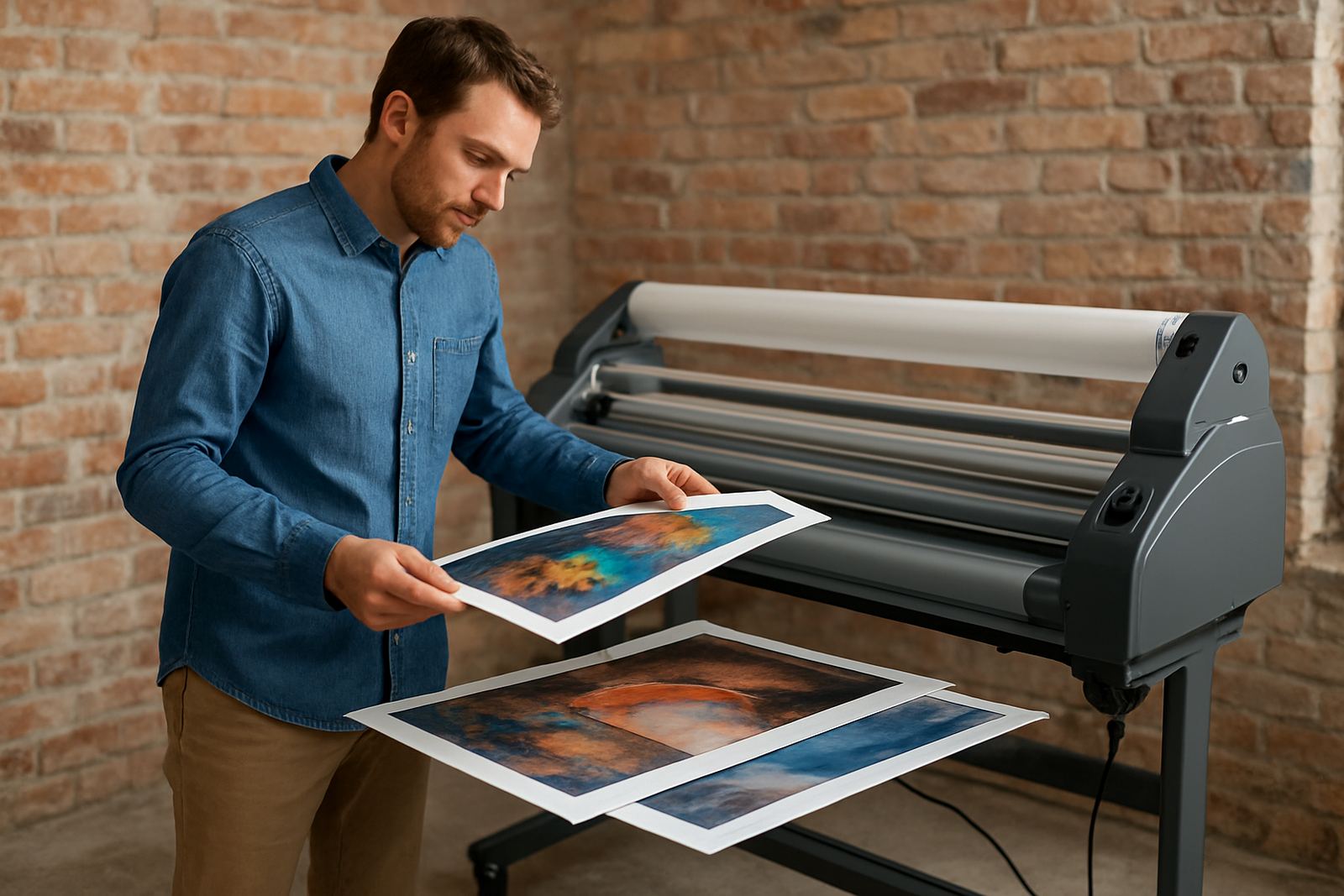
Graphic designers often move between proofs, mock-ups and client-ready visuals in a single week. A print that looks good on the screen can pick up scuffs, fingerprints or curl once it leaves the studio, especially when it has to travel to Sandton, Midrand or Pretoria for sign-off. A roll laminator gives those pieces a clean, consistent finish so your work stays presentable from first review to final approval.
For many studios, the challenge is not only protection but presentation. Mounted boards, presentation packs, menu boards, retail mock-ups and exhibition visuals all need a neat edge and a flat surface. If you work with coated stock, digital prints or artwork for client presentations, the right laminator can save time and reduce reprints caused by damaged samples.
Typical equipment set for a busy design studio
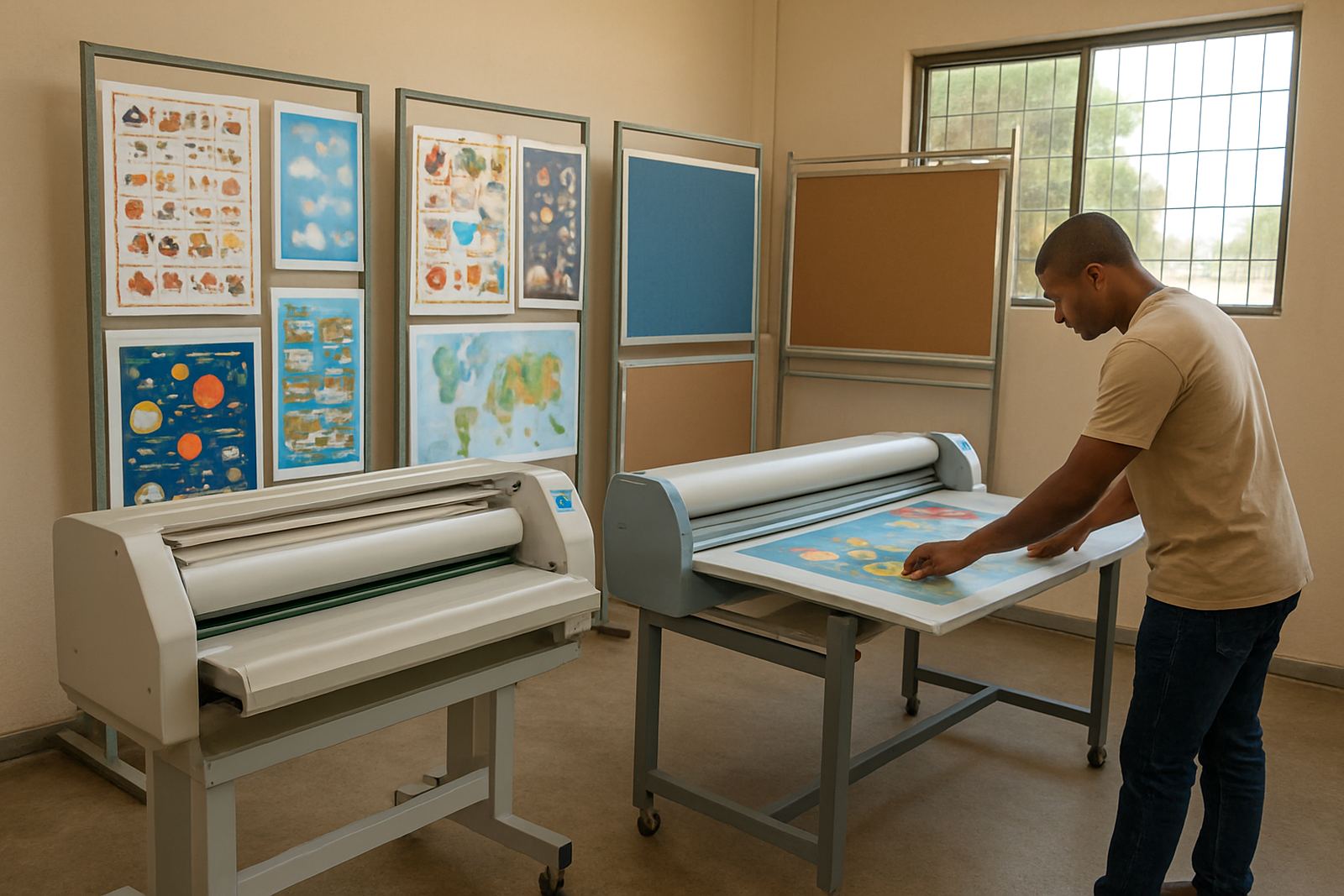
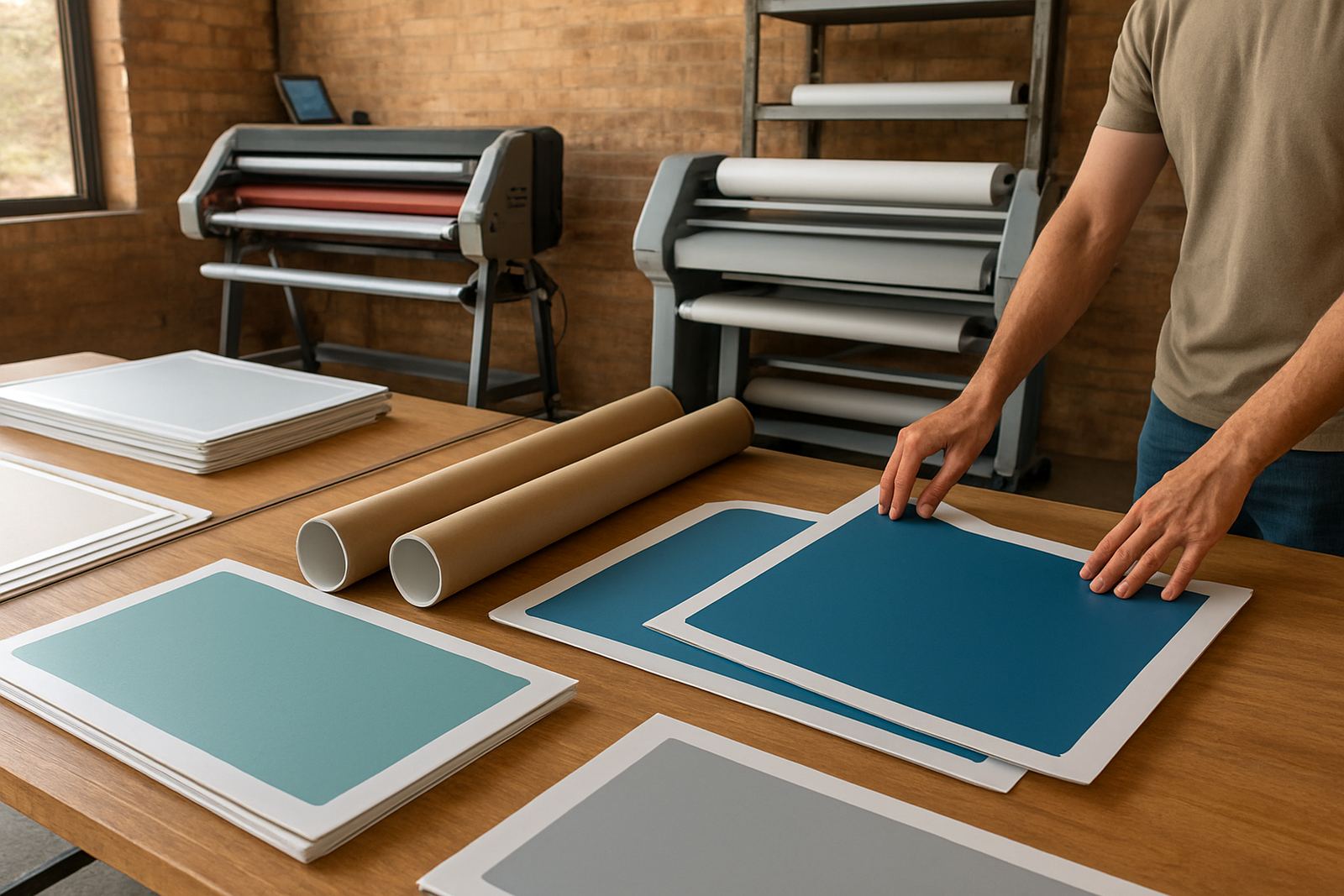
Most graphic designers do not need a huge production line, but they do need the right machine for the kind of jobs they handle each month. A compact wide-format cold roll laminator suits studios that work with inkjet prints, proofs and display boards. Hot roll units are better where you want a bonded finish on heavier presentation pieces or where film consistency matters more across repeat jobs.
- Cold roll laminator for posters, renderings, proof boards and short-run display work
- Hot roll laminator for stronger finish on presentation pieces and selected artwork
- Rolls of laminating film in common widths for A2, A1 and wider outputs
- Flat work tables and feed space so prints enter straight and stay aligned
- Basic trimming tools for neat edges after lamination
If your studio also handles client mock-ups for retail or property marketing, it helps to plan for wider media and thicker boards. A machine that seems adequate for A3 samples can quickly feel limiting when you start producing A1 boards or side-by-side visual options for a pitch.
Layout and planning before you buy
Before choosing a laminator, measure the full work area, not only the footprint of the machine. You need room for loading rolls, feeding long sheets and stacking finished pieces without bending corners. In Kya Sand and other busy commercial areas, many studios work in shared spaces, so clear access and safe cable routing matter as much as the machine itself.
Think about the kind of prints you finish most often. If you mainly produce presentation boards for architects, property agents or brand clients, a wider machine may be the better choice even if the monthly volume is moderate. If you handle frequent short-run artwork, speed and ease of changeover matter more. Power stability also deserves attention. During load-shedding, a unit with proper electrical protection and sensible start-up settings can reduce stoppages and heat-related faults.
- Allow space for infeed and outfeed on both sides of the machine
- Check ceiling height if you work with upright storage or tall boards
- Match film width to your most common print sizes, not just your biggest job
- Confirm whether your team needs cold lamination, heat assisted lamination or both
- Plan for local service access if your studio cannot afford long downtime
Common mistakes that cost designers time and money
One common mistake is buying a machine that is too small for the real workload. A studio might think it only needs a basic unit, then starts taking on larger client presentations and retail graphics, and suddenly every second job needs an external supplier. Another mistake is using the wrong film for the print type. Some prints need cold application, while others benefit from heat, and getting that wrong can cause bubbles, silvering or distortion.
Pressure settings are another area where small errors become costly. Too much pressure can mark soft prints, while too little can leave uneven adhesion. If your team has different people operating the machine, refresher training is worth it. We see many problems coming from rushed setup, dust on the rollers, or film loaded off-centre. It sounds minor, but it can ruin a full client pack in one pass.
What budget to allow in Rand
Budget depends on width, heat control, build quality and how much throughput you need. For a smaller design studio in Johannesburg or Randburg, entry-level wide-format cold roll laminators often start from around R25 000 to R45 000. Mid-range units for more frequent use can fall between R50 000 and R95 000. Larger production-style machines, or units with stronger heat systems and better drive control, may range from R100 000 to R180 000 and more.
Do not budget only for the machine. Allow for film stock, installation, setup checks, and training. If you work across multiple sites or need installs in Pretoria, the East Rand or further afield, transport and commissioning should be included in the plan. A slightly higher upfront spend can be easier to justify if it cuts waste, reprints and outside finishing costs every month.
Support for studios after the sale
Graphic designers need equipment that works quietly in the background. When a laminator starts slipping, overheating or feeding unevenly, the whole studio schedule feels it. Laminator supports customers with routine servicing, roller cleaning, pressure calibration, heat system checks, drive system repairs, electrical fault finding, on-site breakdowns, spare parts support, operator refresher training and pre-purchase inspections.
Our base in Kya Sand makes it practical to support customers in Sandton, Midrand, Pretoria, Randburg and the East Rand, with installations nationwide. If your studio handles time-sensitive campaigns or artwork for client presentations, proper setup matters more than fancy extras. Lunga Tshabangu and the team work with print shops, design studios and artists who need straight advice and dependable follow-through, not guesswork.