
A practical fit for a busy Centurion copy room
The client was a copy room in Centurion serving office staff, local businesses and walk-in customers who needed posters, notices, menus, maps and presentation graphics turned around quickly. Their main request was straightforward: give them a laminating setup that would keep pace with daily jobs, protect prints from handling and dust, and not crowd an already tight work area.
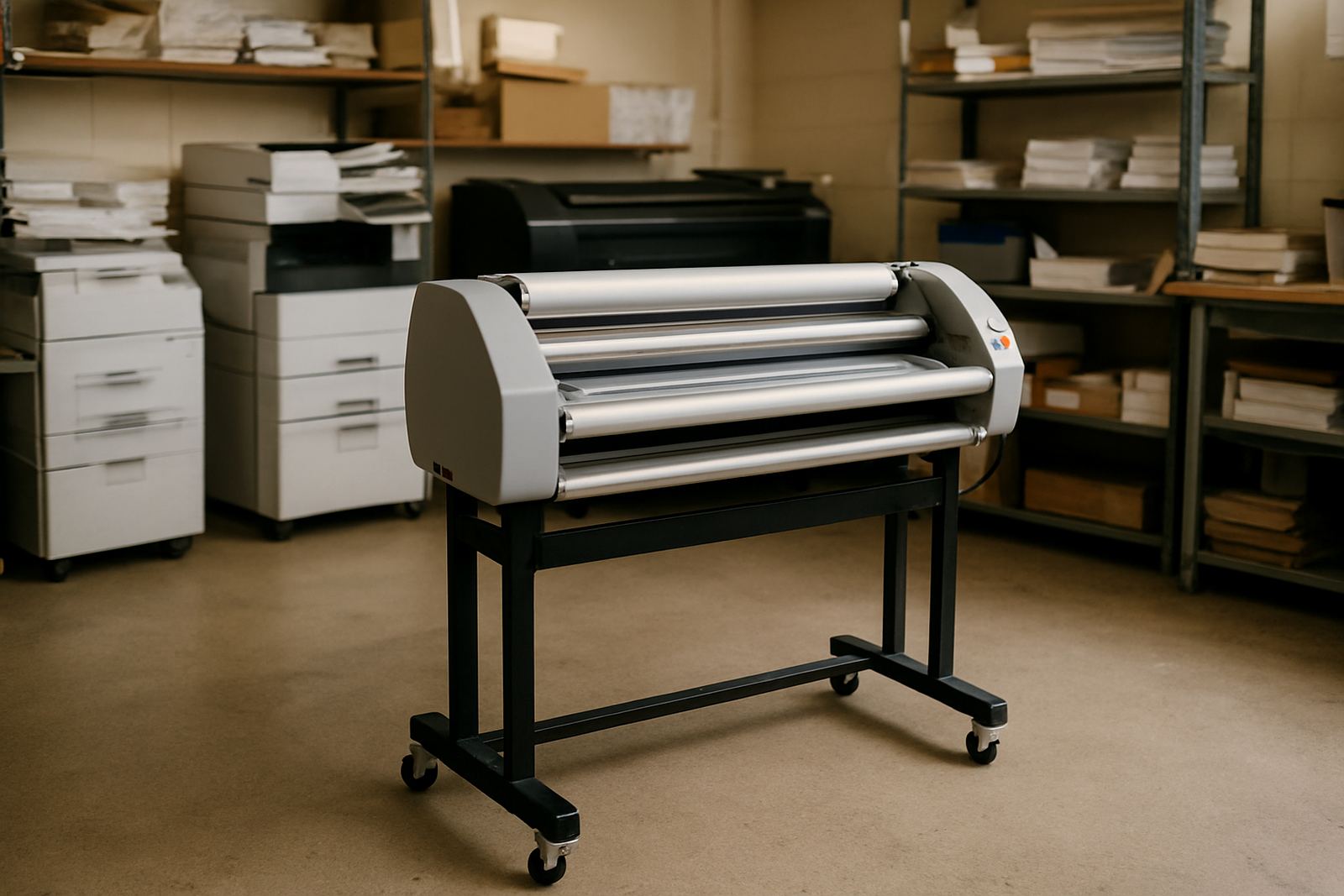
The room had limited floor space, a mix of short-run jobs and repeat items, and a need for predictable results across different operators. They also wanted something that would cope with regular weekday use, without constant adjustment. In a small service room, every metre counts, so the unit had to slot in beside the print finishing area and still allow enough access for loading, trimming and cleaning.
The brief and the site constraints
The brief called for a space-conscious machine suited to everyday display work and document graphics, with easy temperature and pressure control for different film types. The client also asked for better consistency on longer runs, especially for A1 and A0 work, plus a setup that could be maintained locally without waiting too long for support.
There were a few site constraints to plan around:
- Restricted floor space in a copy room that already carried print, trim and packing equipment
- Mixed staff experience, so the controls had to be simple and clearly explained
- Regular electricity interruptions in the area, which meant safe shut-down and restart procedures mattered
- Dust from daily foot traffic and paper handling, which can affect rollers if cleaning is neglected
- Job variation, from document sheets to larger display pieces and artwork mounts
We also looked at access for future servicing. If a machine is wedged into a corner with no room to reach the side panels or rear drive area, even basic maintenance becomes a chore. That was avoided here.
What we supplied and installed
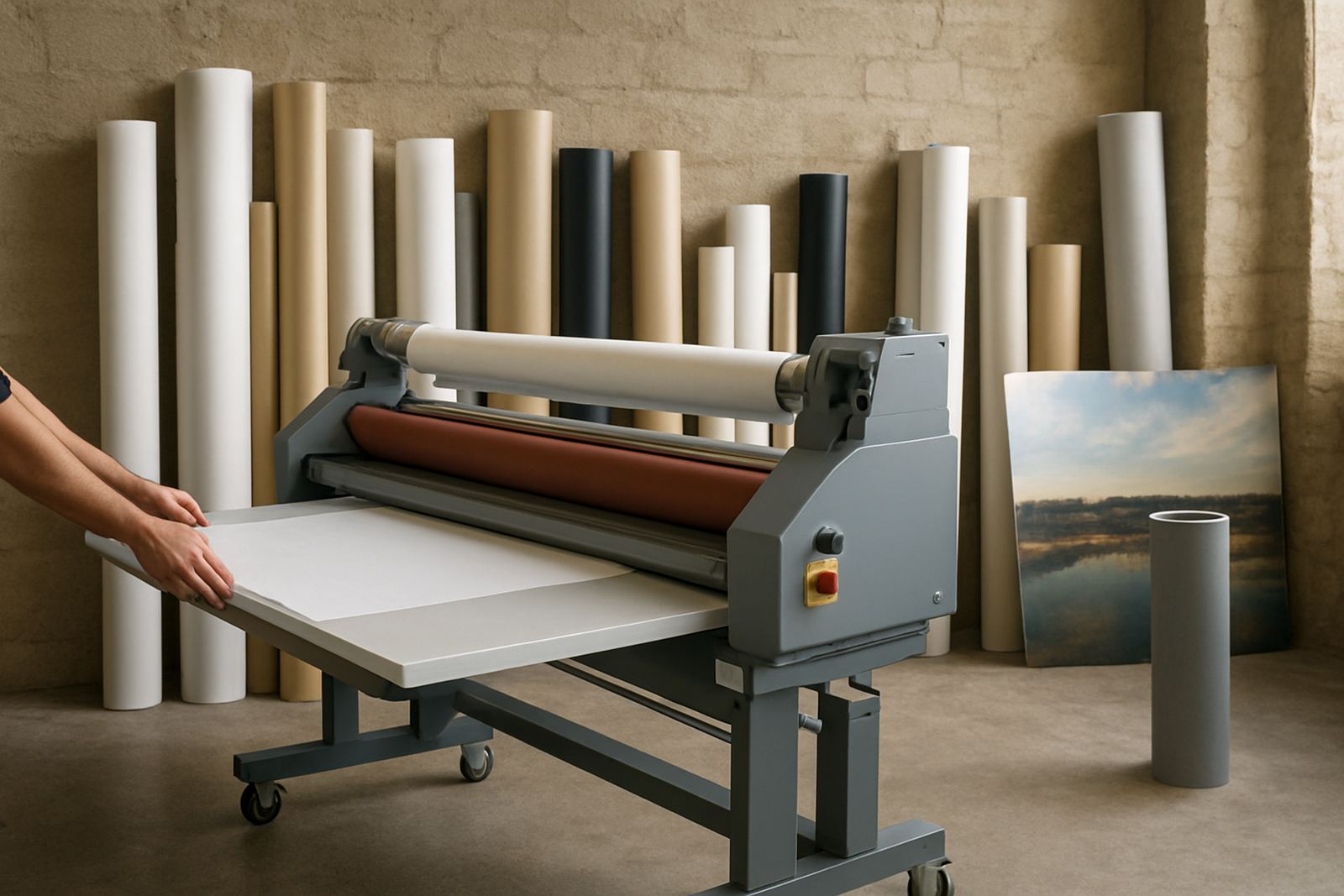
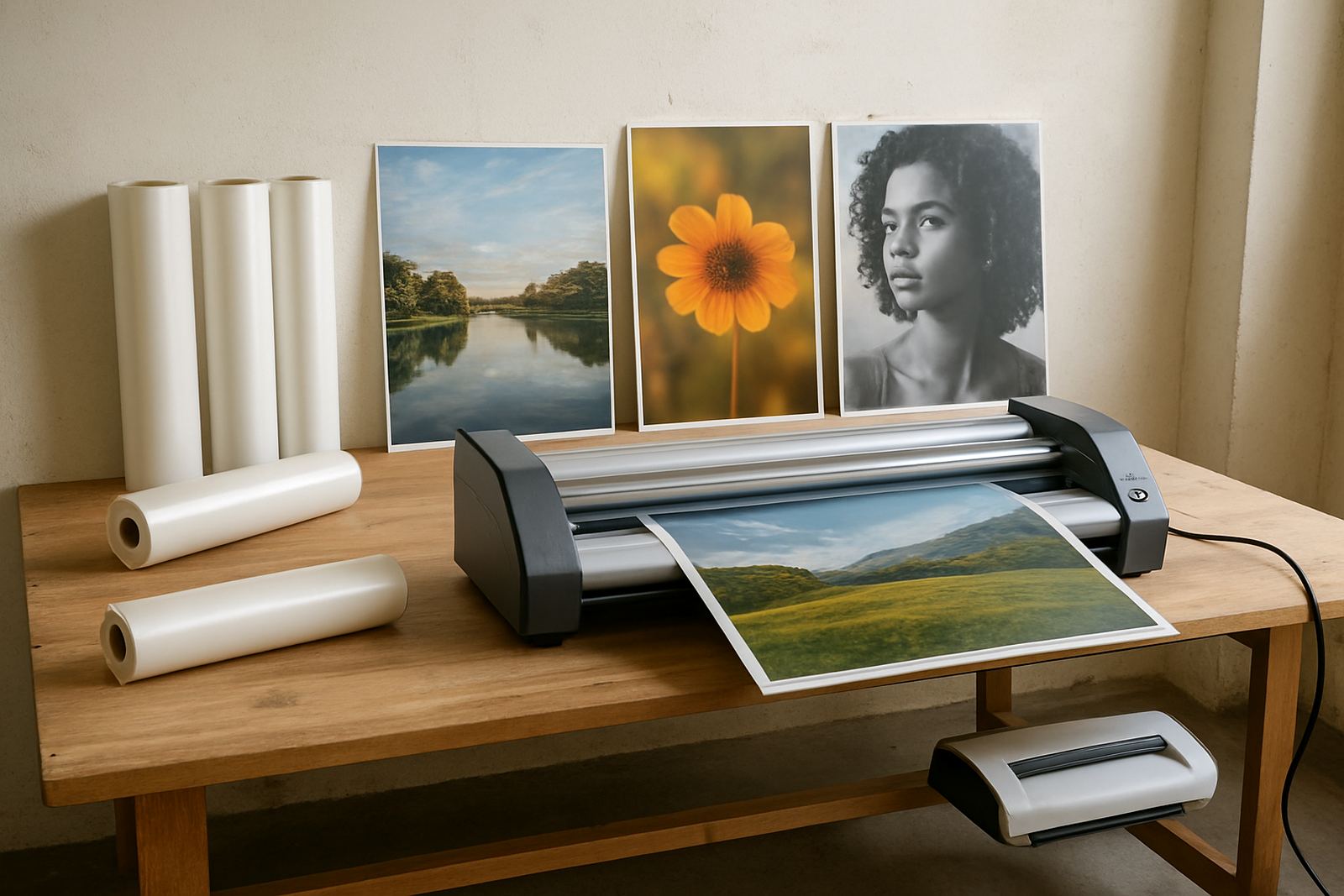
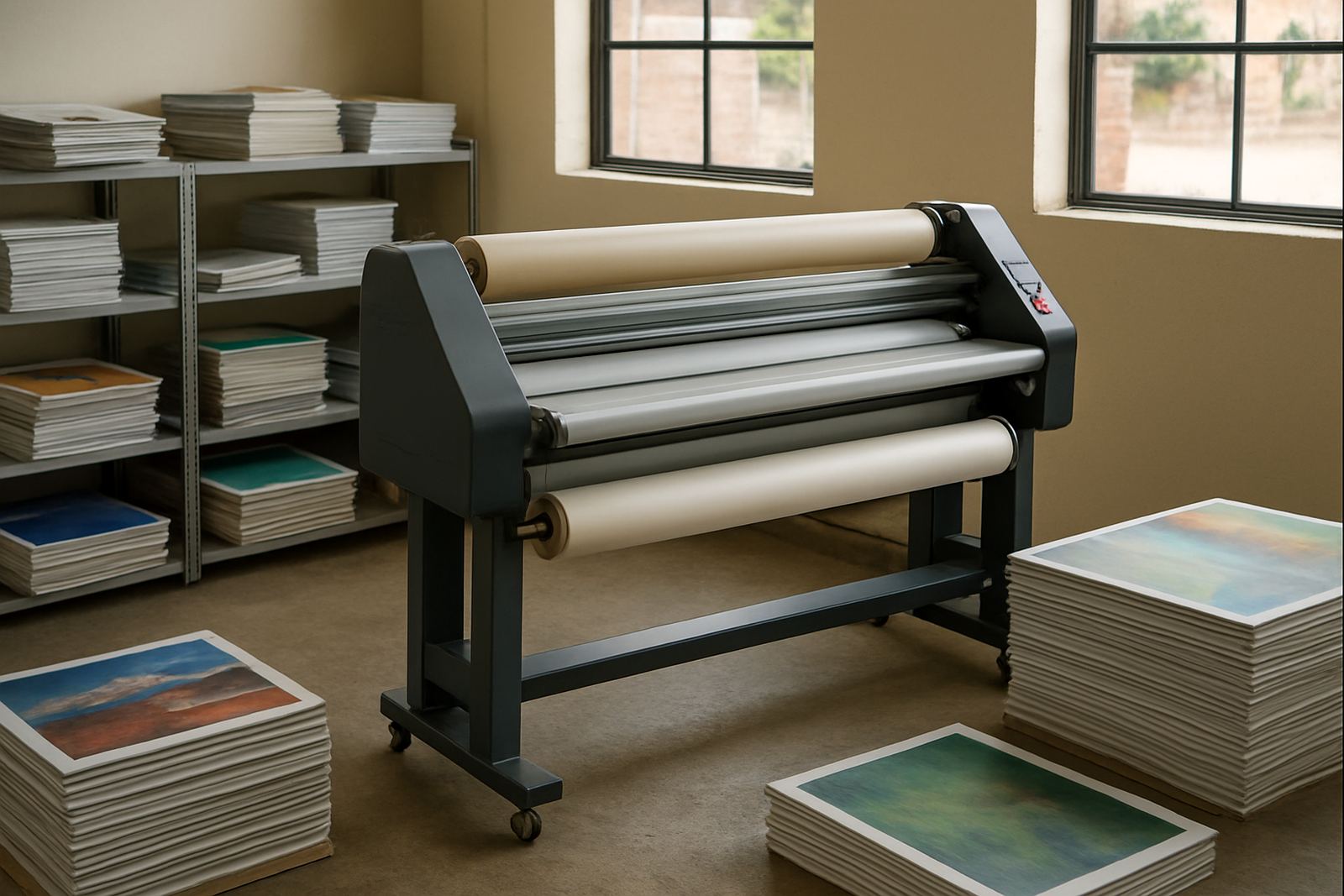
We supplied a wide-format cold and hot roll laminating unit selected for compact footprint, dependable feed and practical control over heat and pressure. The machine was sized for everyday copy room use, with enough working width for common display formats and enough stability for repeat production. The installed configuration suited both cold finishing for sensitive graphics and hot lamination for durable document protection.
Key setup details included:
- Wide-format roll capacity for standard display work and document graphics
- Hot and cold lamination capability for mixed print applications
- Adjustable pressure settings for consistent film bonding
- Heat control suited to common office and print finishing materials
- Clean roller alignment for even feed across the width of the media
- Accessible controls so different operators could work with confidence
We handled the delivery, positioning, levelling and first start-up on site. The machine was placed to give enough infeed and outfeed space for long boards and larger sheets, while still keeping the room open for general movement. A short commissioning run was done using sample jobs so we could check edge finish, heat response and feed consistency before handing it over.
Setup, tuning and handover in week one
The first week focused on installation, calibration and operator handover. We checked the drive system, confirmed temperature response, and set pressure so the rollers pulled film evenly without scuffing the print surface. Once the unit was stable, we ran a range of test pieces, including typical office notices, mounted artwork samples and longer display strips, to make sure the results held across different sizes.
The team on site received practical guidance on warm-up times, film loading, roller cleaning and shut-down steps for after-hours power cuts. We also covered what to watch for when switching between lighter document graphics and heavier display work. A small mistake here can waste both time and consumables, so the aim was simple: keep it repeatable and keep it clean.
- Commissioning and calibration completed on site
- Operator refresher notes left with the team
- Cleaning schedule explained for daily and weekly care
- Restart procedure covered for load-shedding and outages
Results after two weeks of normal use
Within two weeks, the copy room was producing cleaner finishing on everyday graphics and document sets, with fewer rejects caused by uneven pressure or rushed starts. The compact footprint also made a noticeable difference. Staff could move between the printer, laminator and trimming space without squeezing around corners, which helped the room work as a proper finishing area instead of a bottleneck.
The client reported more confidence when taking on short-notice walk-in jobs, especially for small office notices and presentation pieces that need a neat, professional finish. Because the unit was set up properly from the start, there was no long period of guesswork. The operators knew which settings to use, and the results were consistent enough to repeat through the day.
For a busy Centurion site, that mattered as much as the machine itself. A laminator can be good on paper, but if the room layout is wrong or the controls are unclear, the benefit is lost. Here, the fit was practical from day one.
What mattered most on another print-room install
If we were doing this type of copy room install again, we would approach it the same way: confirm the room layout first, match the width and control range to the actual job mix, and leave enough working space around the machine for feeding, cleaning and servicing. That simple planning avoids avoidable call-backs and keeps the finishing area efficient.
We would also keep the handover hands-on, not rushed. In a space where different people may operate the machine across the week, clear instruction is worth more than a long list of features. The best result comes from matching the machine to the work, then making sure the team knows how to use it properly.
- Check access for installation and future maintenance before delivery
- Match the laminating width to the busiest job sizes, not just the biggest one
- Plan for load shedding and the correct restart steps for your laminator
- Keep cleaning and roller care simple enough for daily use
If your copy room in Centurion, Pretoria or Midrand needs a laminator that can handle display work and document graphics in a tight space, we can help specify and install the right unit. We also support sites nationwide with servicing, fault finding and spare parts support from our base in Kya Sand, Johannesburg.
Key facts
| Project location | Centurion, Gauteng |
|---|---|
| Client type | Copy room serving office and walk-in print work |
| Installed machine | Wide-format cold and hot roll laminator |
| Use case | Everyday display and document graphics |
| Timeline | 2 weeks from site check to handover |
| Support available | Installations nationwide from Kya Sand, Johannesburg |